
OpenAI’s newest image model. The default for shot images in Pray Production Studio.
GPT Image 2.5 AI image generator
Flare and Sunburst. Standard, Pro and Max quality. Edits from one sentence.
Real images. Real prompts.
What GPT Image 2.5 does best
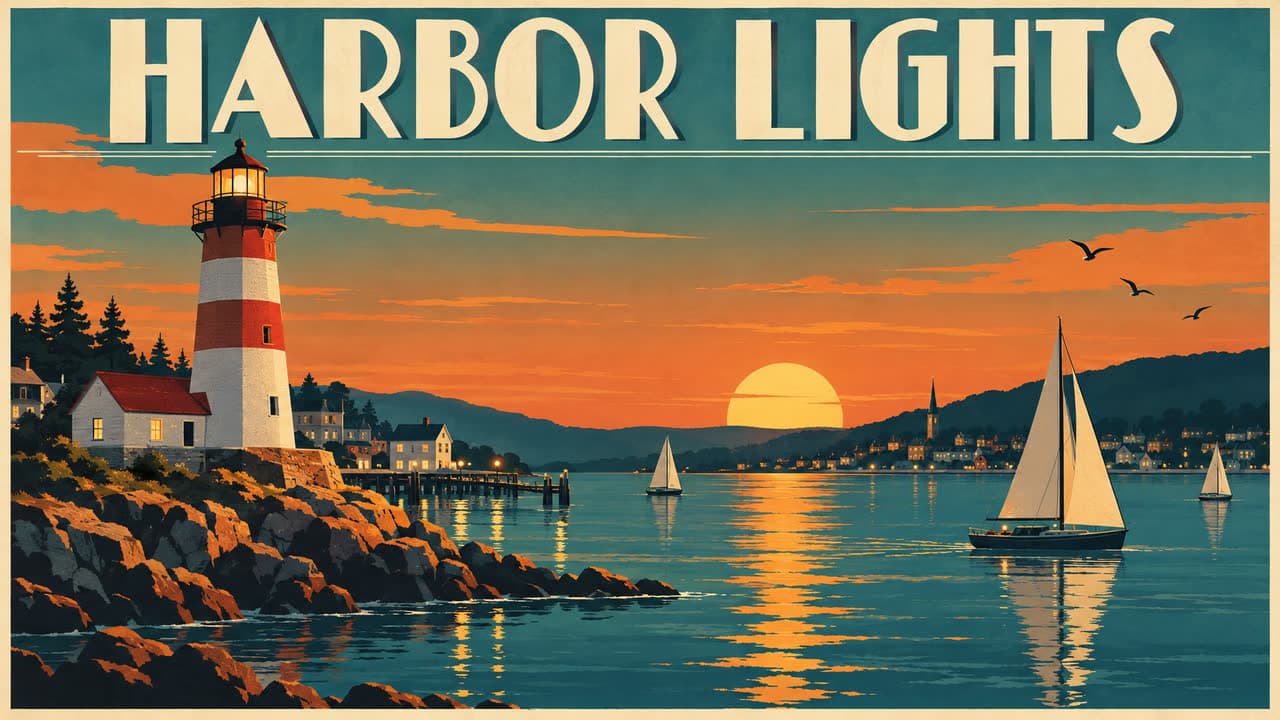
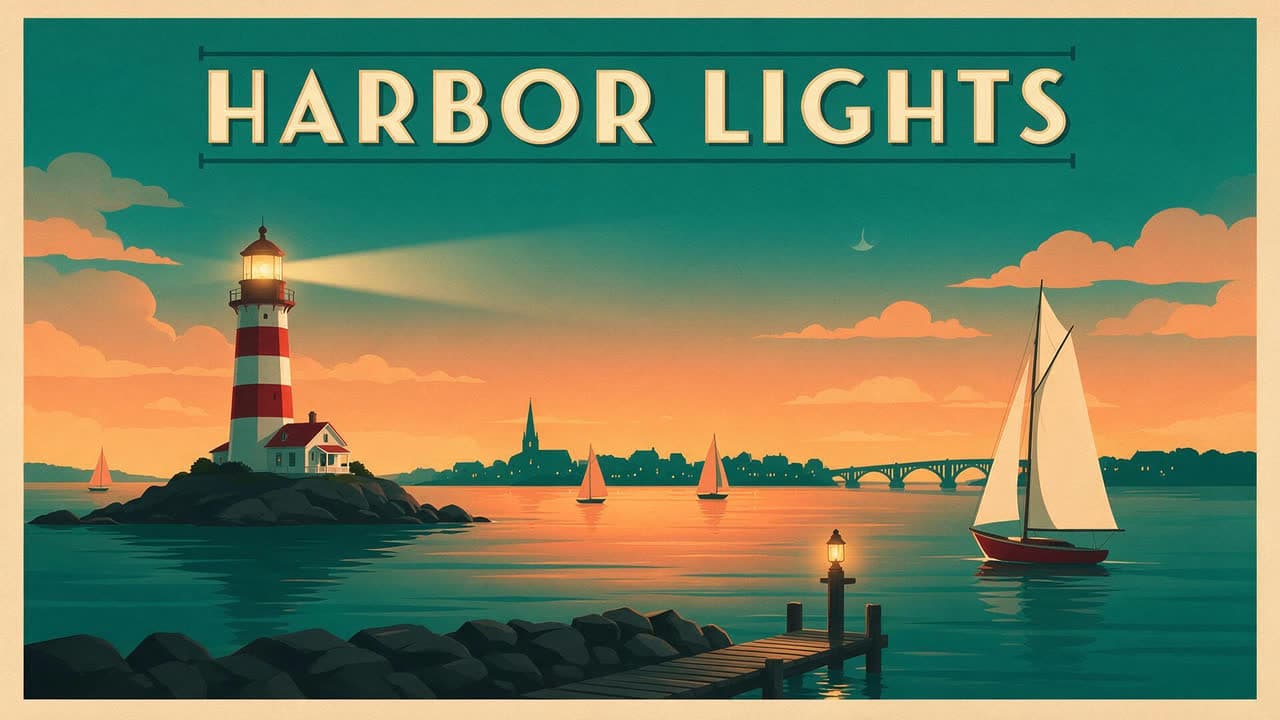
Lettering spelled right
The words in quotes come back exactly as written, in big art deco capitals across the top of a finished poster.
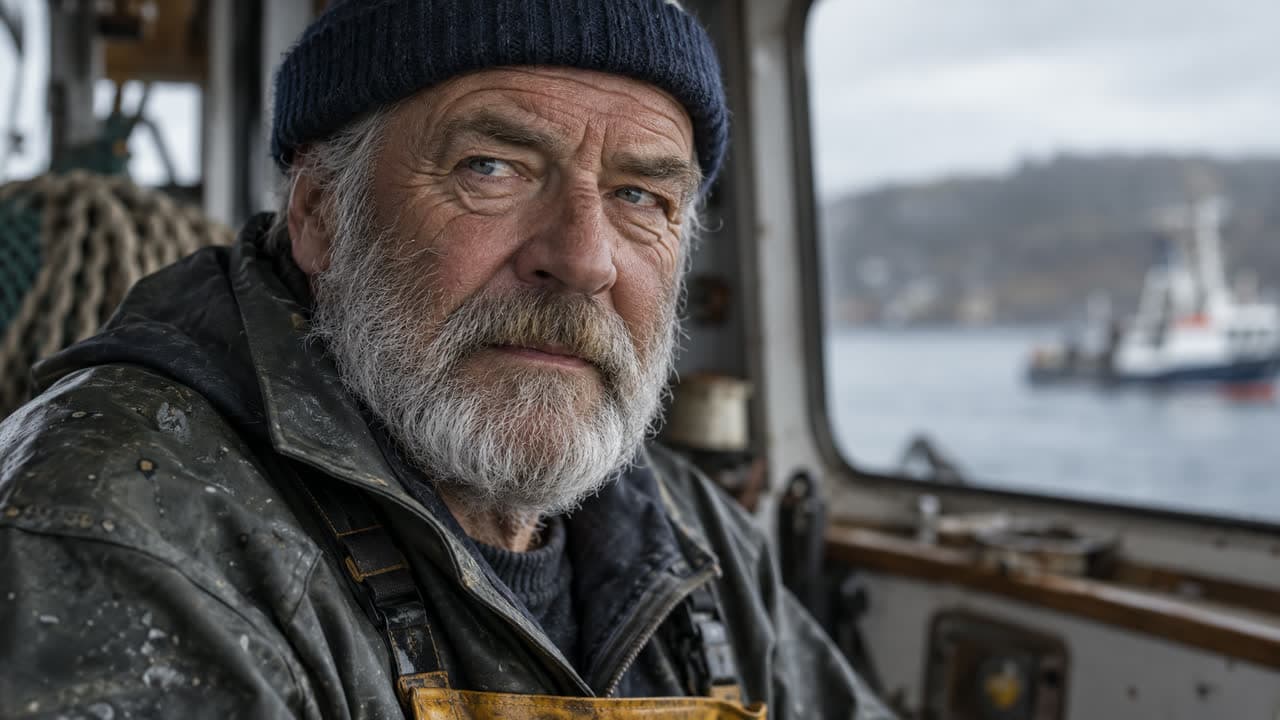
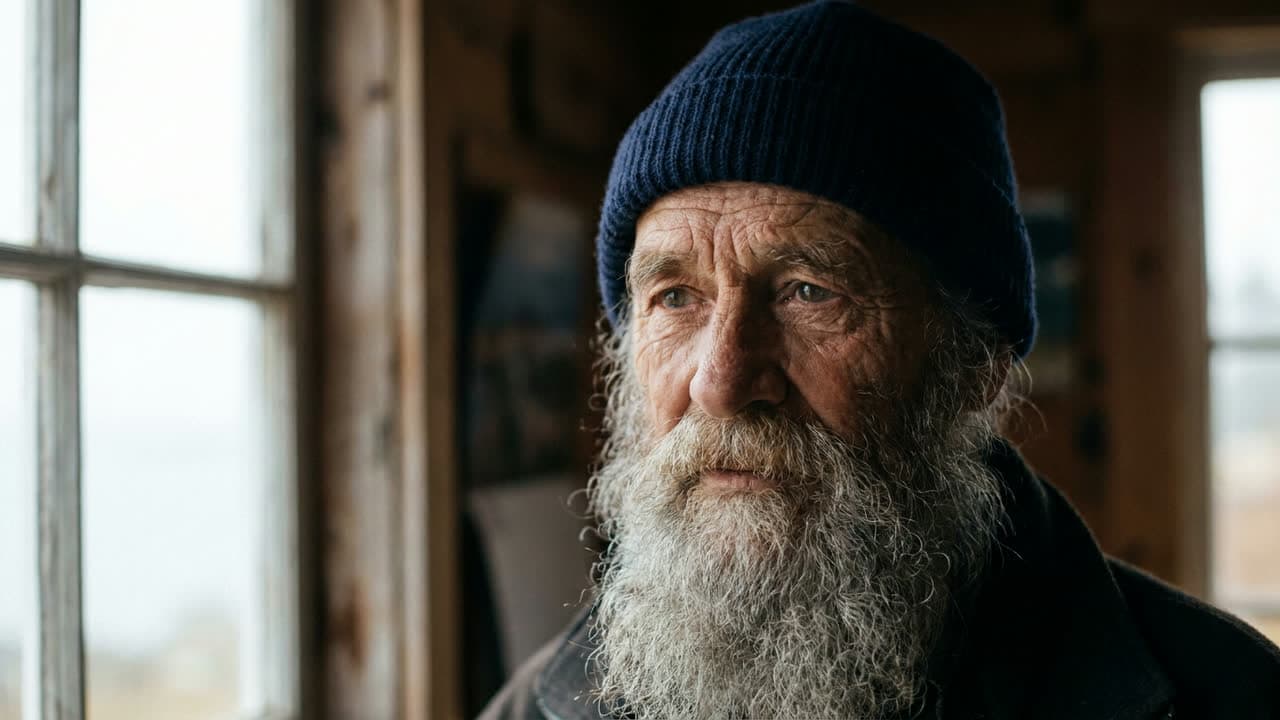
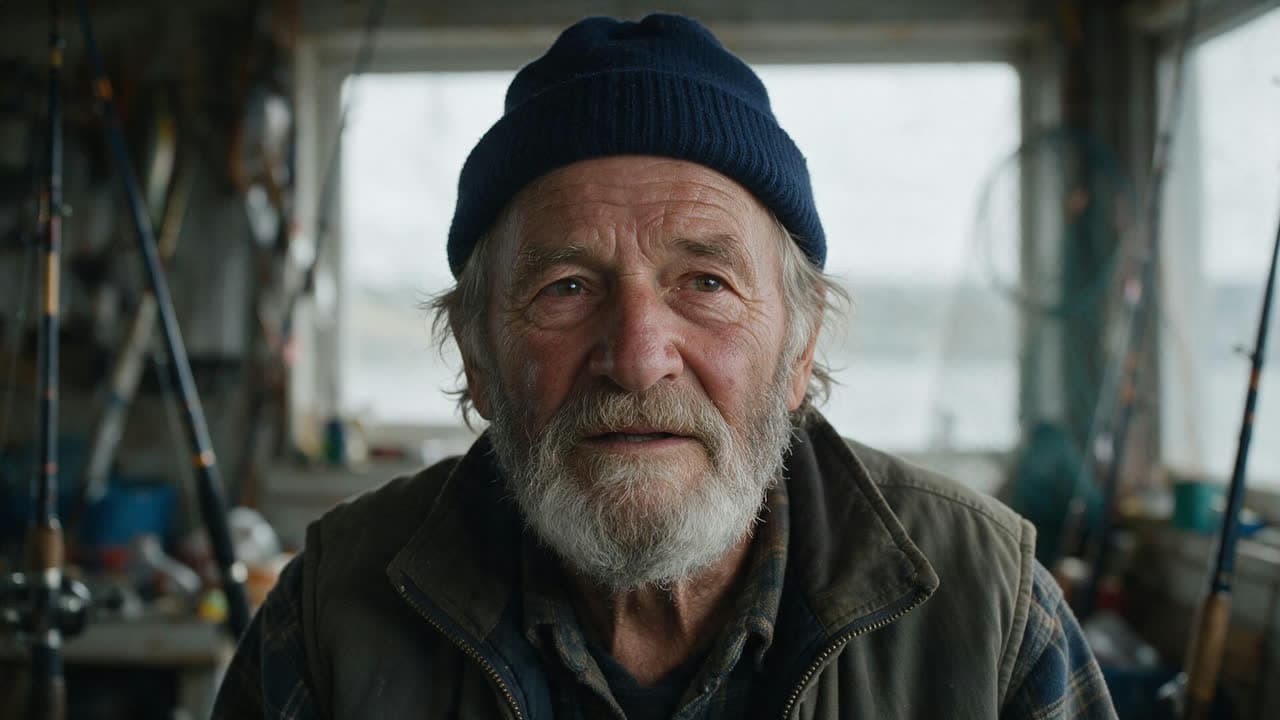
It fills in the story
The prompt asked for a fisherman by a window. It put him in a boat’s wheelhouse, in a wet oilskin jacket, with a trawler outside the glass.
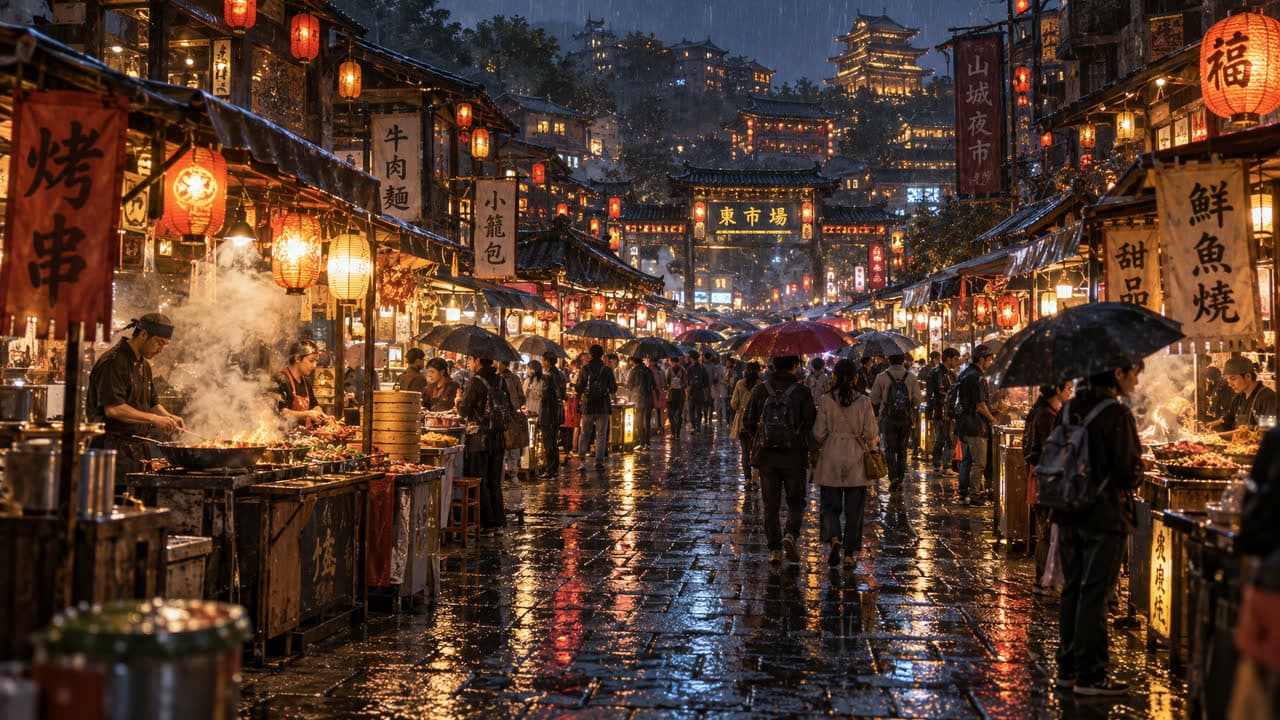
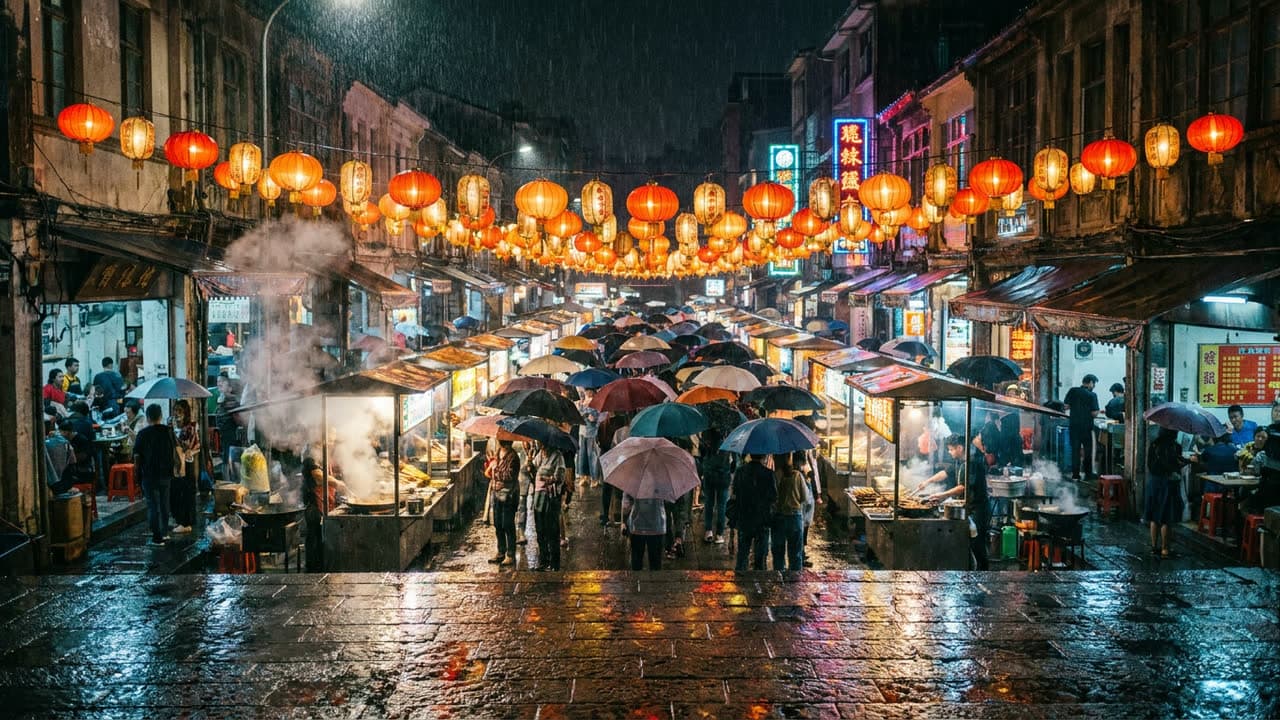
Detail in every stall
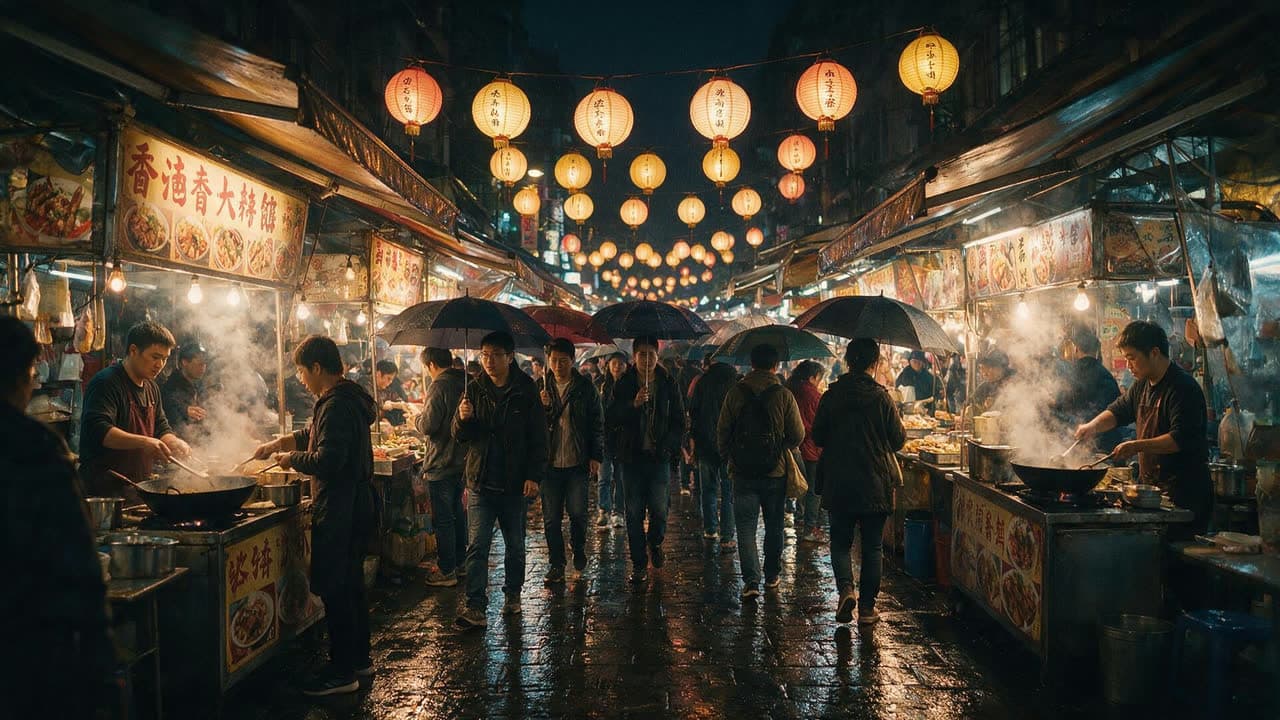
Hand-painted signs, steam off the grills and a crowd under umbrellas, with a lit gate and pagoda at the far end of the street.
At a glance
GPT Image 2.5 by the numbers
2 versions
Flare and Sunburst
3 tiers
Standard, Pro and Max
Any size
Any aspect ratio, at the exact size you pick
Edits
Change an image with one sentence
6 refs
Reference images in one generation
3 ways
Storyboard Mode, Image Studio and Actors
- Made by
- OpenAI
- Versions
- Flare and Sunburst
- Quality tiers
- Standard, Pro and Max
- Size
- Any aspect ratio, at the exact size you pick
- Editing
- Yes: describe the change in a sentence
- References
- Up to 6 images: your photos, Actors or Locations
- In PPS
- Storyboard Mode, Image Studio and Actors
Prompt showcase
The prompts behind these
Prompt
A crowded night market in the rain, seen from a wide angle. Paper lanterns glow over food stalls, steam rises from woks, people walk under umbrellas, and the wet stone street reflects every light.
Prompt
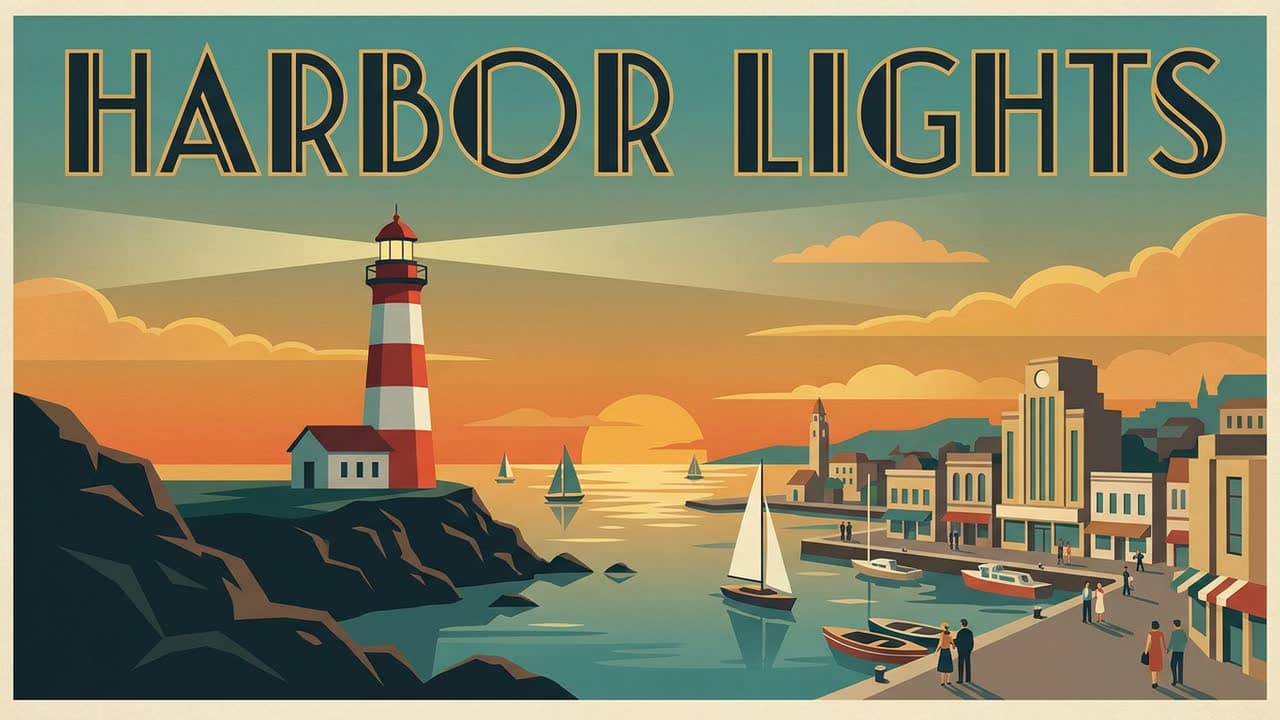
A vintage travel poster for a seaside town, with the words "HARBOR LIGHTS" in bold art deco letters across the top. A red and white lighthouse at dusk, sailboats on calm water, a warm orange and teal sky, clean flat shapes.
Prompt
Close-up portrait of an elderly fisherman with a weathered face, a gray beard and a navy knit cap, looking just past the camera. Soft overcast light from a window, shallow depth of field, shot on an 85mm lens.

Prompt
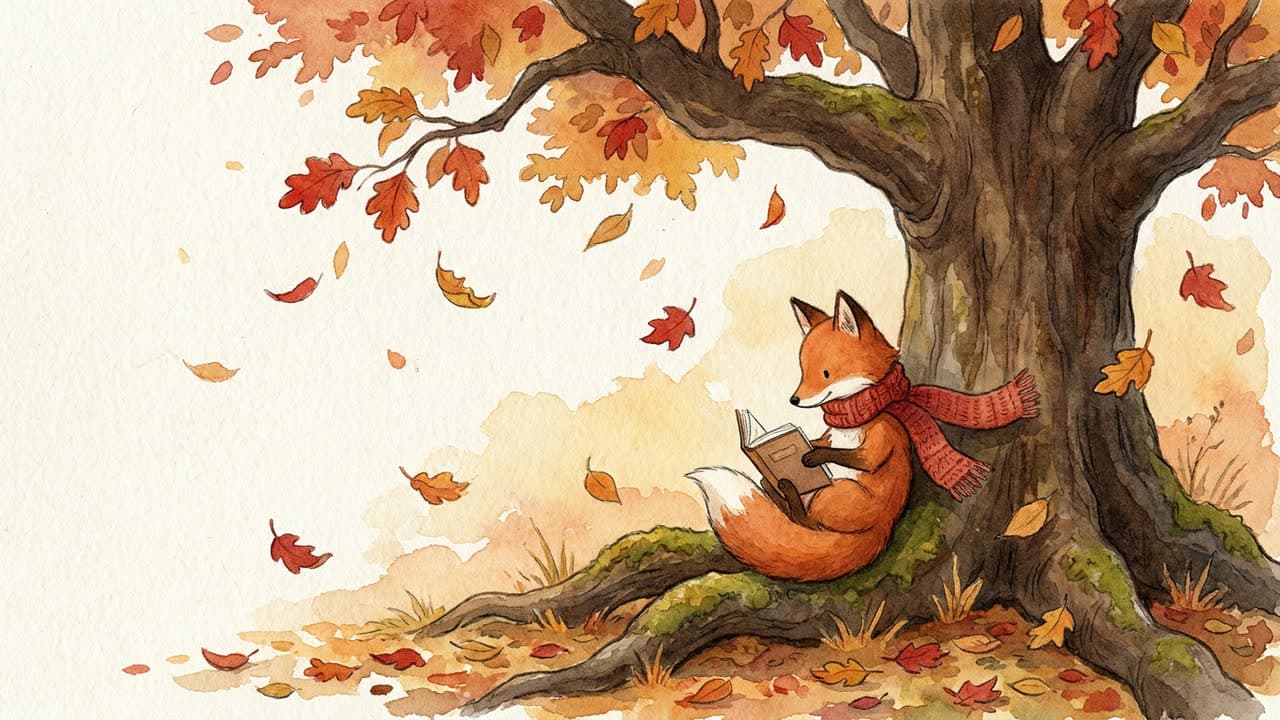
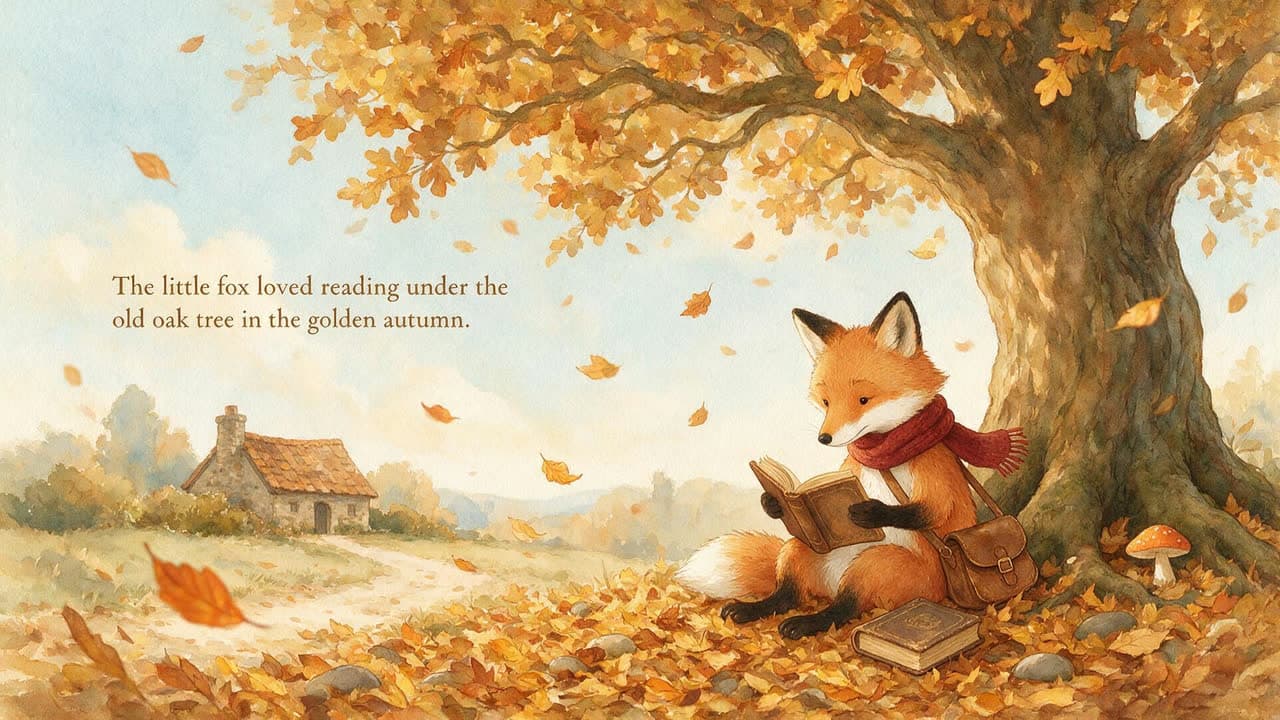
A watercolor storybook illustration of a small fox in a red scarf reading a book under an oak tree, autumn leaves drifting down, soft paper texture, warm gentle colors.
Same prompt. Every model.
One prompt. Three models.
A poster with lettering
Prompt: A vintage travel poster for a seaside town, with the words "HARBOR LIGHTS" in bold art deco letters across the top. A red and white lighthouse at dusk, sailboats on calm water, a warm orange and teal sky, clean flat shapes.
A close-up portrait
Prompt: Close-up portrait of an elderly fisherman with a weathered face, a gray beard and a navy knit cap, looking just past the camera. Soft overcast light from a window, shallow depth of field, shot on an 85mm lens.
A busy scene at night
Prompt: A crowded night market in the rain, seen from a wide angle. Paper lanterns glow over food stalls, steam rises from woks, people walk under umbrellas, and the wet stone street reflects every light.
A storybook illustration
Prompt: A watercolor storybook illustration of a small fox in a red scarf reading a book under an oak tree, autumn leaves drifting down, soft paper texture, warm gentle colors.
How it works
From idea to finished image
- 1
Describe the image
Type a prompt, or start from a shot in your script, and pick a format from square to widescreen.
- 2
Add references
Attach up to 6 photos, Actors or Locations so faces and places stay the same.
- 3
Pick a model for each image
Use GPT Image 2.5, Nano Banana or Seedream 5.0, and see the credit cost before you generate.
- 4
Edit, upscale or animate
Change an image with a sentence, upscale it, or turn it into a video clip in the same project.
Pricing
What GPT Image 2.5 costs
9
credits per image on Standard
15
credits per image on Pro
32
credits per image on Max
In Pray Production Studio, a GPT Image 2.5 image uses 9 credits on Standard, 15 on Pro and 32 on Max. Plans start at $19 a month with 1,000 credits, about 111 Standard images, and every Generate button shows the exact cost before you run it.
Questions, answered
What is GPT Image 2.5?
GPT Image 2.5 is an image generation model from OpenAI. It turns a text prompt, with optional reference images, into a new image, and it can edit an existing image from a one-sentence instruction. In Pray Production Studio it is the default engine for shot images.
What is the difference between GPT Image 2.5 Flare and Sunburst?
Flare is the faster of the two. Sunburst takes a little longer and is more precise when you edit an image. They cost the same at every quality tier.
What do Standard, Pro and Max mean?
They set how much detail OpenAI renders. Standard is the everyday tier, and Pro and Max spend more on detail and cost more per image.
Can I edit an image with GPT Image 2.5?
Yes. Describe the change in a sentence, like a new background or a different jacket, and it edits the image you already have instead of starting over.
How much does GPT Image 2.5 cost in Pray Production Studio?
In Pray Production Studio, a GPT Image 2.5 image uses 9 credits on Standard, 15 on Pro and 32 on Max. Plans start at $19 a month with 1,000 credits, about 111 Standard images, and every Generate button shows the exact cost before you run it.
GPT Image 2.5
Describe the image, add your own photos as references, and pick the model that fits each image.