
Help Center
How can we help?
Search 25 guides and 10 video tutorials on making videos in Pray Production Studio, or pick what you are working on below.
New here? Start with these
 19:07Video· 19:07Full walkthroughHow to Use Pray Production Studio: From Script to Video in 20 Minutes
- What is Pray Production Studio?A web studio from Pray.com that turns a written script into a finished, edit-ready video.
- Make your first videoA step-by-step walkthrough from a blank project to an exported video, using Storyboard Mode.
- Choose a workflowStoryboard Mode, Director Mode, Editor Mode, and Aura Reels each suit a different kind of project. Here is how to pick.
Make your video
Each step of a production, in the order you do them.
- Step 1Scripts and project setupStarting a project, styles and aspect ratios, and how your script becomes shots.2 guides
- Step 2Characters and setsCasting actors who look the same in every shot, and reusable locations and props.2 guides · 2 videos
- Step 3Shot imagesGenerating and choosing the still for each shot, camera looks, and Image Studio.2 guides · 1 video
- Step 4Video clipsTurning stills into clips, picking a video model, camera moves and video references.1 guide · 3 videos
- Step 5Voices and soundNarration, giving an actor a voice, dialogue and music.2 guides · 1 video
- Step 6Edit and exportAssembling the timeline, rendering an MP4, and handing off to your editor.2 guides
- Step 7Share and publishReview links, posting your film, submitting to Pray.com, and who owns what you make.2 guides
Plans and account
Credits, billing, your workspace and your team.
Fix a problem
When something goes wrong, and how to tell us.
Popular guides
- Add narration, dialogue and musicVoices and sound
- Create consistent actorsCharacters and sets
- Generate video clipsVideo clips
- How credits workPlans, credits and billing
- When a generation fails or is blockedTroubleshooting
- Export your videoEdit and export
- Plans and pricingPlans, credits and billing
- Who owns the videos you makeShare and publish
Latest video tutorials
All 10 videos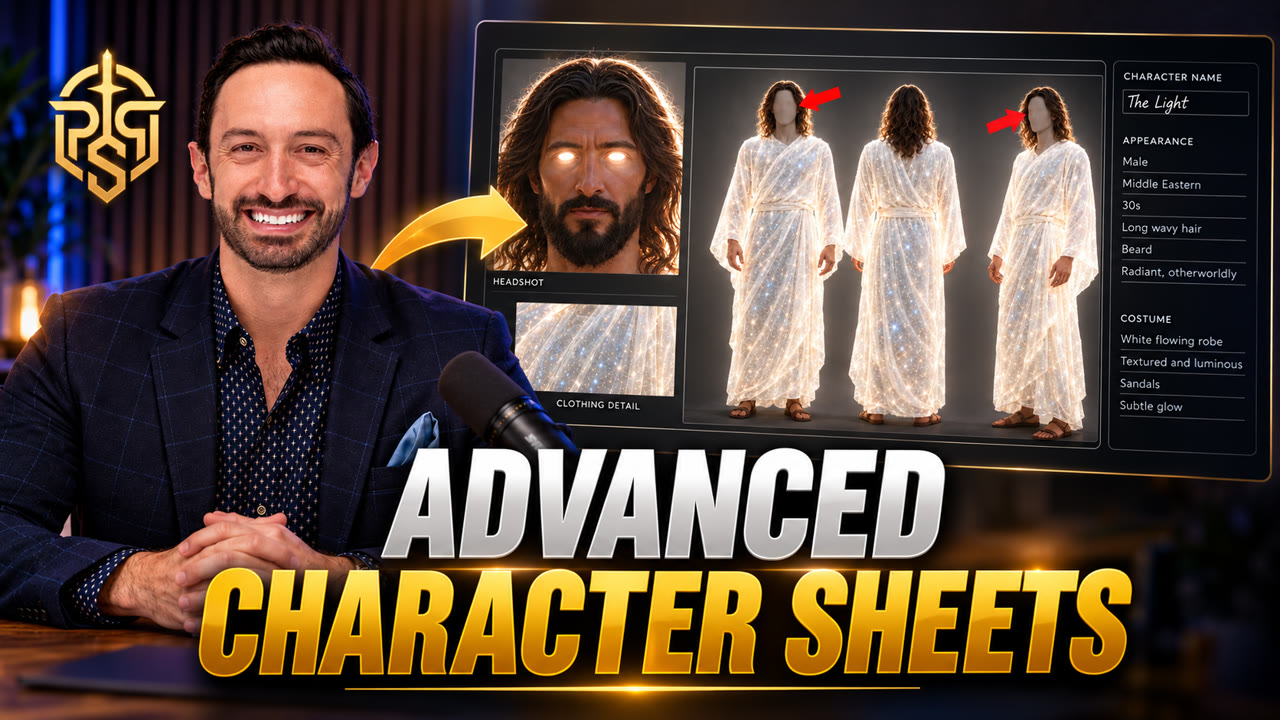 1:29Characters and setsVideo: How to Make the Perfect AI Character Sheet for Consistent CharactersAvoid the three character sheet mistakes that break consistency: use a 16:9 four-panel layout, a solid gray background, and gray out the faces on the full-body views.
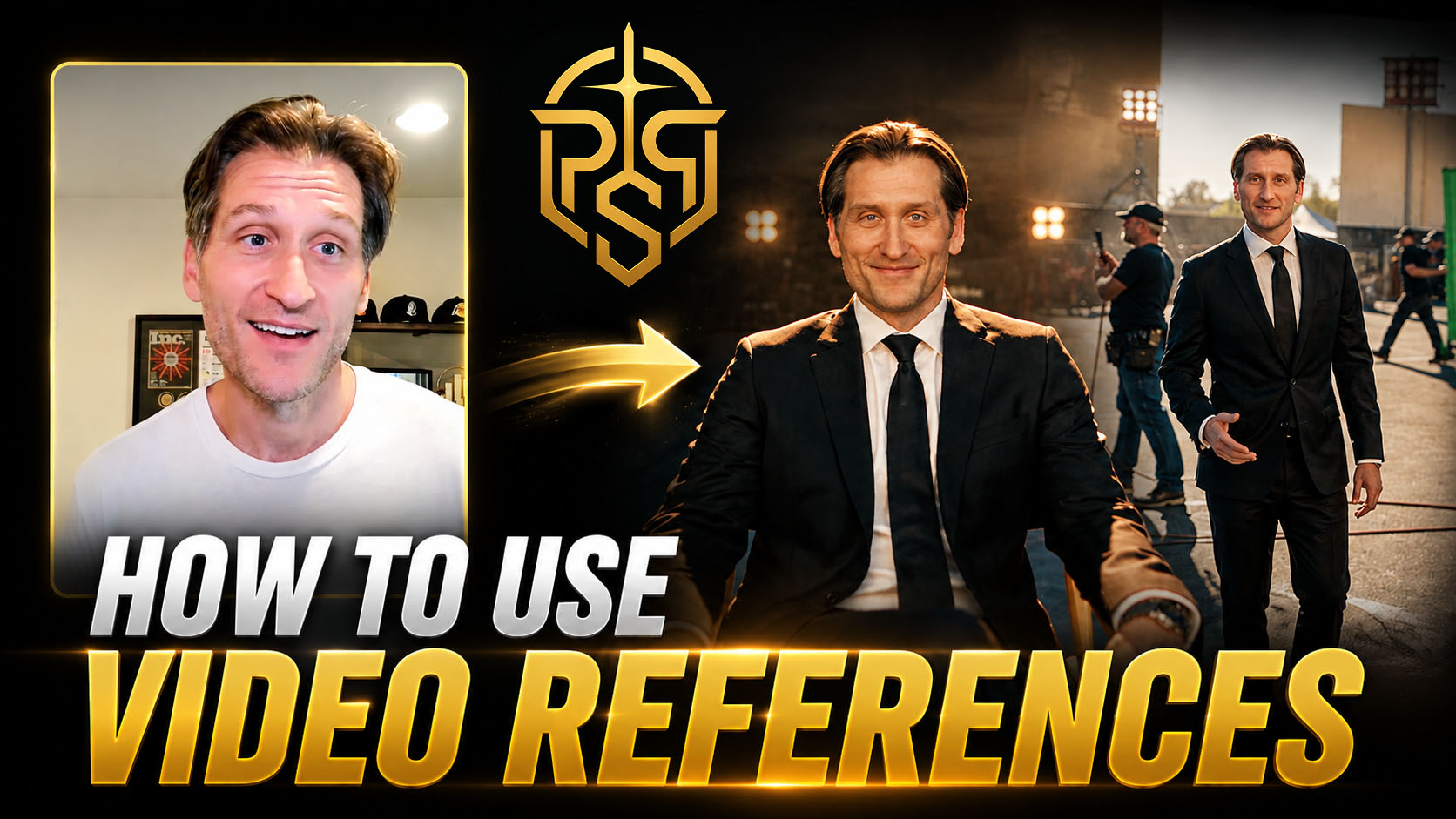 12:48Video clipsVideo: Seedance 2.5 Reference to Video: How to Use Video ReferencesLearn how to add video references in Pray Production Studio and use Seedance 2.5 Reference to Video to guide your next AI video generation.
 8:37Characters and setsVideo: Creating Consistent Characters with AIBuild a character once and keep it consistent through every shot. Create video-optimized character sheets, add variations of the same character, and attach a voice.
Still need help?
Pick whichever is quickest. Messages go straight to the studio team.
Report a problem from the studio
While you are signed in, press the round Report button on the right edge of the studio. It attaches a screenshot of what you are looking at, so we can see the problem.
Send us a message
Questions about billing, your account, or anything else: use the form below, or email studiosupport@pray.com. We reply by email.
Go to the formWatch a tutorial
Short videos that walk through the studio, from your first project to advanced camera work.
Browse video tutorials
Contact support