How to Make an AI Book Trailer
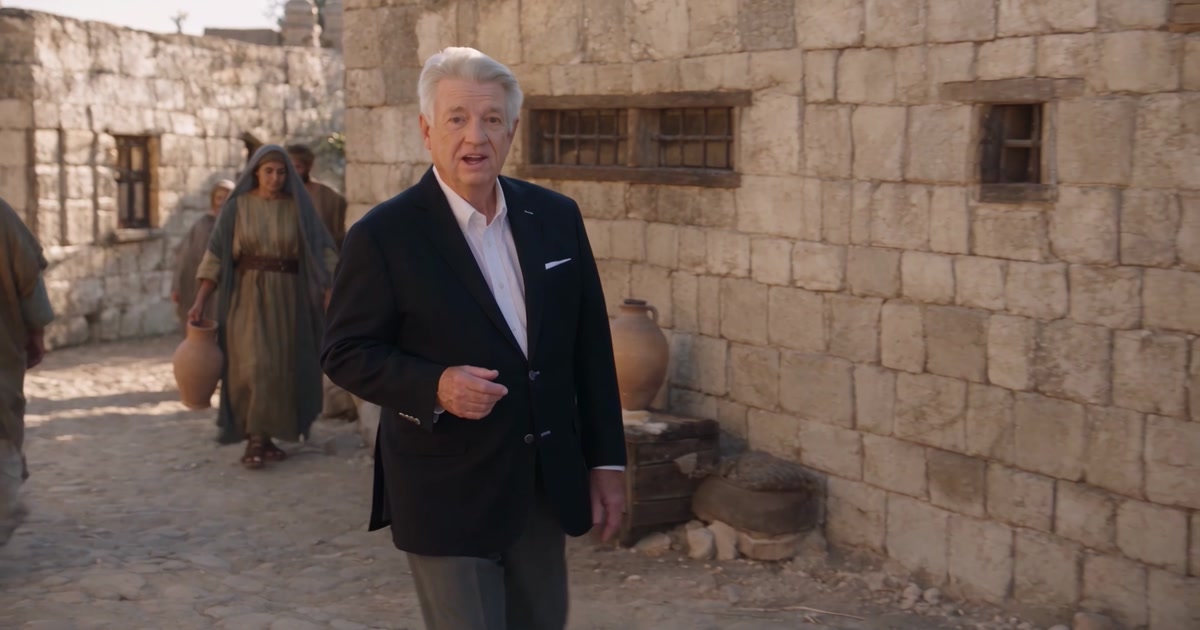
Author Gary Livengood filmed one morning of footage. Director Mode carried him into the world he wrote, and his cinematic book trailer was done in 3 days.
The PPS Blog
Real films broken down shot by shot, the prompts behind them, and tutorials for churches and creators making video with AI.
An AI Bible video in Pray Production Studio starts as a script and ends as footage you can edit. The films below were made that way: one person, one studio, a tracked generation cost.
01
Paste a script or upload sermon audio. The studio breaks it into scenes and shots so you are directing, not prompting from scratch.
How the pipeline works02
Cast every person as an Actor with locked reference images. That identity is reused on every image and video generation, so the same face walks through the whole film.
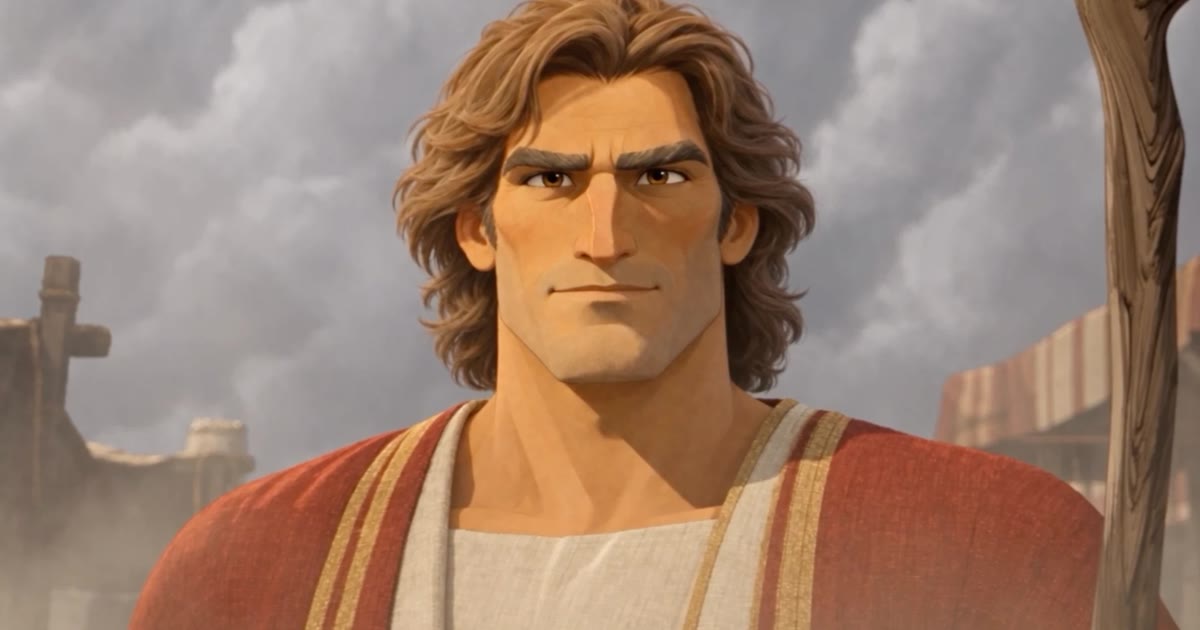
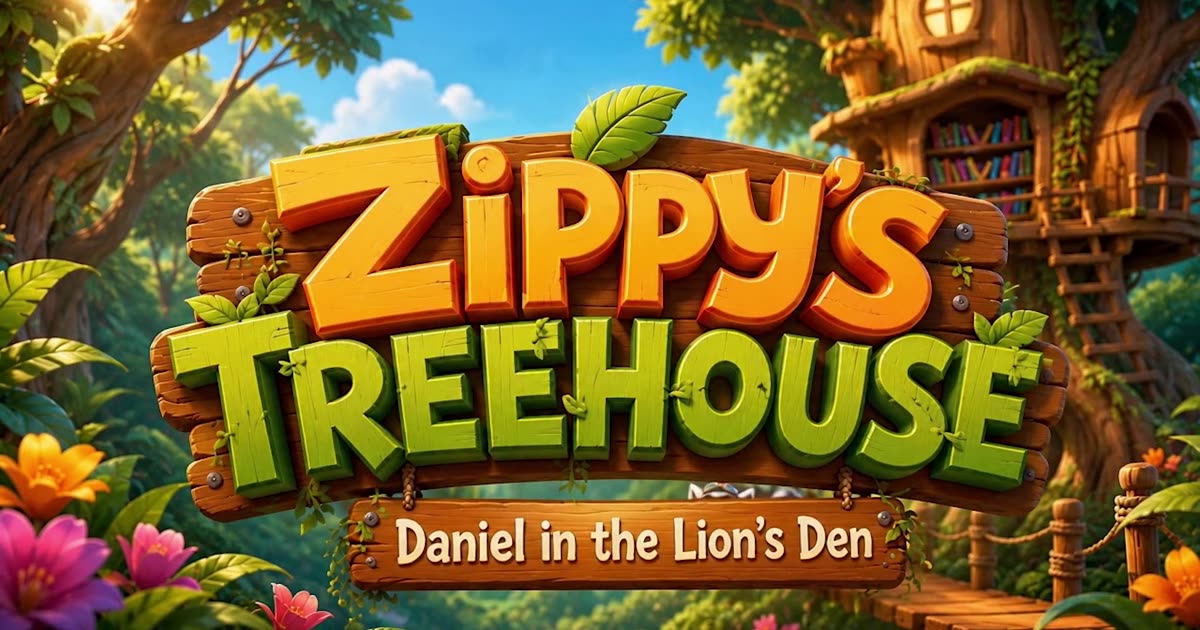
Daniel in the Lion's Den03
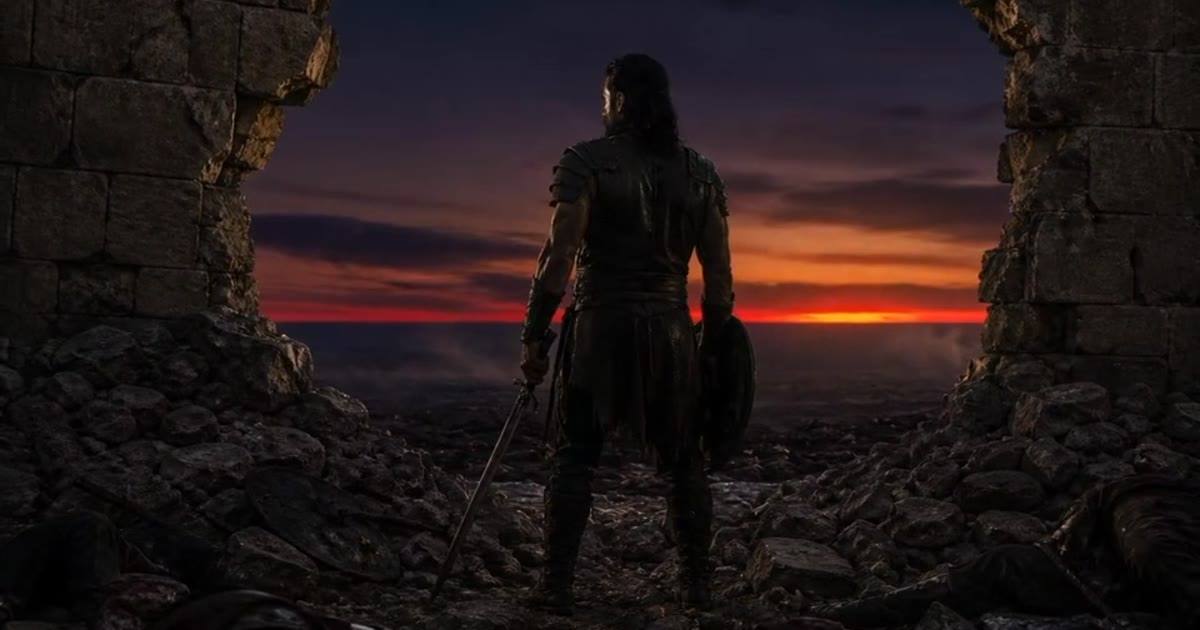
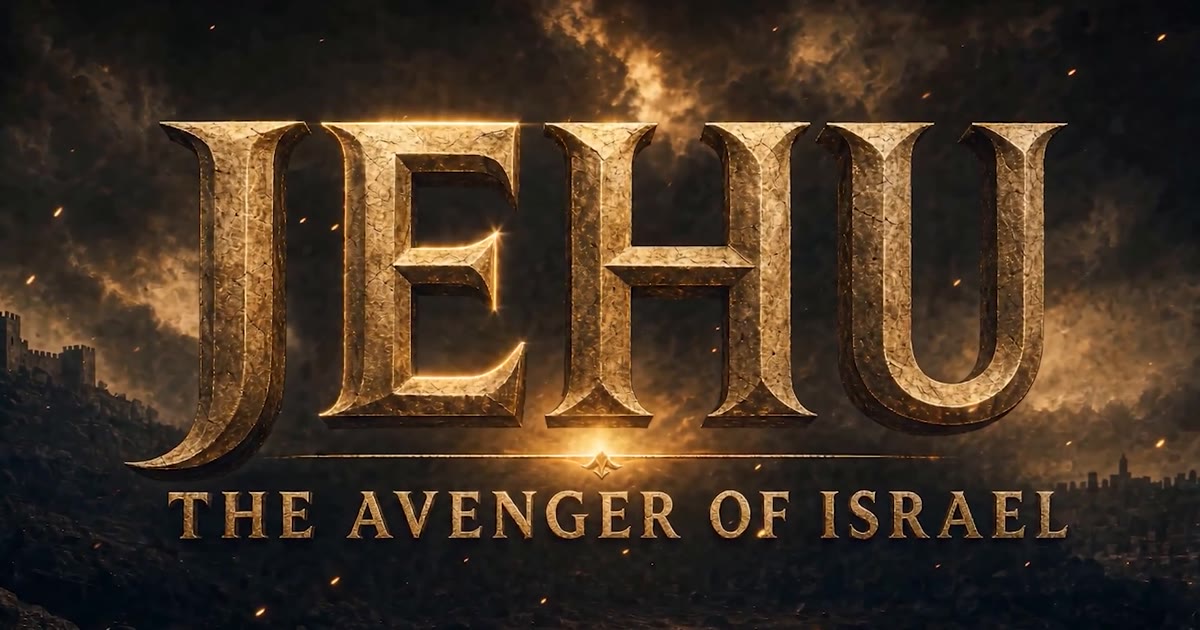
Director Mode lets you describe the shot, review the takes, and roll again with notes until it is right. The Crusader was directed that way from a one-line premise.
The Crusader04
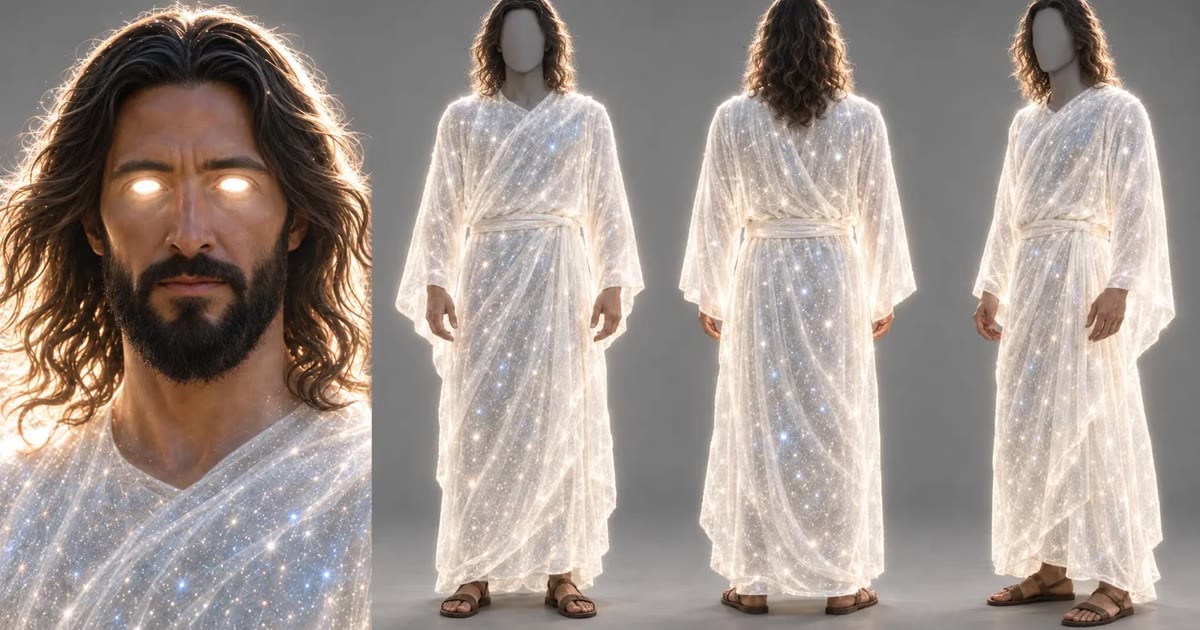
Man's Fall ran about $636 across 16 shots. The Throne Room of God came in around $575. Every button shows its credit cost first.
MAN'S FALLQuestions churches and creators actually ask, plus a free camera-move library.
A free reference for all 46 AI camera movements: what each one does, when to use it, and a universal copy-paste prompt that works in Kling, Seedance, Veo, and Runway.
Pray Production Studio is the AI video studio churches use when they need a consistent cast, a sermon or a scripture as the source, and footage they own. It is not a clip-from-template app. It is the same pipeline behind The AI Bible, now open to ministries.
Cast each person once as an Actor with locked reference images. Pray Production Studio reuses that identity on every image and video generation, so the same face walks through the whole film. Locations and costumes lock the same way.
Paste the sermon, or upload the audio. The studio breaks it into scenes and shots, you cast once, generate, and export. Pastor Adam Mesa of Patria Church did this start to finish in Pray Production Studio, with no separate script.
There is no flat per-video price. What you spend depends on how many generations you create and which mode you work in: Director Mode, Storyboard Mode, or Editor Mode. Across those modes, finished films land roughly between $50 and $150 per minute of finished video.
Published films broken down shot by shot: the prompts, the credits, the timeline.

Author Gary Livengood filmed one morning of footage. Director Mode carried him into the world he wrote, and his cinematic book trailer was done in 3 days.

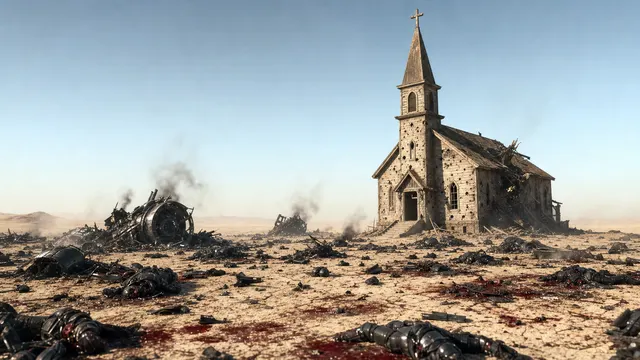
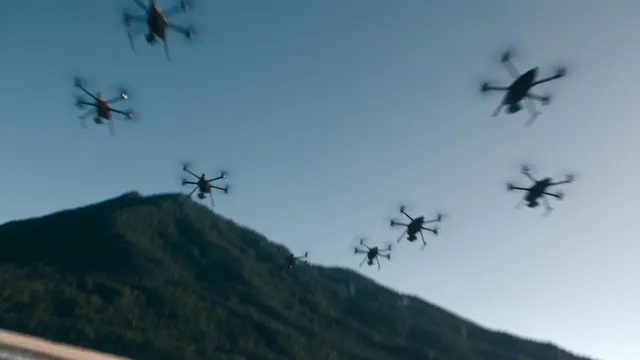
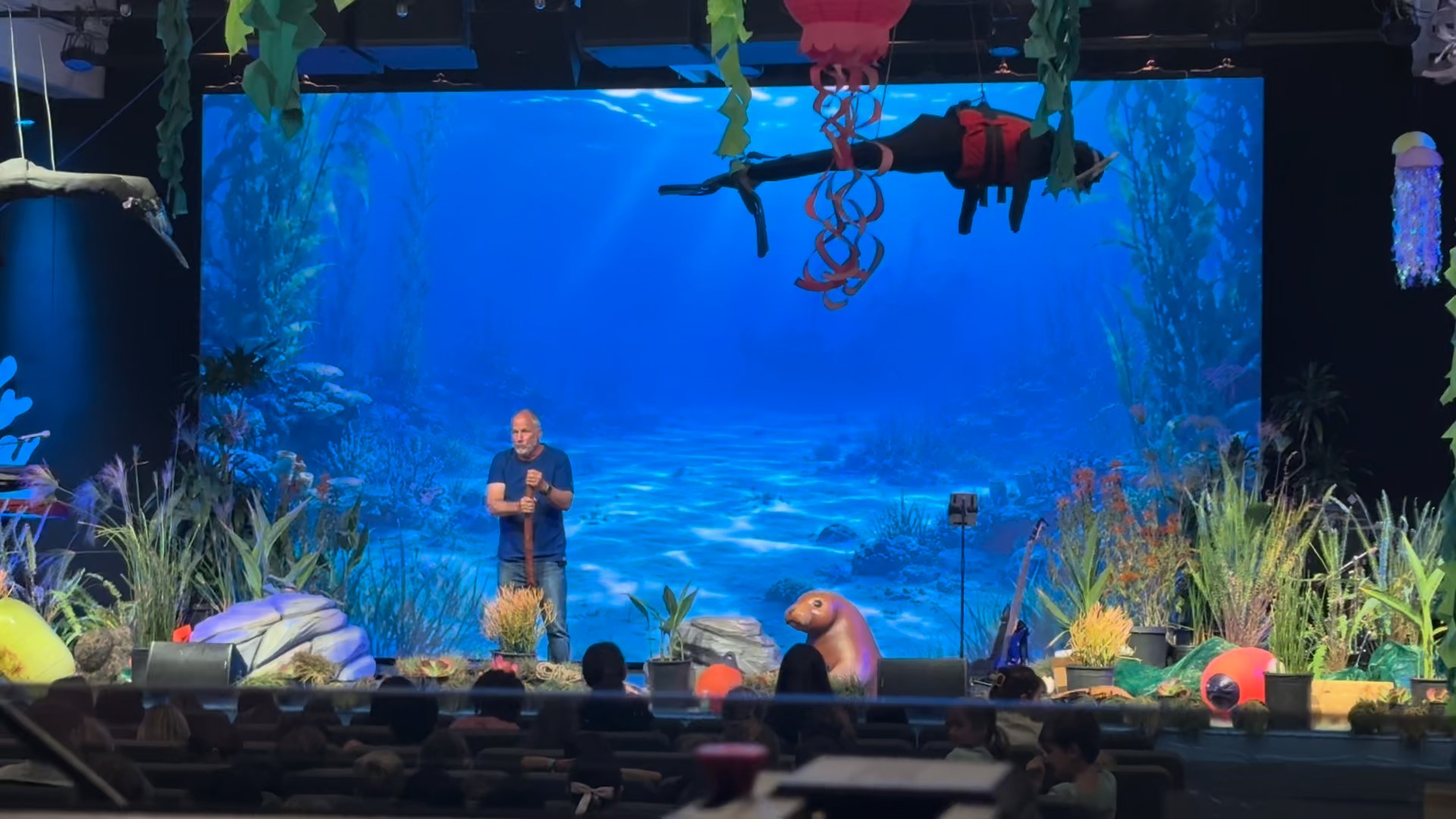
See how one team member built a 3:45 faith-driven thriller set in the Celebes Sea using Seedance 2.0 for less than $179.

See how Pray Production Studio produced an 8:01 theological short film about the Fall using AI, 16 shots, and a generation cost of ≈ $636.

A Crusades-era epic built shot by shot in Director Mode, from a one-line premise to a finished short film.

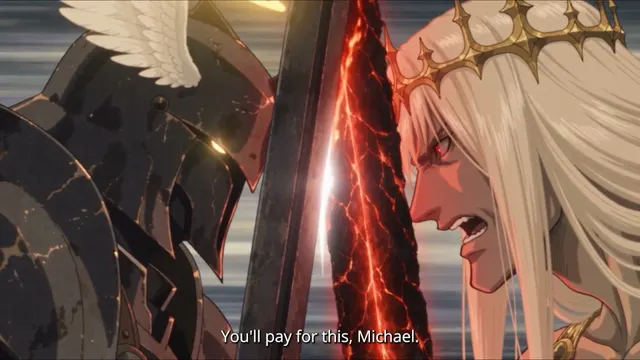
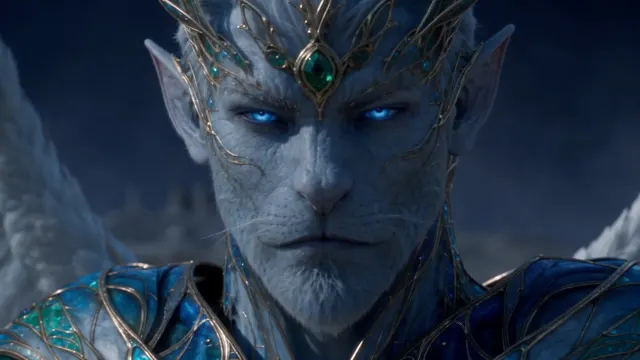
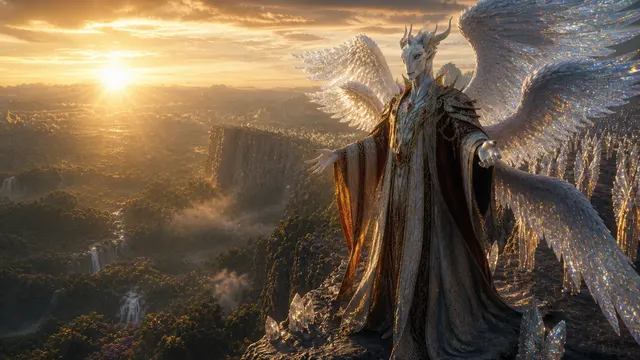
See how one team member built a cinematic, scripture-rooted film about the fall of Lucifer using AI, 103 images, and 140 video clips.

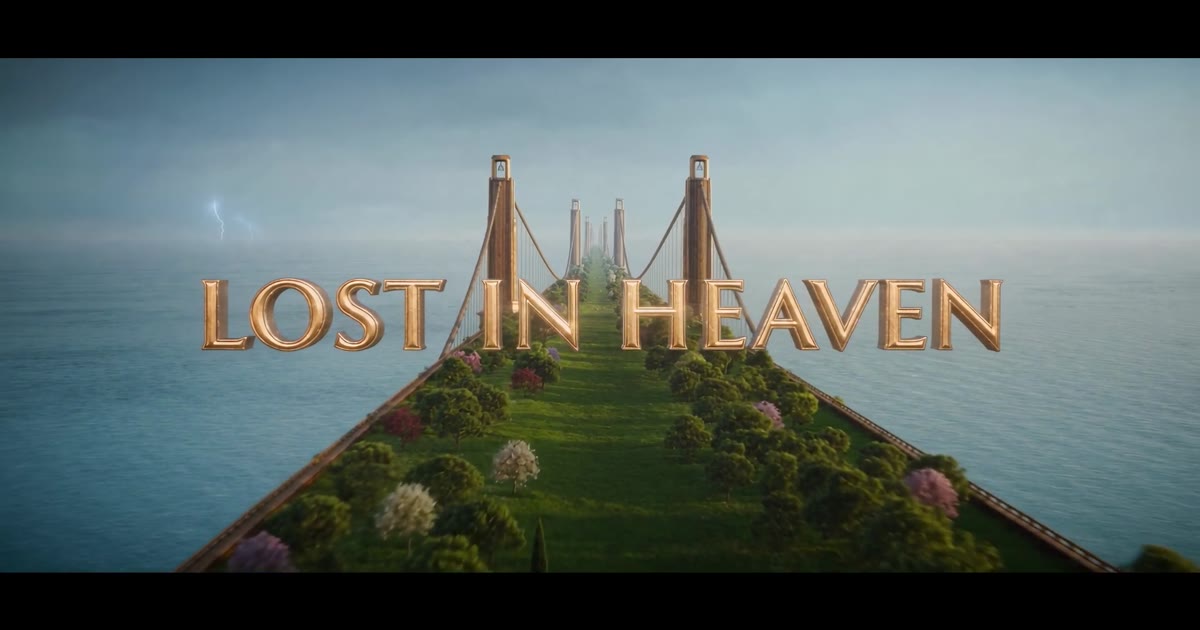
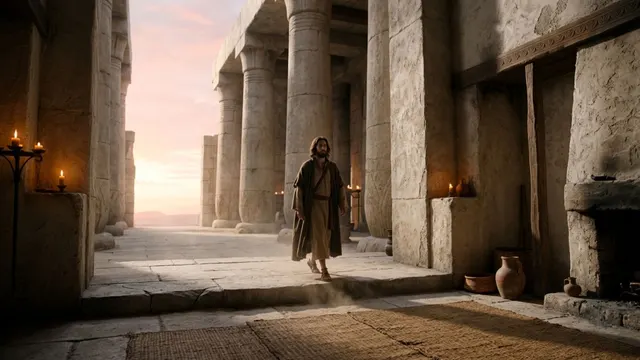
46 shots, 286 images, and one vision of Isaiah 6 brought to life at Pray Production Studio for ≈ $575.

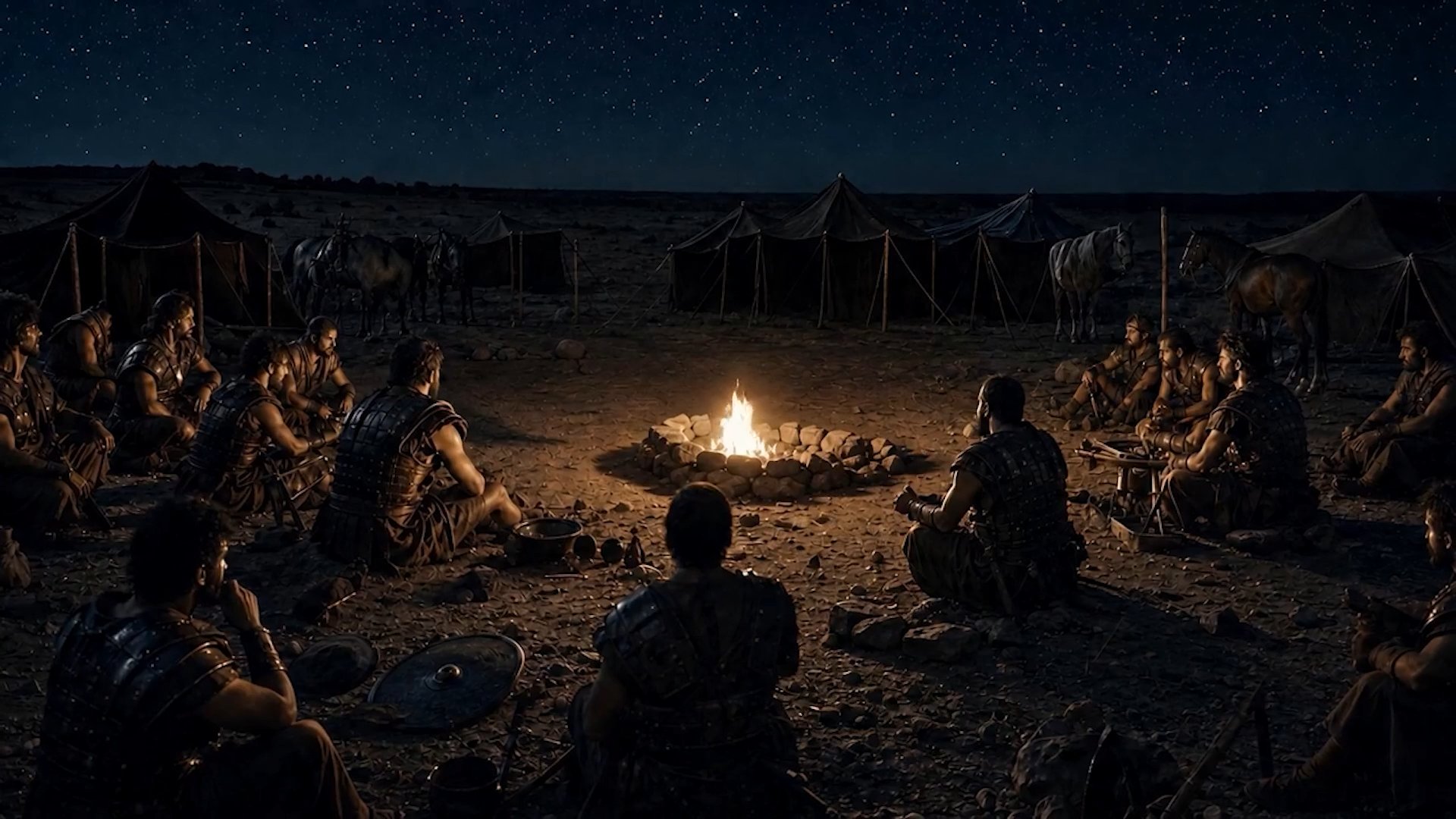
How a full Bible in a Year episode went from script to a cinematic chariot chase, with every shot documented.

A kids ministry episode with consistent animated characters, made start to finish in Pray Production Studio.
Customer films and the stories behind them.

Zak's film, made start to finish in Pray Production Studio.

Pastor Kevin Shrout's film, made start to finish in Pray Production Studio.

Pastor Adam Mesa's film, made start to finish in Pray Production Studio.
Tutorials for every stage of the pipeline, newest first.

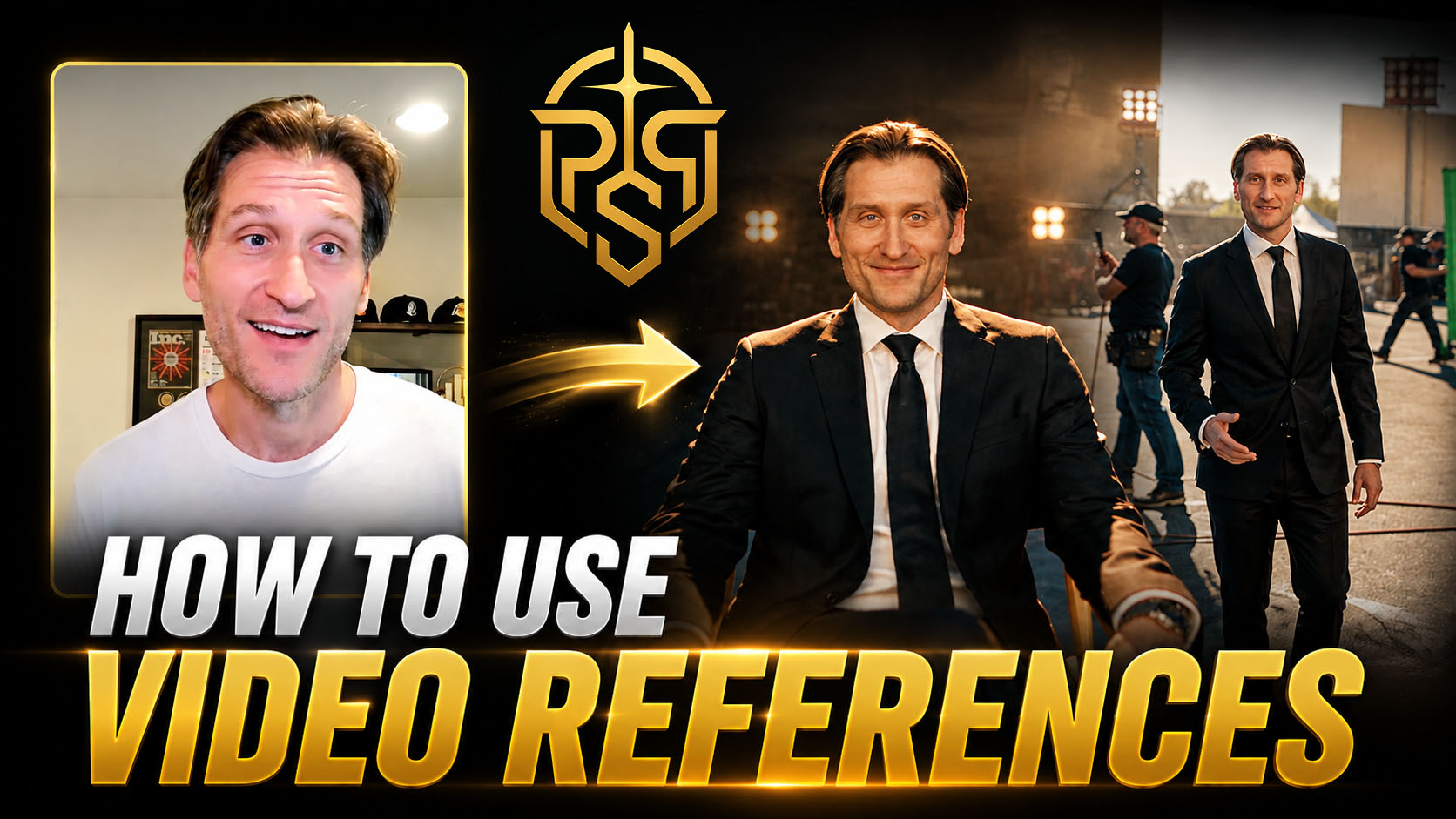
Learn how to add video references in Pray Production Studio and use Seedance 2.5 Reference to Video to guide your next AI video generation.

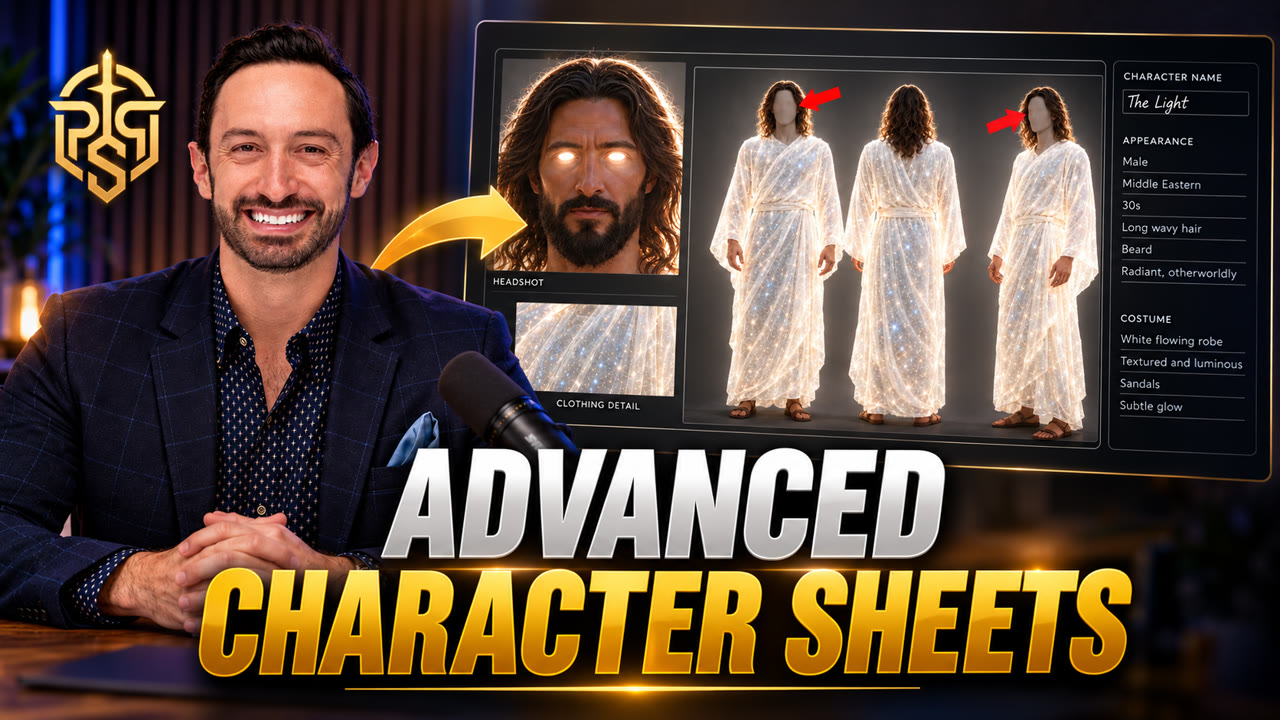
Build a character once and keep it consistent through every shot. Create video-optimized character sheets, add variations of the same character, and attach a voice.

Take full manual control of your AI video workflow. Build your project step by step, customize every shot, choose your images, and direct each detail.

Browse the camera move library and drop cinematic motion into any shot. Add pushes, pans, orbits, and crane moves to make your AI videos feel epic.

Attach a signature voice to any character so every Seedance 2.0 video you generate carries that exact voice, scene after scene.

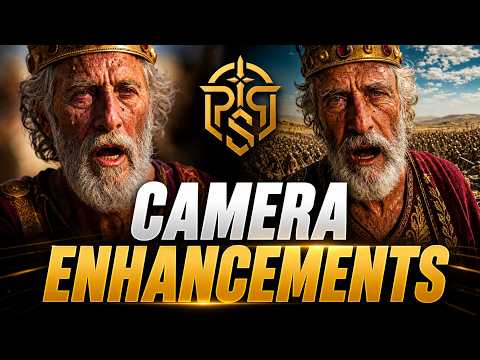
Shape your images with real camera optics. Use the Camera Enhancements tool to control focal length, depth of field, and a filmic, cinematic look.

Turn your generated images into realistic AI video with the Kling 3.0 Turbo model.

Use the AI Assistant to edit shots, adjust prompts, and make changes across your project by asking in plain language.

The complete end-to-end walkthrough. Start from a script and finish with a rendered video, touching every stage of the pipeline along the way.
Pray Production Studio is a web app from Pray.com that turns a written script into a finished video. It parses the script into scenes and shots, casts consistent characters, generates images and video for every shot, adds narration and music, and assembles an editable timeline you can export.
Paste your script into Pray Production Studio. It breaks the script into scenes and shots, then helps you cast each character and generate your locations as images and video. You can then add narration and music, and download all your footage to assemble your finished video.
The MAN'S FALL case study walks through the path from script to a finished 8-minute film.
A two to three minute video can take as little as a few hours. Most of that time is generation running in the background while you review takes and pick the ones you want. A full multi-minute episode is a working session or two, not a multi-week production.
MAN'S FALL is 8 minutes 1 second, 16 shots, directed by one person in one day.
Yes. Churches use Pray Production Studio for sermon films, kids episodes, testimonies, and social clips. Biblical Mode is optional: turn it on for historically grounded Bible stories, or leave it off for modern ministry content in the same studio, from one account.
Pastor Adam Mesa turned a sermon into a movie start to finish in the studio, then published it.
Plans start at $19 a month for Lite and run to $4,995 a month for Enterprise, each including a monthly credit allowance for generation. Annual billing saves up to 17 percent. New subscriptions also pay a one-time $9 studio setup fee. Every generation button shows its credit cost before you run it.
Credits are the studio’s unit for generation, and every button shows its cost before you press it. A Nano Banana 2 image is 11 credits. Video costs more and varies by model, length and resolution, so the estimate is always on screen. Full plan allowances are at prayproductionstudio.com/tiers.
There is no flat per-video price. Cost is credits spent on the images and clips you keep, and every generate button shows that number first. A short reel can stay small; a multi-minute film spends more because you iterate. Plan allowances reset each month.
Finished films land roughly between $50 and $150 per minute. The full breakdown of modes and credits is on the cost guide.
You cast each character once as an Actor with locked reference images, and the studio reuses that identity on every image and video generation in the project. Locations and costumes lock the same way. Our Creating Consistent Characters tutorial walks through the full workflow.
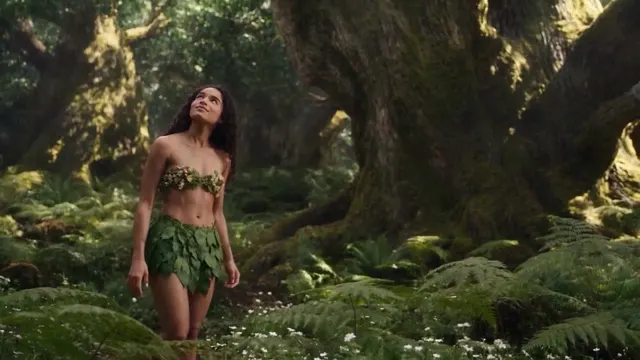
Daniel in the Lion's Den keeps the same animated kids in every shot by locking each Actor once.
Director Mode (Beta) is a chat-driven way to direct a film shot by shot: describe the shot you want, review the takes that come back, then roll again with notes until it is right. Christ the Crusader was directed that way, from a one-line premise to a finished short film.
Yes, with conditions. YouTube allows monetized AI-assisted content, but its inauthentic content policy demotes mass-produced or templated uploads, and realistic synthetic footage has to be disclosed in YouTube Studio. Videos with original scripts and real creative direction are what stay monetizable. Check YouTube’s current policy before you publish.
Everything in these case studies was made with the same tools you get on day one.
Start creating