Make a movielike this
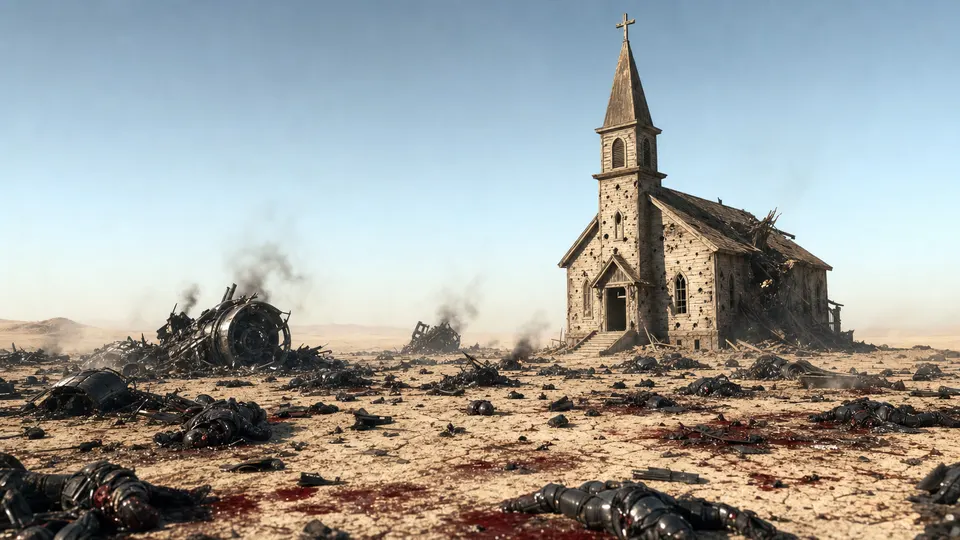
The Desert BattleA scorched desert. A wrecked sanctuary. One figure walking into the wreckage. One minute and twenty-three seconds of apocalyptic faith filmmaking, built inside Pray Production Studio.
Written, cast, directed, and edited by one member of our team, entirely in Pray Production Studio.
Press play. As the film runs, the studio follows along with the exact shot being made.
A full cinematic short, built by one person in less than 24 hours.
The Desert Battle moves through cracked desert earth, a ransacked church interior, and a lone figure facing an apocalyptic battlefield. One member of our team assembled all of it using Seedance 2.5, generating dozens of video clips from a handful of references and NO images generated. From idea, straight to video, no images needed. The result is a tightly edited 83-second film that holds the weight of something much larger.
Starting with the land itself.
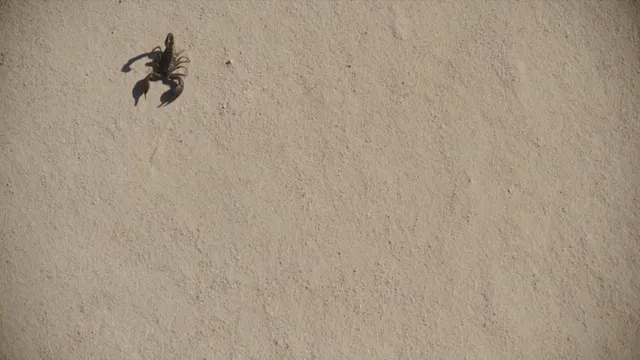
The film opens not on a character but on the earth. Cracked, sun-baked desert ground fills the frame in extreme close-up, a scorpion entering from the left and pausing, pincers raised, shadow knife-sharp on pale dust. One member of our team wrote that direction as a single image prompt and fed it into Seedance 2.5, which generated multiple clip variations to find the right movement and hold.
Three source images anchored the entire production. From those references, the engine extrapolated lighting, texture, and motion across 35 generated clips. The desert opening required the most generation passes, because stillness with precise motion, a scorpion crossing frame with a clean exit, is harder to land than chaos.
Getting the scorpion to leave frame cleanly took iteration. That kind of patience, treating each clip as a draft rather than a final take, is what separates a flat result from one that feels like it was shot on location.
Building a sanctuary no crew could safely dress.
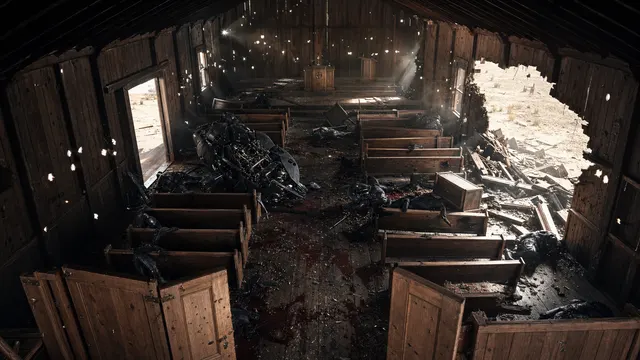
The second scene pushes through open church doors into a single-room sanctuary, old wooden pews thrown askew, armored bodies slumped across the floor. No location scout, no set dressing crew, no safety coordinator. One member of our team wrote the direction in plain language and let Seedance 2.5 construct the space from the ground up.
The threshold framing, doors acting as a portal into the aftermath, was specified in the prompt and preserved through multiple generation passes. When a clip lost that compositional logic, it was discarded. Editorial discipline at the generation stage is what keeps the film coherent.
Nine shots across three scenes means every clip had to carry weight. The sanctuary sequence uses a slow push to let the audience read the debris field without cutting away from it. That pacing decision was made in the prompt before a single frame was generated.
One figure. The whole desert.
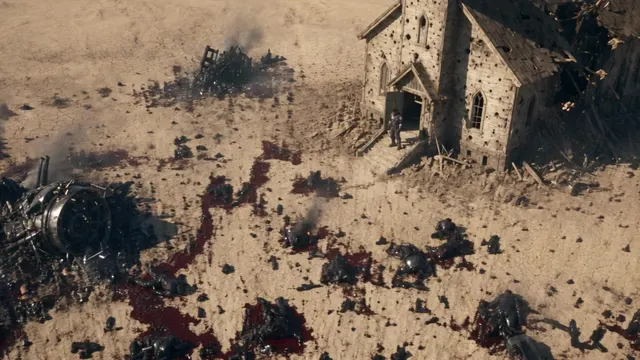
The film closes on an extreme wide shot. The church behind, wreckage sprawling in every direction, and Zak, a single small figure stepping out of the entrance and walking forward into the debris field. Scale is the point. One member of our team needed the audience to feel the weight of that isolation without a word of dialogue.
Generating a convincing extreme wide shot with consistent figure scale across a generated landscape required careful prompt engineering. The church had to read as architecture, the desert had to stretch credibly, and the figure had to remain legible without dominating the frame. Seedance 2.5 delivered a usable clip inside the first several attempts.
The full one minute and twenty-three seconds cost approximately $177 in generation. That figure covers every draft, every discarded clip, and every accepted take across all three scenes. For faith content that needs to land with visual authority, that ratio is hard to argue with.
What this production teaches about AI filmmaking.
Summertime is a useful template because it is disciplined. Three images. Nine shots. One direction of travel, desert to sanctuary to battlefield. One member of our team made every creative decision in the prompt layer, not in post. That is the core habit Pray Production Studio is built around.
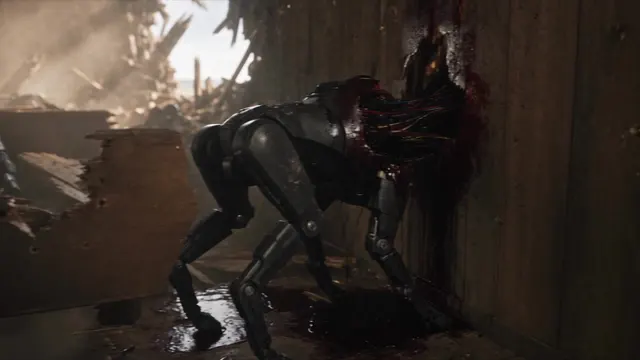
The 35 generated clips produced 9 usable shots, a ratio that reflects real production practice. You generate more than you need, you edit to the bone, and you trust the brief. Faith content rewards that restraint because the subject matter already carries the emotional load.
If you are starting your own project, treat the prompt as your shot list and your casting call at the same time. The more concrete the direction, the less generation you waste. Summertime proves that a small image library and a clear visual logic can produce something that feels far larger than its parts.
Your story is ready to be filmed.
You bring the vision. Describe your scenes, upload a few reference images, and let Seedance 2.5 build the footage. One person made Summertime. You can make yours.
Pray Production Studio is made by Pray.com.