In the story · A Director Mode case study
He’s told the Christmas story.
Now he steps inside it.
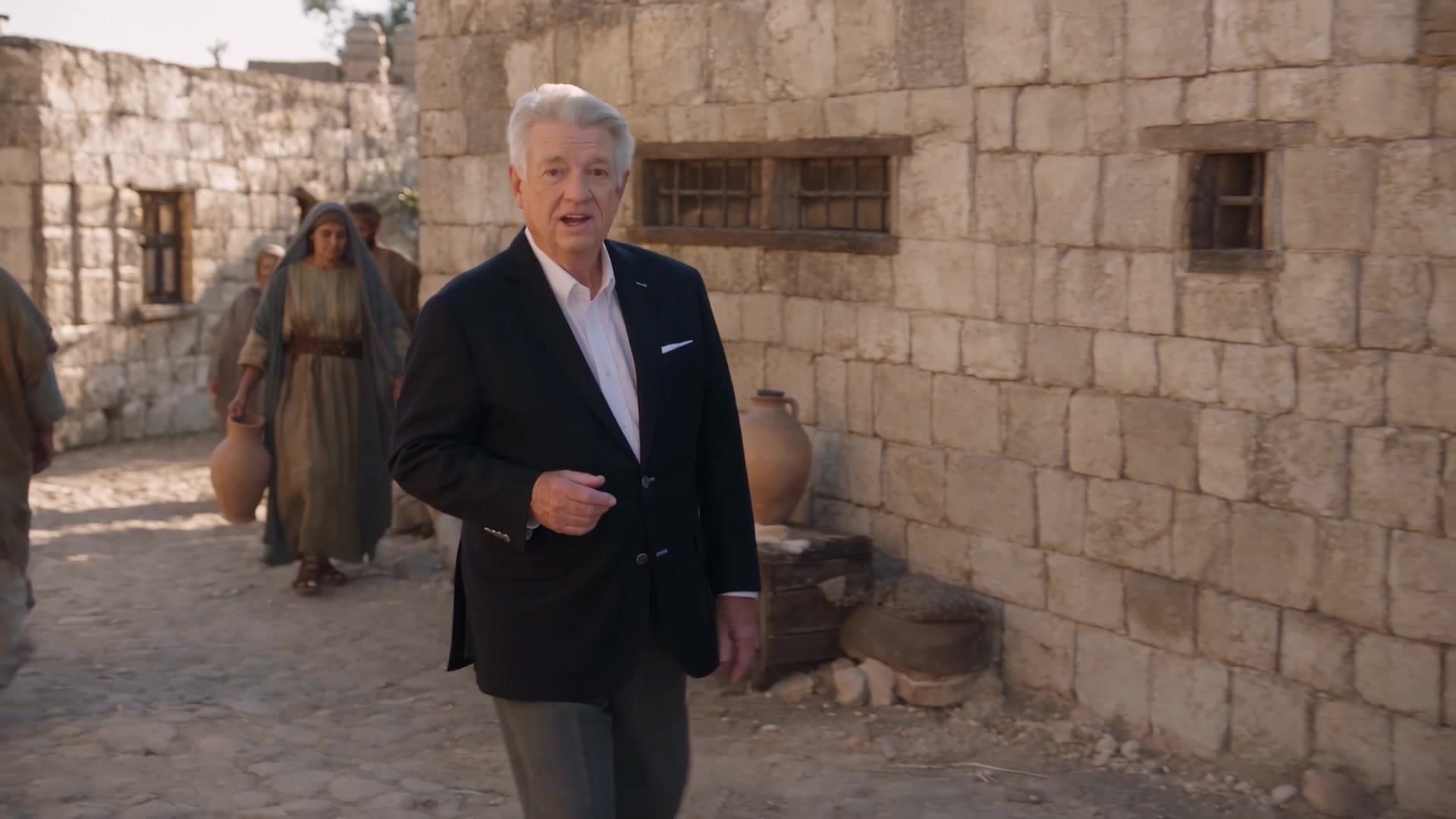
We put Pastor Jack Graham in Bethlehem during the birth of Jesus Christ. The starting point? Footage of Jack, filmed in a studio. Video references in Director Mode brought him into the story.
A real presenter. An AI-generated biblical world.
See the finished story
Jack Graham.
Bethlehem. The birth of Jesus.
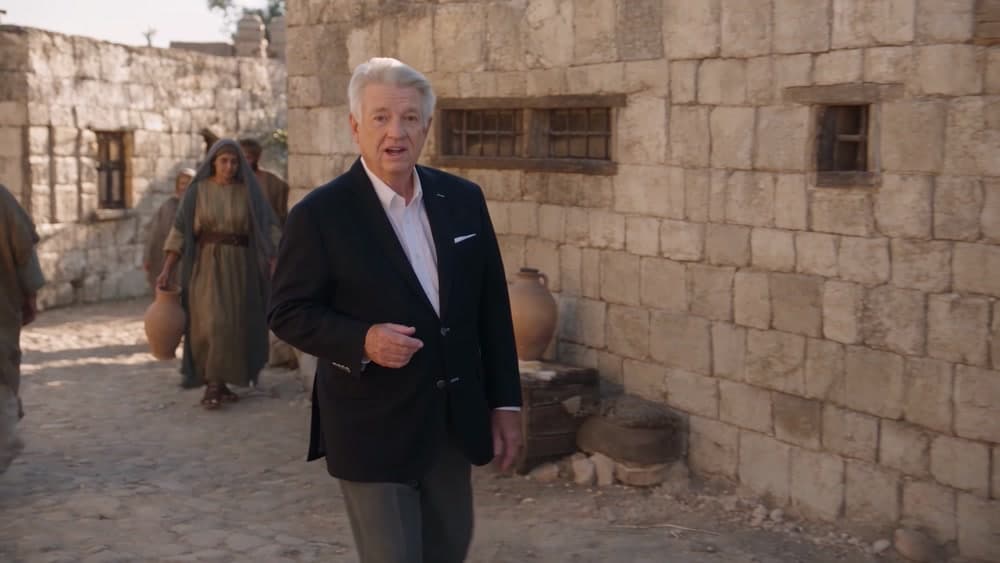
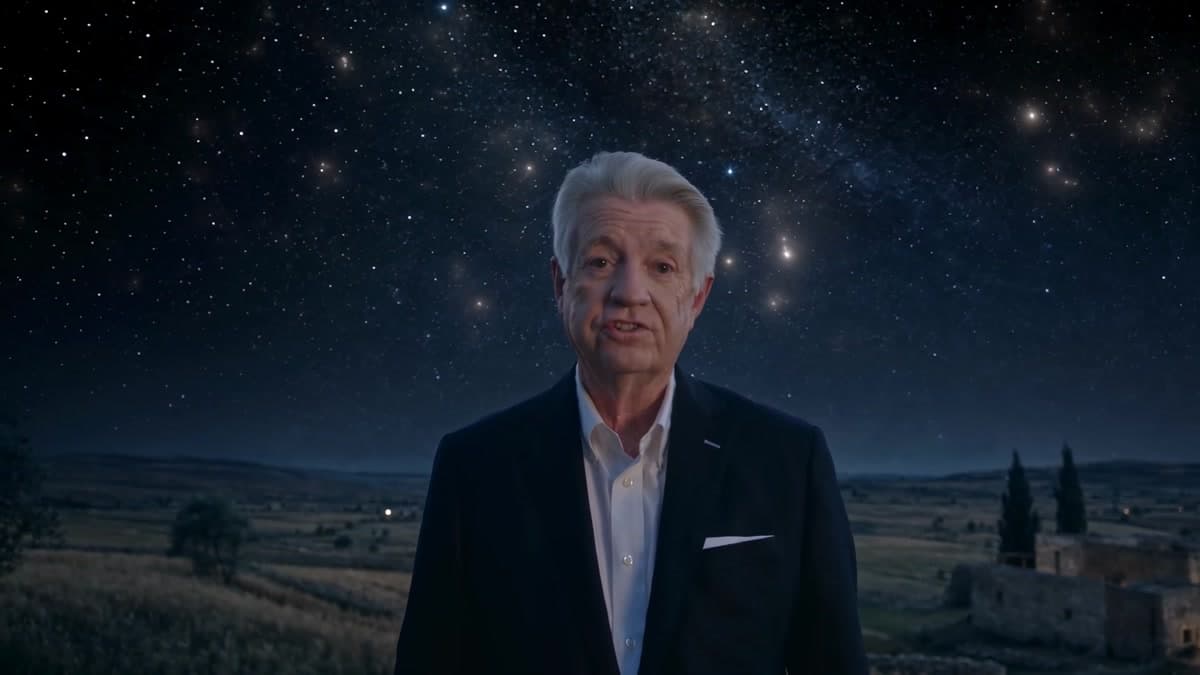
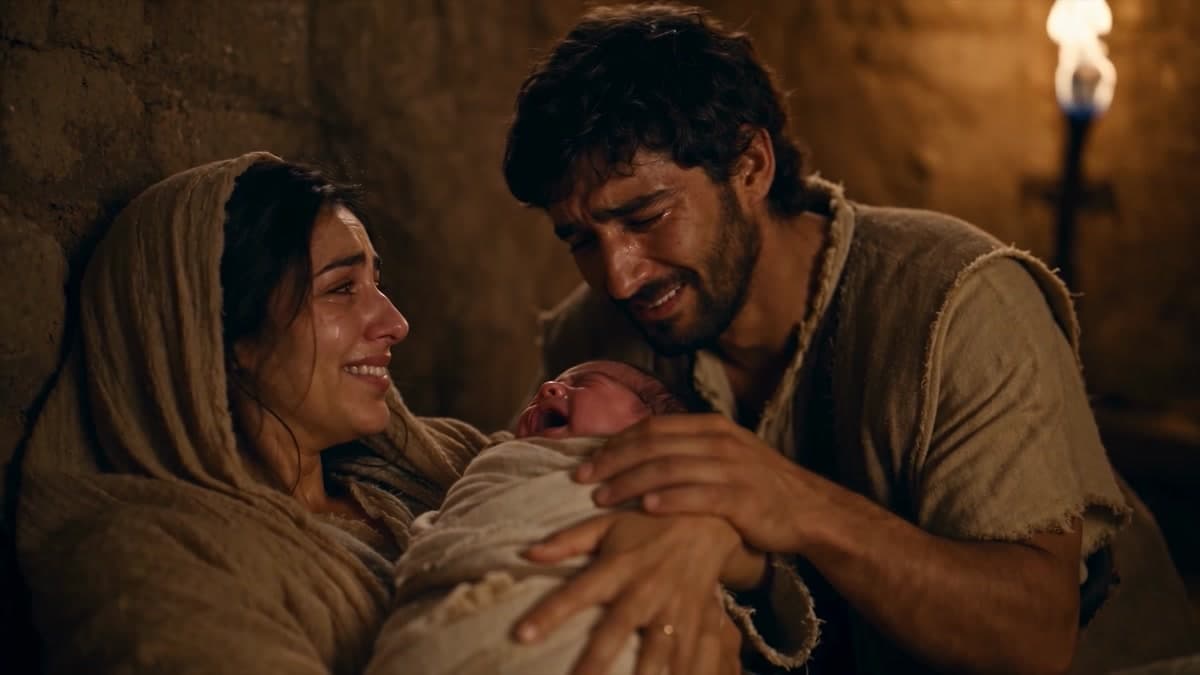
Watch a familiar voice guide the viewer through an ancient world, from sunlit streets to a star-filled sky and the quiet of the Nativity.
- Generation cost
- $267
- Videos generated
- 25
How this AI Bible video was made: Pray Production Studio used filmed video references of Pastor Jack Graham in Director Mode to generate scenes set in Bethlehem at the birth of Jesus. His modern suit is intentional: he is the viewer’s guide inside the biblical story.
The footage behind the film
From this room.
To that world.
The left side is Jack’s filmed reference. The right side is the generated scene. Watch the same presenter move from a studio backdrop into the streets of Bethlehem.
From the production prompt shown in the video
@JackGraham is walking through the streets of @Bethlehem as he speaks to the camera. His audio is directly from @video1 as his spoken lines
The direction identifies the person, the place, and the source of the spoken performance. That is what makes a video reference useful: you can start with the presenter you already filmed.
How to use video references
You film the person.
Direct the world around them.
Start with the camera and footage you have. In Director Mode, the next step is to describe the scene you want that person to inhabit.
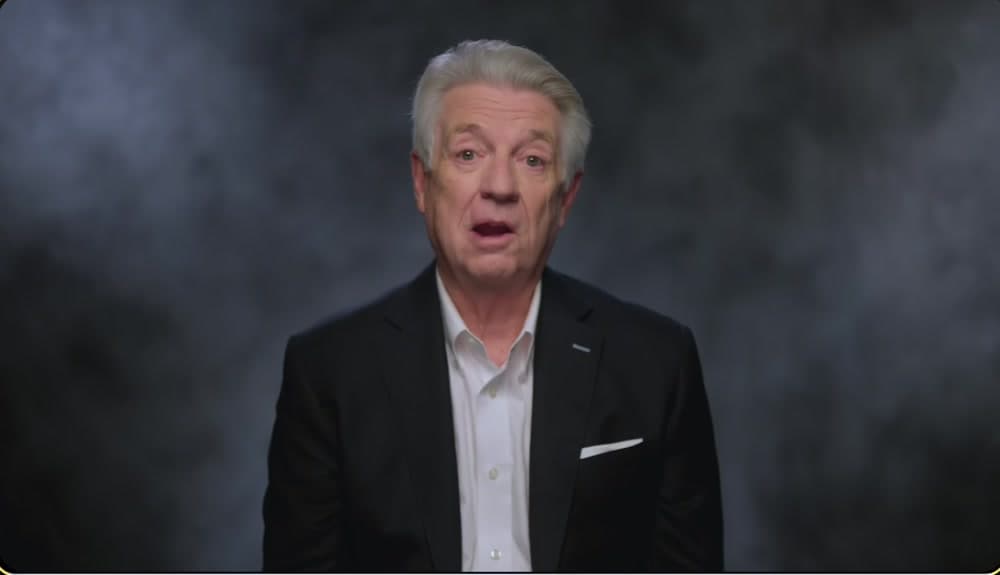
The reference used in this project. No green screen. No biblical costume.
- 01
Film your presenter
Record a short, clear take of your pastor or presenter delivering the message. Keep their face visible, capture clean audio, and leave room for natural gestures. Our reference shows Jack in his own suit against a studio backdrop.
Start with one short passage and one strong take.
- 02
Add the footage as a video reference
Open a project in Director Mode. In References, upload your clip and attach it to the shot. Mention the reference in your direction so the scene has a real person and performance to work from.
Use a short clip that meets the upload limits shown in the studio.
- 03
Describe the world. Direct the shot.
Tell Director Mode where the presenter is, what they do, and how the camera moves. For this project, the direction puts Jack in Bethlehem while deliberately keeping his modern clothing. The production prompt also tells the model to use the spoken lines from the reference video.
Person + setting + action + camera direction.
- 04
Roll, review, and build the story
Generate a take, then check the likeness, speech, movement, and setting. Adjust the direction and roll again where needed. Keep the strongest takes and assemble them into your film.
Begin with one shot. Expand when it works.
Your first scene
Start with one shot.
Make it yours.
Film a short introduction to the Christmas story. Attach it in Director Mode, then use this starter to describe the scene. Replace the setting or camera direction to fit your message.
A reusable example, adapted from the workflow. Attach your own video reference before generating.
Starter prompt / Bethlehem
Place the presenter from my attached video reference in ancient Bethlehem at the time of the birth of Jesus. Keep the presenter recognizable, in the same modern clothing. Use the spoken performance from the video reference. The presenter walks slowly toward the camera along a stone street, speaking directly to the viewer. People in biblical-era clothing go about their day in the background. Warm morning light. Begin with a medium tracking shot. Keep the focus on the presenter.
Watch the tutorial
How to apply Video References to your film.
Follow this tutorial to bring your filmed footage into your next story with Video References.
Before your first take
Questions about AI Bible videos.
- How do you put a real person in an AI Bible video?
- Film the person, attach a short clip as a video reference in Pray Production Studio’s Director Mode, and describe the biblical scene you want them in. Generate and review the take. This case study uses Pastor Jack Graham’s filmed performance to place him in Bethlehem during the birth of Jesus.
- What is a video reference in Director Mode?
- A video reference is footage attached to guide a generated shot. It gives the model a filmed example of the person, their movement, and their performance. In the comparison above, Jack’s studio footage is the reference and the Bethlehem sequence is the generated result.
- Do I need a green screen or biblical costumes?
- This project used a studio backdrop, not a green screen, and Jack kept his modern suit. The ancient setting came from the generated scene. Film a clear view of your presenter and describe the environment and wardrobe you want in your direction.
- Can I use footage I have already filmed?
- Yes. Choose a short, clear section of footage you have permission to use and attach it as a video reference. A visible face, clean sound, and an unobstructed performance make a useful starting point. Check the upload limits in Director Mode before uploading.
- Does the reference preserve the original spoken performance?
- The production prompt in this project explicitly directs the model to use the spoken lines from the video reference. Listen to each generated take and check the delivery and synchronization before choosing it. A reference guides the generation; the result still needs a director’s review.
- What can a church create with this workflow?
- Use it for a Christmas video, a Bible teaching introduction, a sermon illustration, or a short devotional. Start with one passage and let a familiar presenter guide viewers through its setting. Review the biblical context and the generated visuals before sharing the finished piece.
- How much does an AI Bible video cost?
- This film used $267 in generation cost across 25 generated videos. Pray Production Studio uses subscription plans with generation credits. Cost depends on the model, clip length, and the number of takes you generate. Review the estimate before rolling and see the current plans for included credits. Start with a short scene to learn the workflow before building a longer film.
Your voice. Your story.
Let your audience
step into Scripture with you.
A Christmas message. A Bible lesson. A moment worth seeing.
Bring your footage to Director Mode.
Pray Production Studio is made by Pray.com.