
Living Comic animation · A Director Mode case study
Not another 3D cartoon.
A comic book that moves.
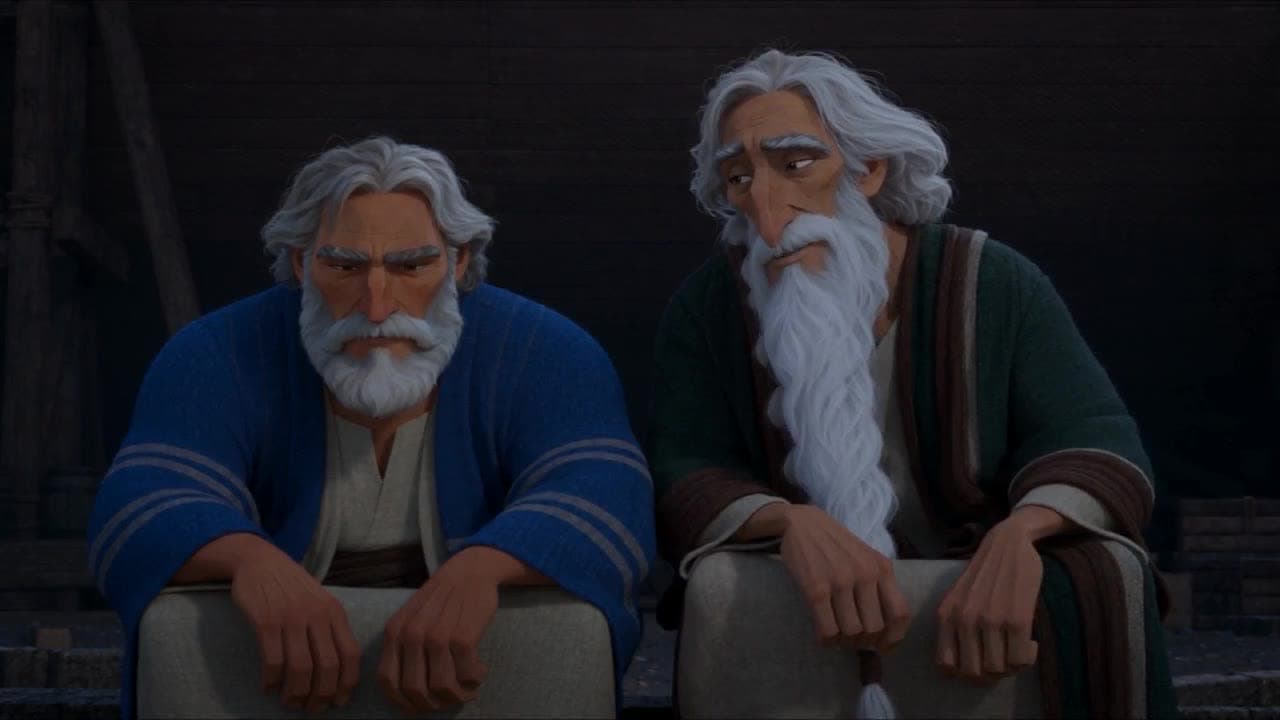
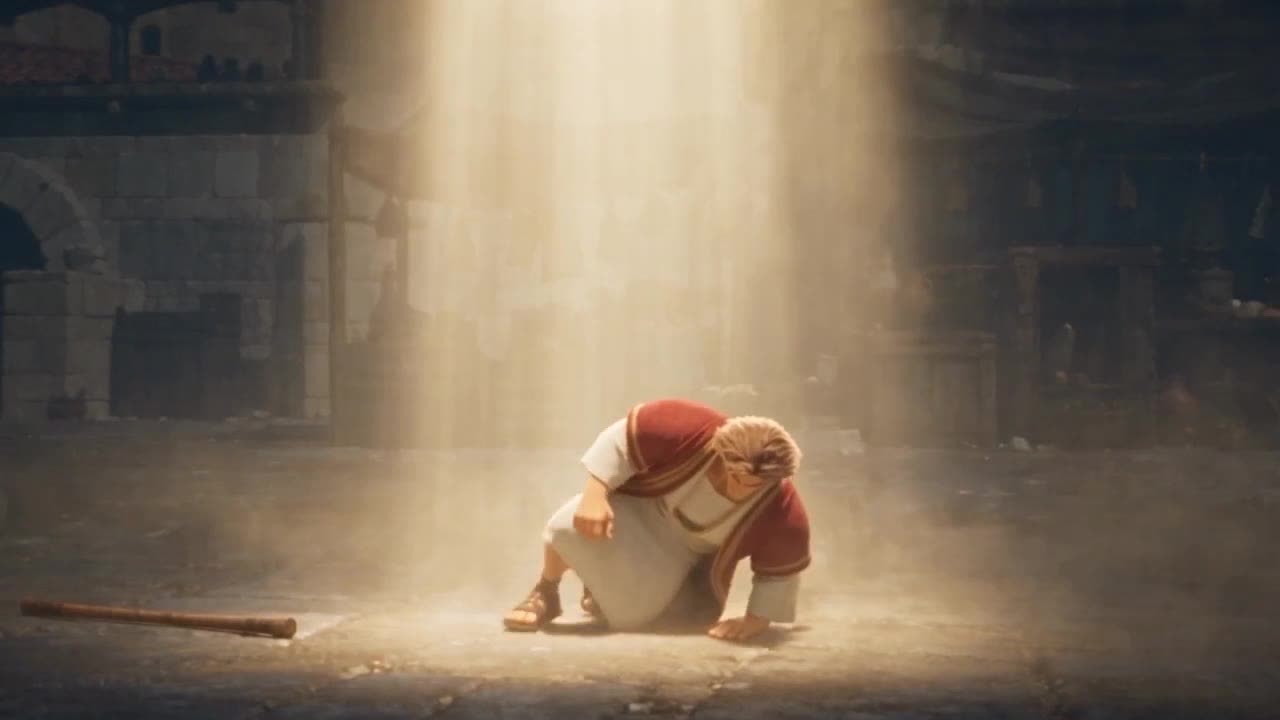
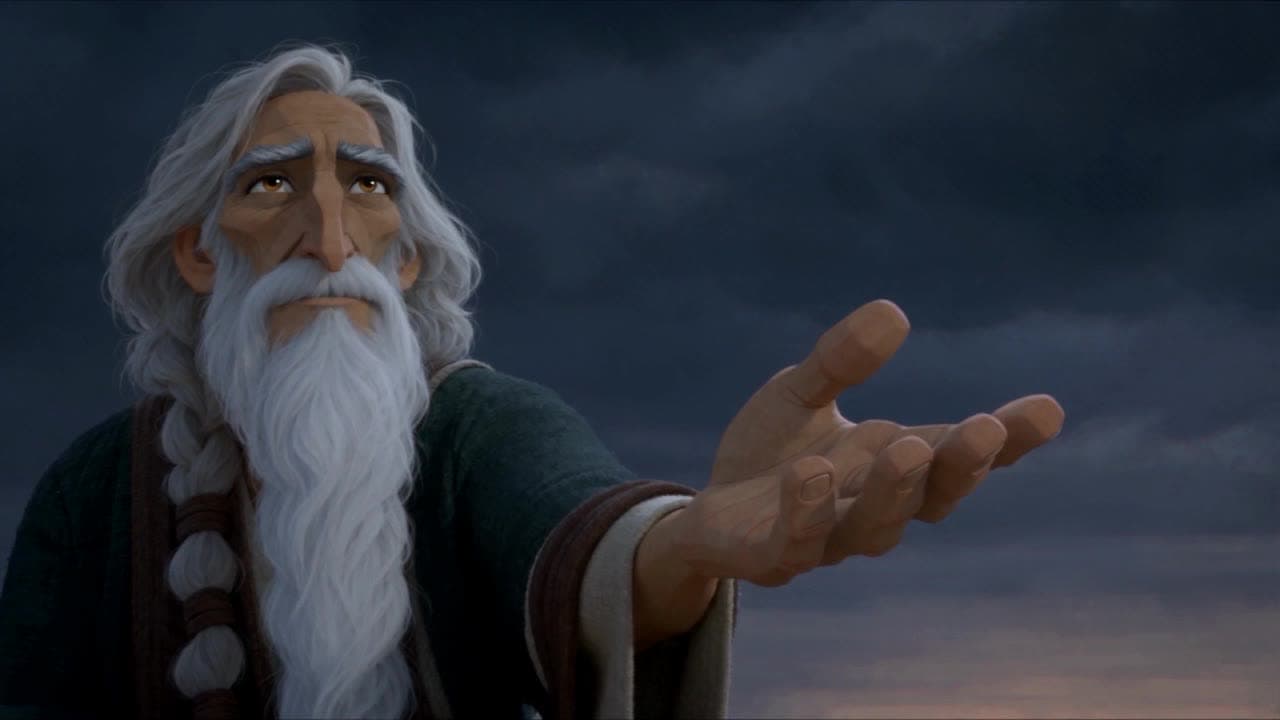
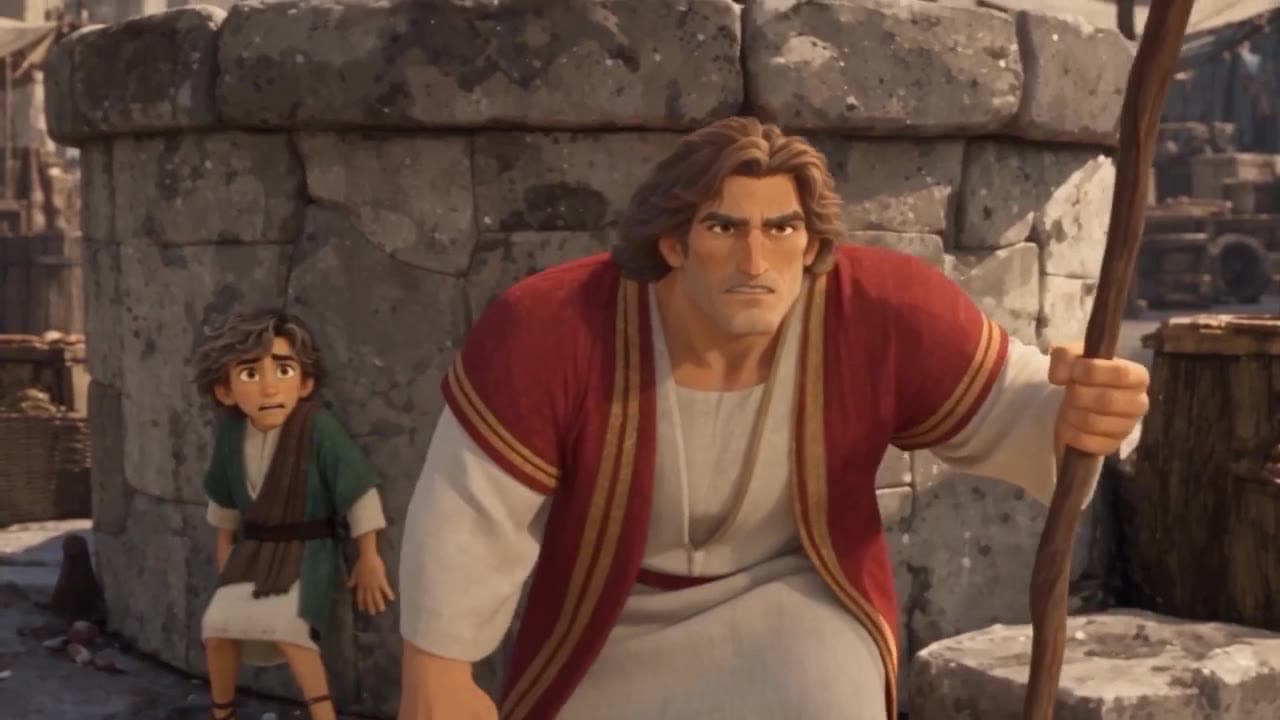
The night before the flood, Methuselah tells Noah about the day his father Enoch faced three giants. One person made this five-minute animated Bible film in 2 days, for $557.53 in generation cost.
No camera. No crew. One director.
See the finished film
Noah and Methuselah.
The day Enoch stood alone.
A storm with no rain. An old man with one last story. A father, a son, and three giants in a crowded market. Watch the whole film, then see how it was made.
- Generation cost
- $557.53
- Days to make
- 2
- Person
- 1
- Runtime
- 5:16
How this AI Bible animation was made: one person directed every shot in Pray Production Studio’s Director Mode using the Living Comic visual style. Seven characters were cast as actors in that style, each scene was given a location, and 58 takes across 10 shots were rolled and reviewed to cut the final 5:16 film.
Why it looks different
Most AI animation looks the same.
This one doesn’t.
Scroll any feed and you will see it: the same glossy 3D cartoon, the same soft light, the same plastic faces. It is quick to make, and audiences have learned to scroll past it. Living Comic was built to look like a film somebody cared about.

How to use references in video generation
Show the engine who and where.
Then tell it what happens.
A reference is an image you attach to a shot so the engine has something real to match. Without one, every take invents a new face. With one, Enoch looks like Enoch in every shot of the film.

- 01
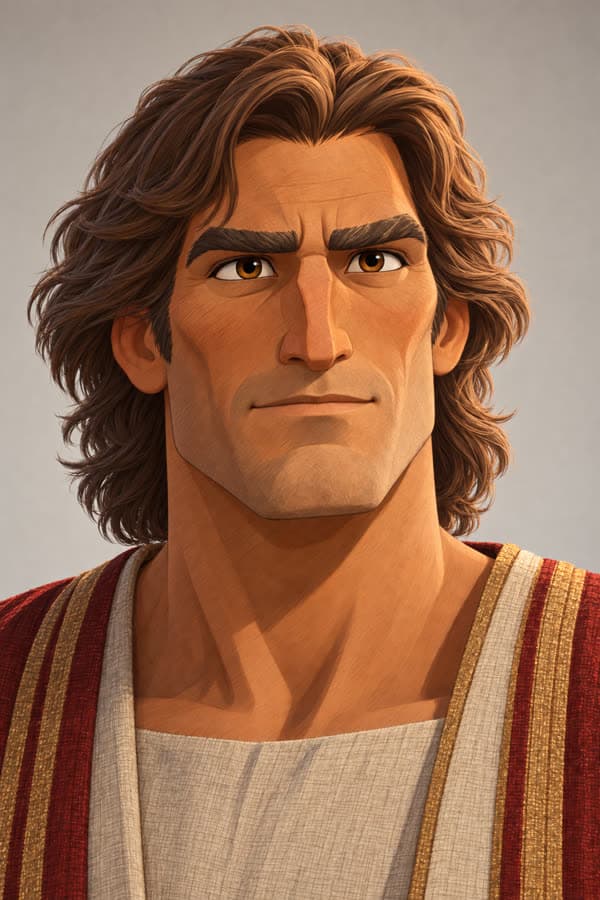
Cast your characters in the style first
Before a single shot, every character in this film was created as an actor in the Living Comic style: Noah, Methuselah at two ages, Enoch, and three giants. Each actor carries a clean headshot that becomes their reference image in every shot they appear in.
Seven actors. One look, shared by all of them.
- 02
Give every scene a location
Each scene was given a location image: the base of the unfinished ark, the walled city, and the market street. A location reference keeps the place consistent from one angle to the next, so the well, the stalls and the city wall are where the viewer left them.
Three locations carried the whole film.
- 03
Tag the references in your direction
In Director Mode, type @ and pick a reference to bind it to the words in your prompt. “@Enoch slides beneath the club” tells the engine exactly which face belongs to which action. The fight shots carried six references at once: four characters, the market, and one uploaded image.
Name the person, the place, the action and the camera.
- 04
Roll, review, and keep the best take
Generate a take, check the faces, the action and the style, then adjust the direction and roll again. The hardest shot in this film, the three-giant ambush, took 13 takes to land. Continuity carries the last frame of one shot into the next, so a sequence cuts together cleanly.
58 takes across 10 shots. Most shots landed in a handful.
Your first shot
Start with one fight.
Make it yours.
Create a project in Director Mode with Living Comic as the visual style, cast your hero, and add a location. Then paste this starter and tag your own references in place of @Hero and @Market.
A reusable example, adapted from the fight sequence in this film.
Starter prompt / The ambush
Living Comic animation. @Hero stands alone in the middle of @Market street at midday, gripping a wooden staff. A towering giant steps out from the shadows and swings a massive club sideways. Cut to a low, ground-level shot as @Hero drops and slides beneath the club, the weapon passing inches overhead. Cut to a wide shot as he spins and strikes, sending the giant crashing into a stack of clay pots that shatter. One dramatic light source, deep shadows, dust hanging in the air. Natural sound effects and expressive vocal reactions only. No music.
Before your first take
Questions about AI Bible animation.
- What is Living Comic animation?
- Living Comic is a built-in visual style in Pray Production Studio. It is a stylized 3D animated film with a hand-drawn comic layer: real depth and dramatic lighting, with ink lines and halftone texture gathered in the shadows and characters cut into bold blocks of color. Pick it as the visual style when you create a project or an actor.
- How is this different from typical AI 3D animation?
- Most AI animation online defaults to the same glossy 3D cartoon look: soft even light, smooth plastic surfaces and floaty motion. It is fast to make, and it all looks the same. Living Comic is built on a single dramatic light source, printed texture in the shadows and a hand-animated rhythm, so a story feels like a film rather than a filter.
- How long did this film take, and what did it cost?
- One person made this 5:16 film in 2 days. Generation cost was $557.53 across 58 video takes for 10 shots. Pray Production Studio uses subscription plans with generation credits, and cost depends on the engine, clip length and the number of takes you roll. Every generation shows its estimate before you roll.
- How do references keep AI characters consistent?
- A reference is an image you attach to a shot so the engine has something real to match. In this film every character is an actor with a headshot, and every scene has a location image. Tagging @Enoch in the direction binds his face to his action, so he looks like himself in the market, in the fight and on the walk home.
- Do I need to film anything?
- No. Nothing in this film was filmed. Every character, place and shot was generated from written direction and image references. If you do have footage of a real presenter, Director Mode can also use video references.
- Is the story in the Bible?
- Noah, Methuselah and Enoch are in Genesis 5, and Genesis 6 names the Nephilim. Genesis says Enoch walked with God; the fight in the market is a dramatized retelling built around that line. Review the biblical context of your own film and say clearly where you take creative license.
- Can I make a film like this for my church or channel?
- Yes. Start a project in Director Mode, choose Living Comic as the visual style, cast your characters, and direct one shot. Expand to a full scene once the first shot works.

Your story. Your style.
Stop posting what everyone posts.
Make the one they stop for.
A Bible story. A sermon illustration. A series for your channel.
Direct it in Living Comic.
Pray Production Studio is made by Pray.com.