
Browse topics
Make your video · Step 4 of 7
Video clips
Turning stills into clips, picking a video model, camera moves and video references.
Guides · 1
Video tutorials · 3
 5:05Video: How to Use Kling 3.0 Turbo to Make Realistic VideosTurn your generated images into realistic AI video with the Kling 3.0 Turbo model.
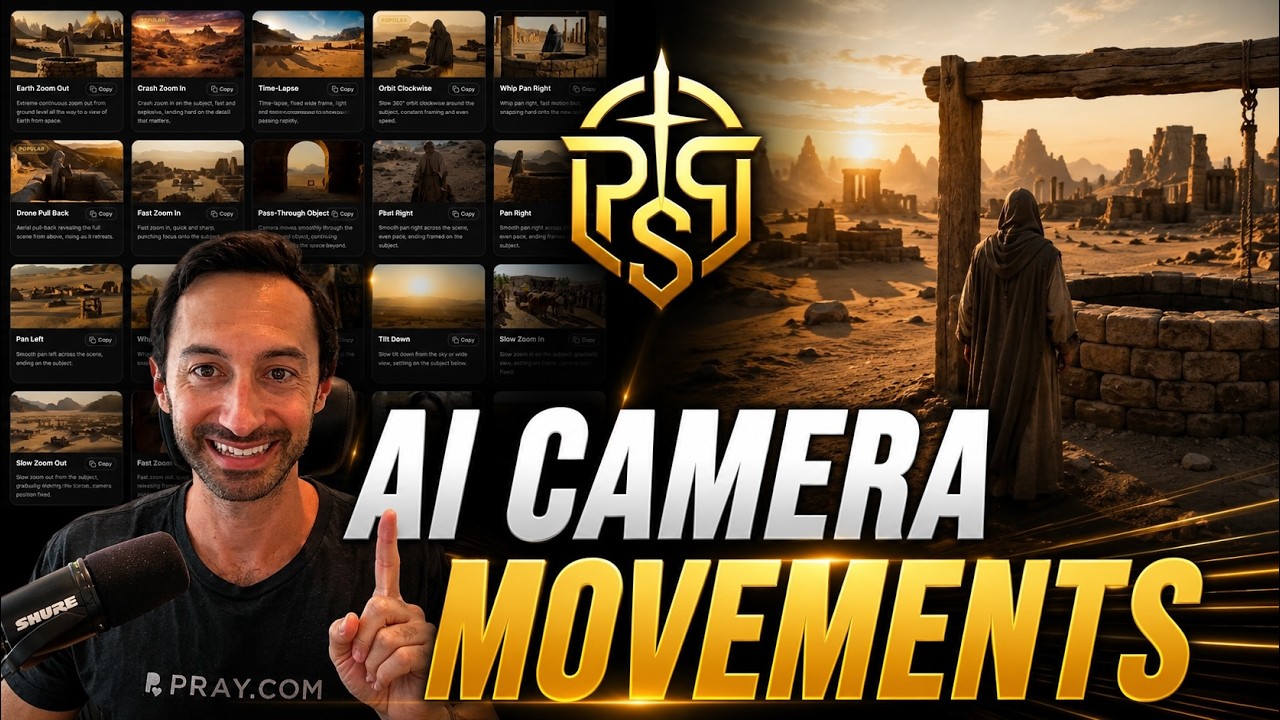 0:58Video: AI Camera Movements for Generating Epic VideosBrowse the camera move library and drop cinematic motion into any shot. Add pushes, pans, orbits, and crane moves to make your AI videos feel epic.
 12:48Video: Seedance 2.5 Reference to Video: How to Use Video ReferencesLearn how to add video references in Pray Production Studio and use Seedance 2.5 Reference to Video to guide your next AI video generation.