Browse topics
Video tutorials
10 videos from the studio team. Each one has chapters and a full transcript, and sits in the same topic as the written guides on it.
Start here
 19:07Full walkthrough · 19:07How to Use Pray Production Studio: From Script to Video in 20 MinutesFollow a complete first project in Storyboard Mode, from choosing your project settings and parsing a script to generating images, video, and music. The video was recorded before the rename, so the button it presses is labelled Director Mode.
Getting started
Guides on this topic 2:02Video: The AI Assistant Editor in Pray Production StudioUse the AI Assistant to edit shots, adjust prompts, and make changes across your project by asking in plain language.
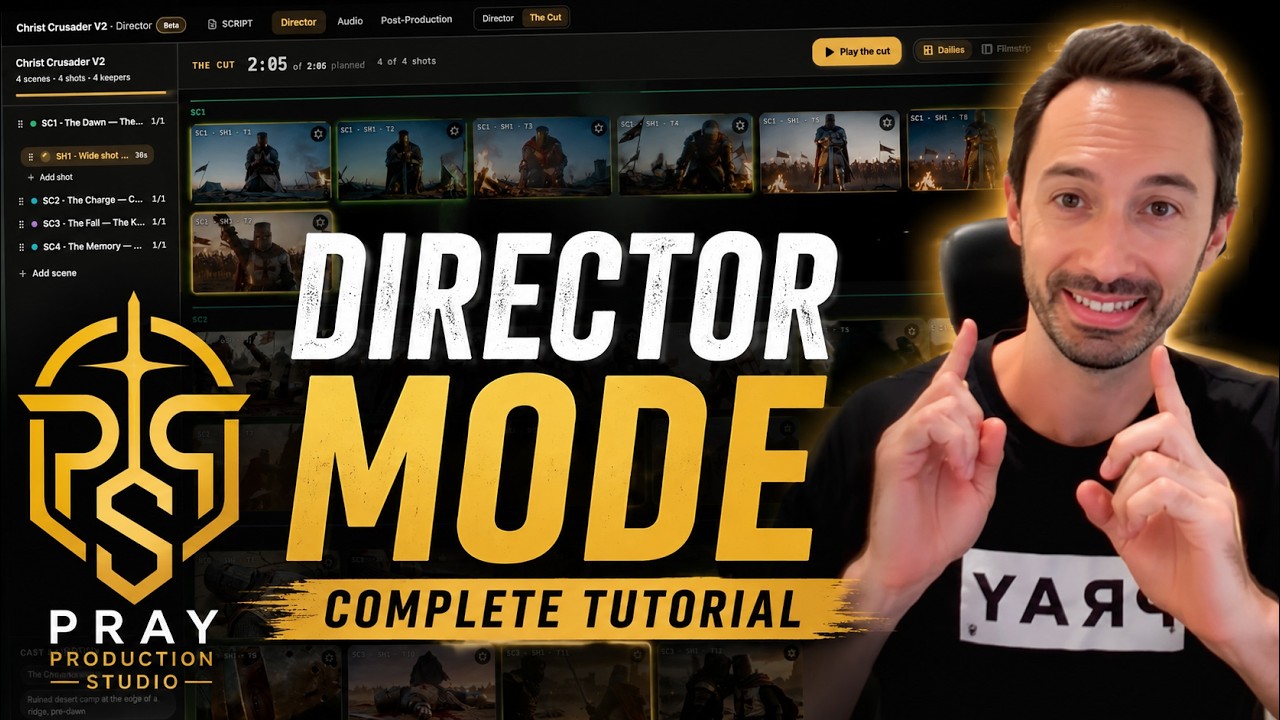 17:38Video: Direct Your AI Videos in Director ModeDirect every shot in plain language and go straight to camera, with no image step. Cast your actors, give directing notes, generate and edit takes, and pick your keepers.
Step 2 · Characters and sets
Guides on this topic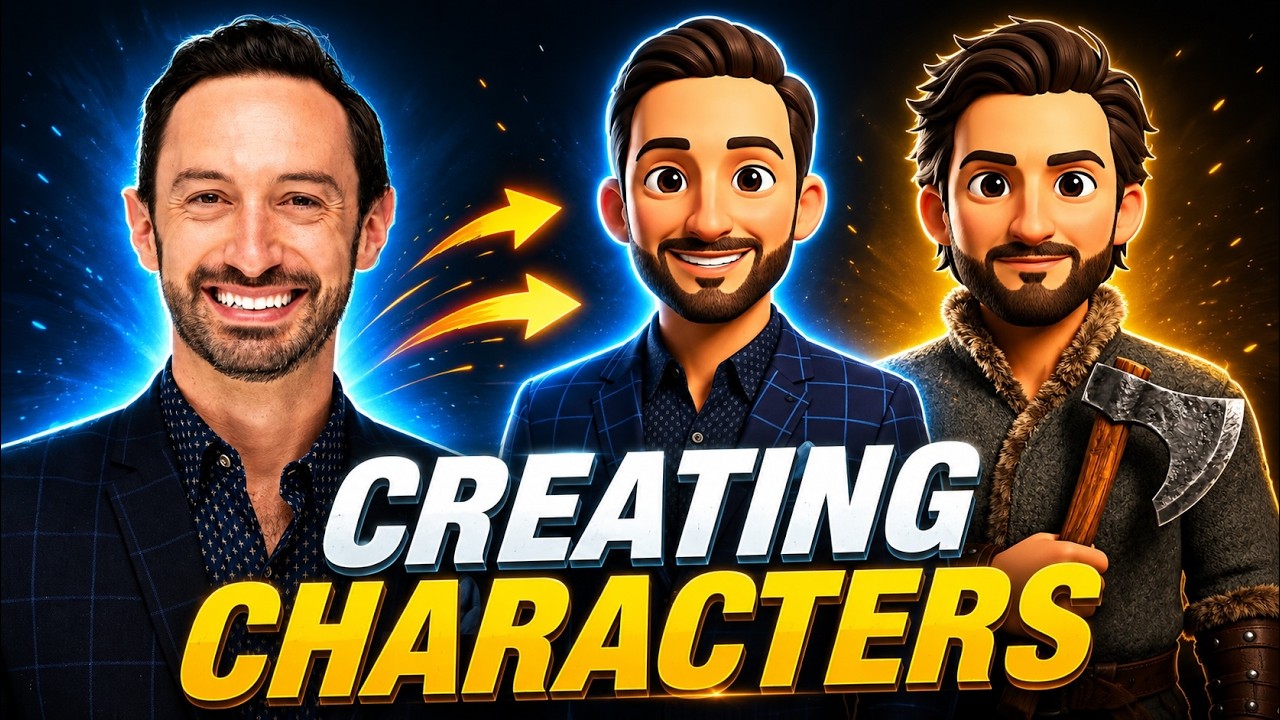 8:37Video: Creating Consistent Characters with AIBuild a character once and keep it consistent through every shot. Create video-optimized character sheets, add variations of the same character, and attach a voice.
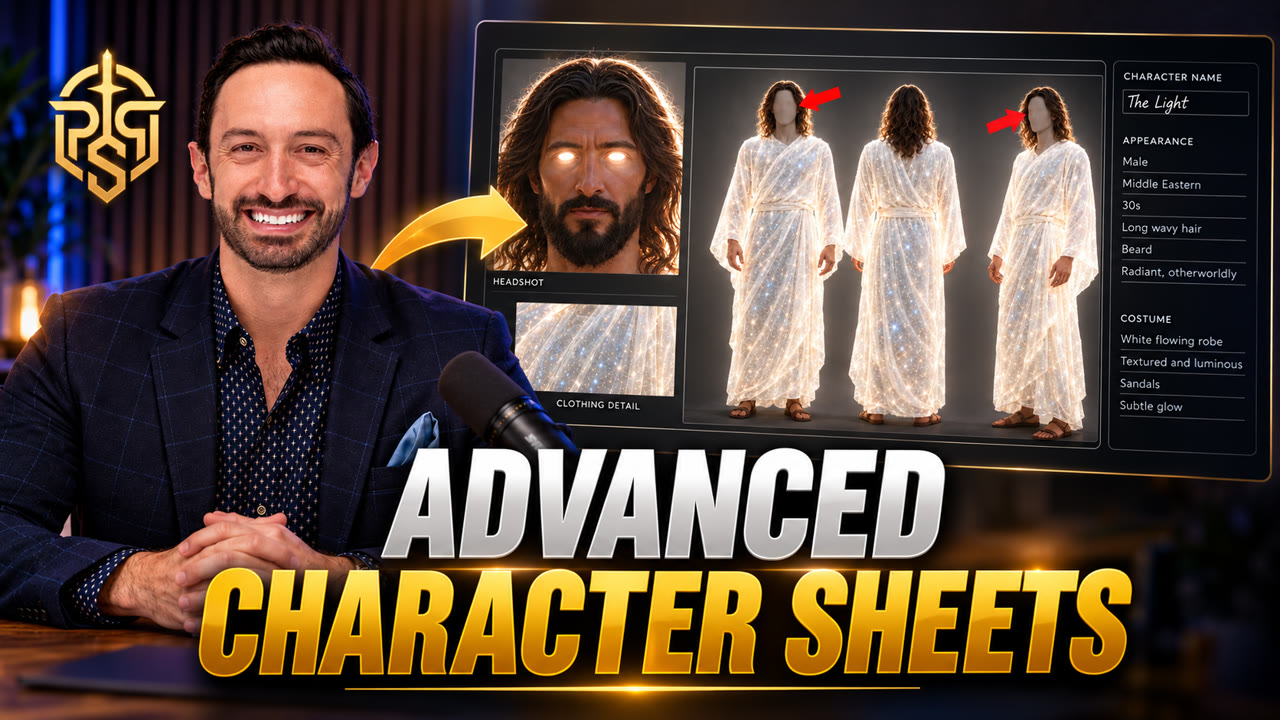 1:29Video: How to Make the Perfect AI Character Sheet for Consistent CharactersAvoid the three character sheet mistakes that break consistency: use a 16:9 four-panel layout, a solid gray background, and gray out the faces on the full-body views.
Step 3 · Shot images
Guides on this topic
Step 4 · Video clips
Guides on this topic 5:05Video: How to Use Kling 3.0 Turbo to Make Realistic VideosTurn your generated images into realistic AI video with the Kling 3.0 Turbo model.
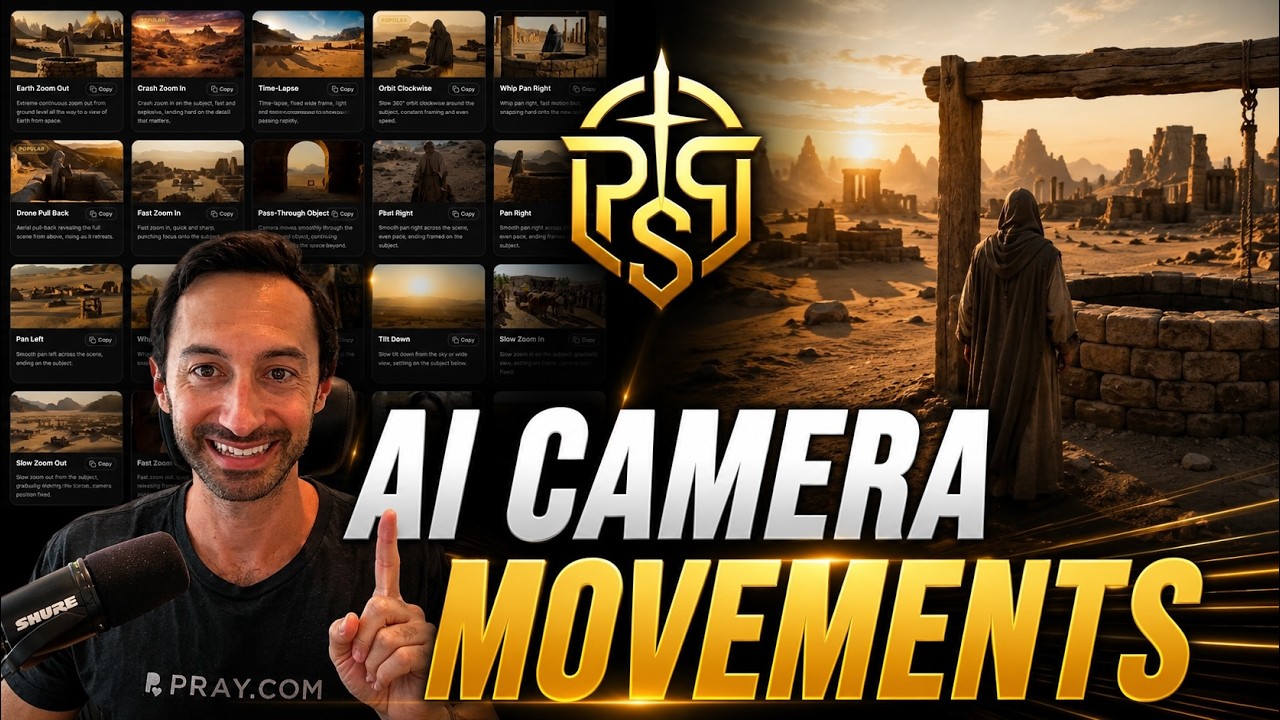 0:58Video: AI Camera Movements for Generating Epic VideosBrowse the camera move library and drop cinematic motion into any shot. Add pushes, pans, orbits, and crane moves to make your AI videos feel epic.
 12:48Video: Seedance 2.5 Reference to Video: How to Use Video ReferencesLearn how to add video references in Pray Production Studio and use Seedance 2.5 Reference to Video to guide your next AI video generation.