Skip to content
Pray Production Studio
Help Center
Video tutorials
FAQ
Go to the studio
Help Center
Voices and sound
Search guides and video tutorials
/
Search
Browse topics
Start here
Getting started
6
Make your video
1
Step 1:
Scripts and project setup
2
2
Step 2:
Characters and sets
4
3
Step 3:
Shot images
3
4
Step 4:
Video clips
4
5
Step 5:
Voices and sound
3
Add narration, dialogue and music
Give an actor a voice
Video:
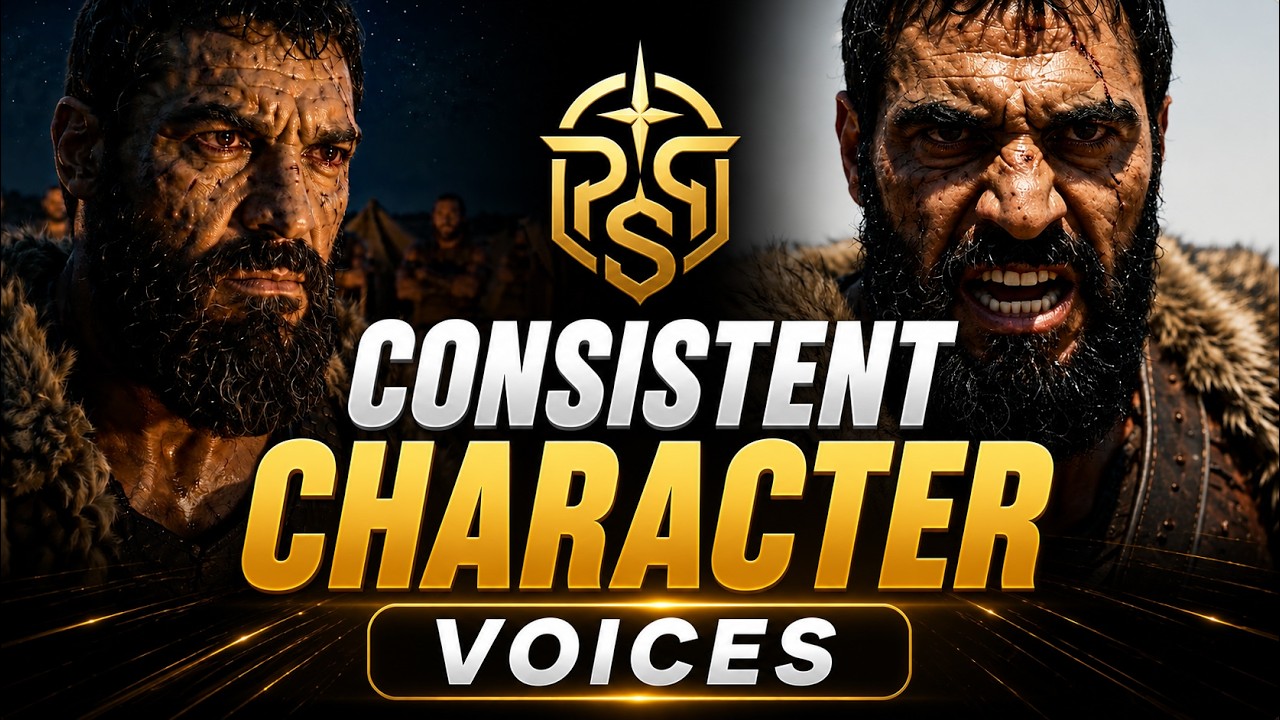
How to Give Your AI Characters a Consistent Voice
6
Step 6:
Edit and export
2
7
Step 7:
Share and publish
2
Plans and account
Plans, credits and billing
4
Account and team
3
Fix a problem
Troubleshooting
2
All video tutorials
10
Make your video · Step 5 of 7
Voices and sound
Narration, giving an actor a voice, dialogue and music.
Guides · 2
Add narration, dialogue and music
Narrate with a studio voice, your own recording, or an actor's voice, and add music and sound effects.
Give an actor a voice
One voice per actor carries through every scene and narration. Design one, pick one, or upload a recording.
Video tutorials · 1
6:02
Video:
How to Give Your AI Characters a Consistent Voice
Attach a signature voice to any character so every Seedance 2.0 video you generate carries that exact voice, scene after scene.
← Step 4: Video clips
Next step 6: Edit and export →