
Create consistent actors
Cast each character once as an actor, and the studio keeps their face and look the same in every shot.
Updated
On this page
The secret to a film that feels real is a cast that looks the same from shot to shot. In Pray Production Studio you create each character once as an actor with reference images, and the studio reuses that identity every time the character appears in an image or video.
Actors live in your workspace's Actors library (in the sidebar), so you can reuse them across projects.
Generate an actor from a description
- Open Actors and choose Generate Actor.
- Enter an Actor Name (for example, Abraham or Moses) and a Visual Description: age, build, face, hair, clothing, and anything distinctive.
- Pick the Visual Style to match your project.
- Press Generate Character Sheets, review the options, and choose Use this sheet on the one you like, or Regenerate for new options.
The character sheet shows your actor from several angles, which is what the studio uses to keep them consistent.
Already have a character sheet?
If you made or commissioned a character sheet elsewhere, upload it in the same dialog under Already have a character sheet? This skips generation and saves credits.
Use real reference photos
You can also build an actor from photos you upload. Only upload pictures of real people when you have their permission. See Who owns the videos you make.
Variations: same person, different look
Need the same character older, younger, or in a different costume? Add a variation to the actor instead of creating a new one. The face stays the same while the look changes.
Put actors in your shots
When the studio breaks your script into shots, it matches character names to actors in your library. Check that each shot lists the right actors before you generate images. Name a character the same way in your script and in the library so the match is automatic.
Tips
- One clear, detailed description beats several vague ones. Include anything that must never change, such as a scar or a beard.
- Cast before you generate shot images. Images made before an actor exists will not use their reference.
- Give your actor a voice too, so their dialogue sounds like them in every scene: Give an actor a voice.
Was this guide helpful?
Watch it on video
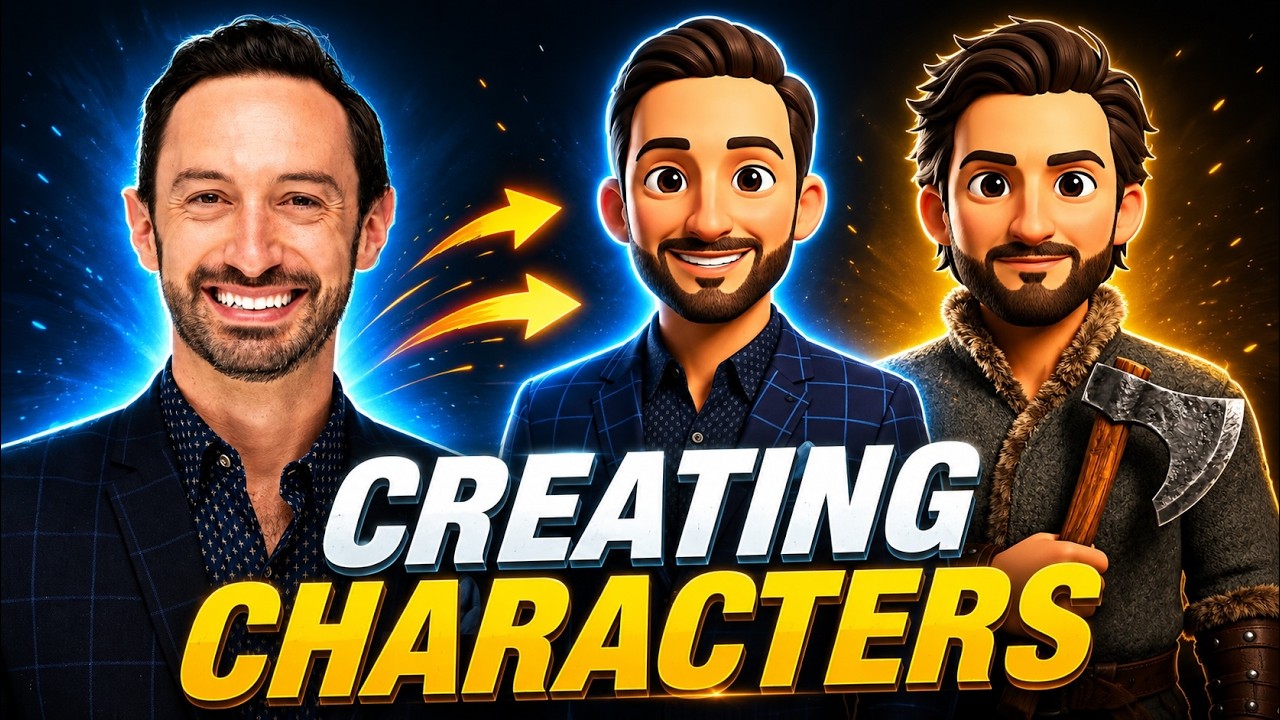 8:37Video: Creating Consistent Characters with AIBuild a character once and keep it consistent through every shot. Create video-optimized character sheets, add variations of the same character, and attach a voice.
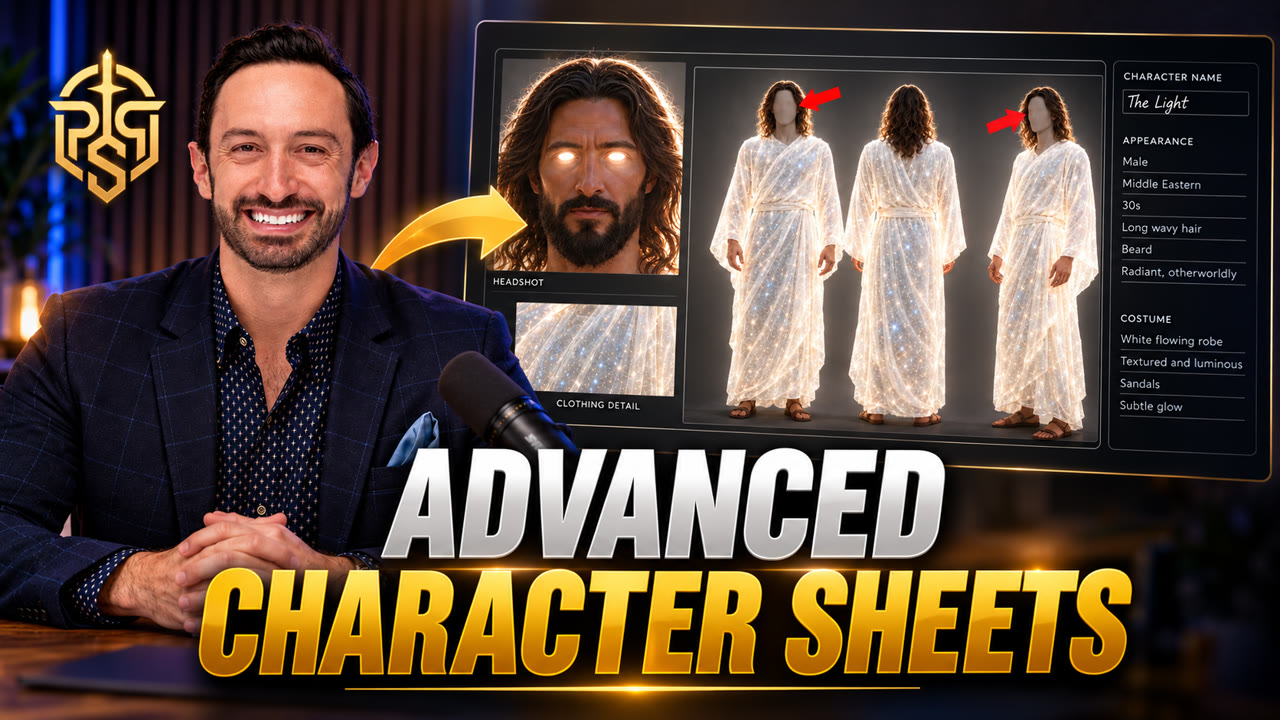 1:29Video: How to Make the Perfect AI Character Sheet for Consistent CharactersAvoid the three character sheet mistakes that break consistency: use a 16:9 four-panel layout, a solid gray background, and gray out the faces on the full-body views.
Related guides
- Locations and objectsLock your sets and props the same way you lock your actors, so a room or a staff looks identical in every shot.
- Give an actor a voiceOne voice per actor carries through every scene and narration. Design one, pick one, or upload a recording.
- Generate images for your shotsMake the still for each shot on the Images tab, then refine it with Freestyle Mode, edits, and upscaling.