
Locations and objects
Lock your sets and props the same way you lock your actors, so a room or a staff looks identical in every shot.
Updated
On this page
Characters are not the only thing viewers notice changing between shots. A tent that changes color, or a staff that changes shape, breaks the spell. Locations and Objects work like actors: you define them once, and the studio reuses them wherever they appear.
Both have their own library in the sidebar, shared across your workspace's projects.
Locations
In a project, use the location casting panel to Assign locations from your library to each scene, or Create New Location.
- Write a description of the place, or press Generate with AI to draft one from your script. That description is used in every image prompt set there.
- Press Generate Image to render an establishing view of the location, or upload your own reference image.
- Once you accept the establishing view, the studio can generate a continuity pack of three location references (different angles of the same place) for even steadier backgrounds.
- Press Save Location Casting.
Objects
Use objects for props that matter to the story: the ark, a sword, a scroll, a crown. Create the object once with a reference image, then attach it to the shots it appears in.
Good habits
- Name locations the way your script does ("Abraham's tent", "the Red Sea shore") so they are easy to match to scenes.
- Lock the locations you return to most. A place that appears once does not need a continuity pack.
- Generate each location in the same visual style as the project.
Was this guide helpful?
Watch it on video
 8:37Video: Creating Consistent Characters with AIBuild a character once and keep it consistent through every shot. Create video-optimized character sheets, add variations of the same character, and attach a voice.
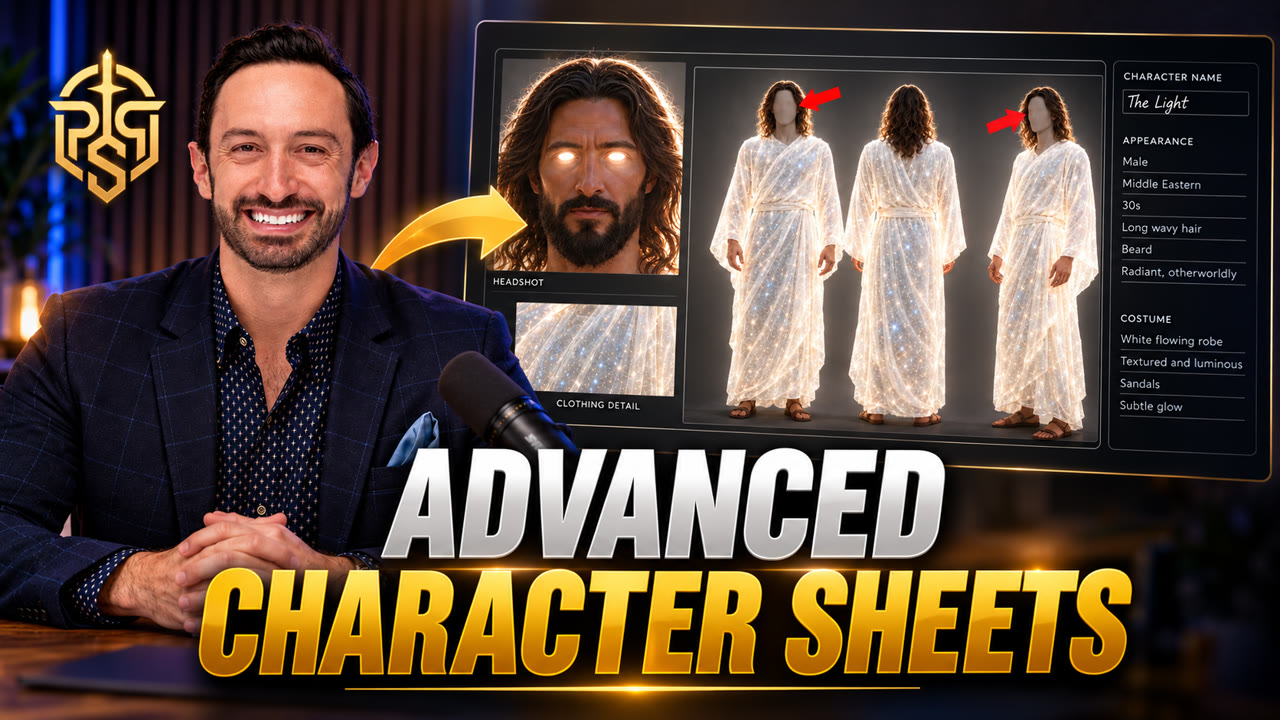 1:29Video: How to Make the Perfect AI Character Sheet for Consistent CharactersAvoid the three character sheet mistakes that break consistency: use a 16:9 four-panel layout, a solid gray background, and gray out the faces on the full-body views.