Star-Cross’d Wings · Made in the Shorts tab
One prompt. Thirteen shots.
Every cut directed.
Two angels who once flew together meet again in a storm, and only one keeps her wings. Star-Cross’d Wings looks like black-and-white 35mm. Nobody filmed a frame: it is one prompt in the Pray Production Studio Shorts tab, with all thirteen cuts written into it. Here is the prompt, and how to write your own.
No camera. No crew. One prompt.
- Shots
- 13
- Prompt
- 1
- Length
- 30 sec
- Engine
- Seedance 2.5
Watch the film
Star-Cross’d Wings.
Once they flew together.
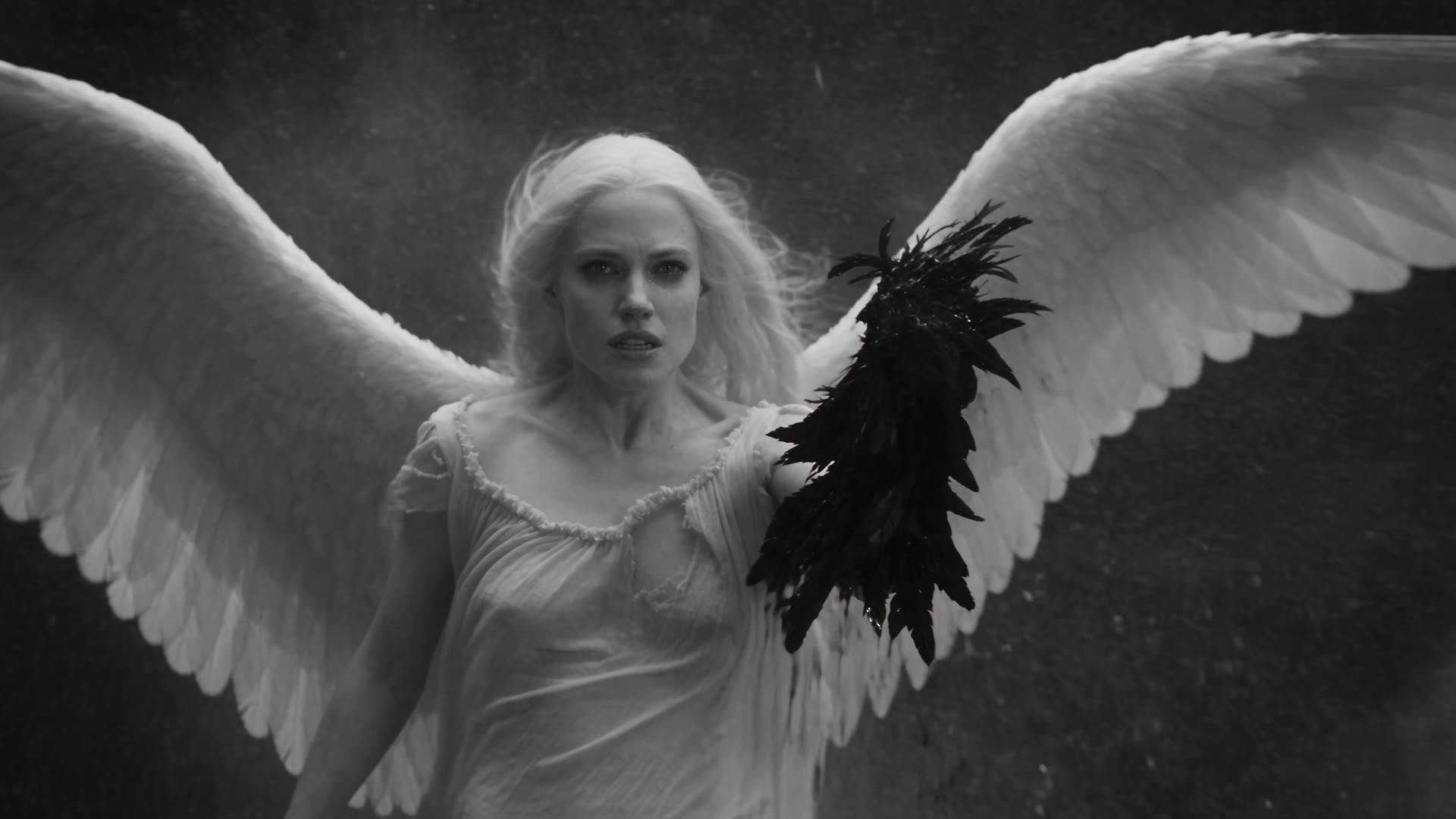
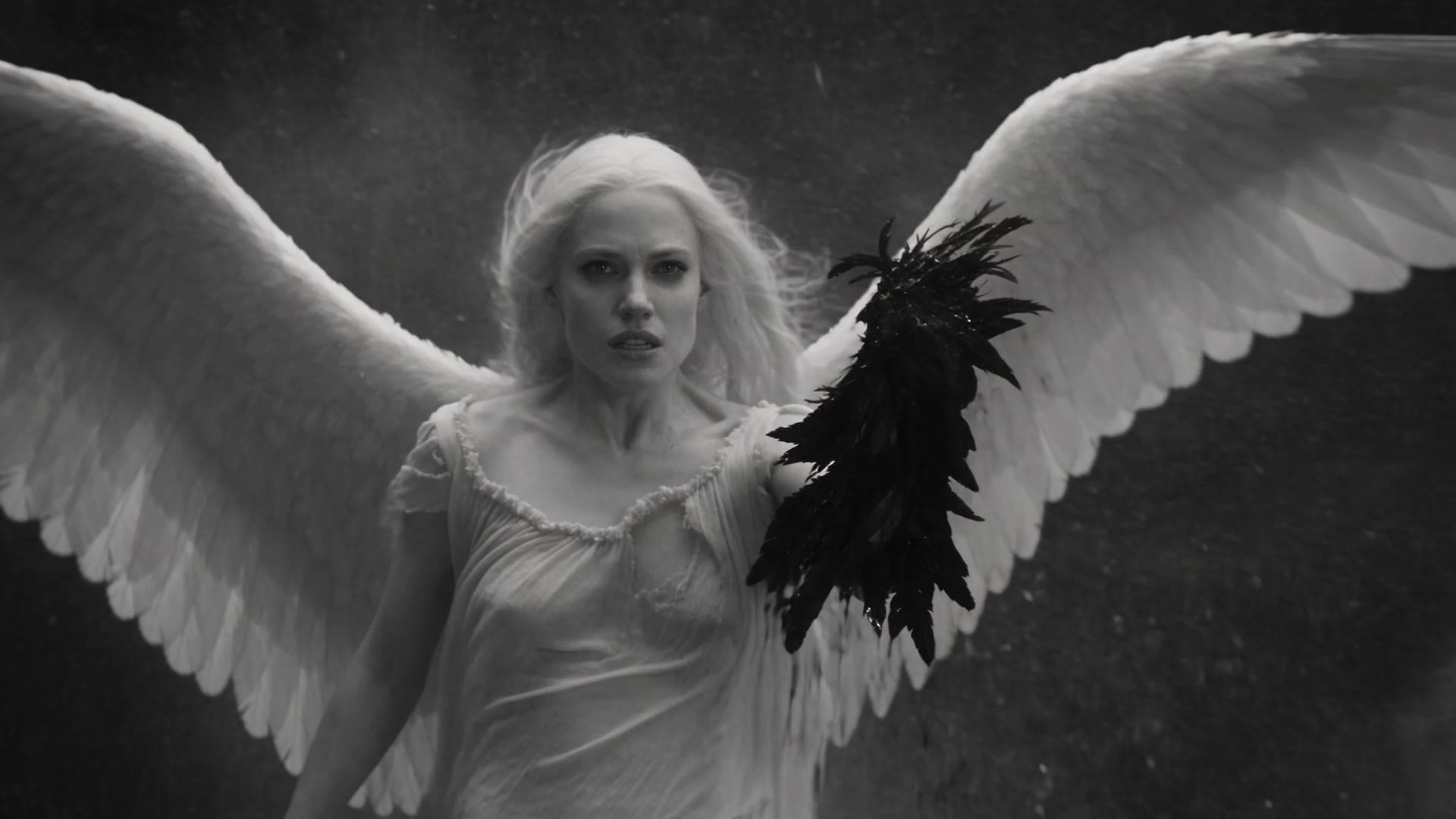
A dark-winged fallen angel and a pale one, locked together and falling through a thunderstorm that never stops. Thirty seconds, thirteen hard cuts, one generation.
How Star-Cross’d Wings was made: one prompt in the Pray Production Studio Shorts tab, on Seedance 2.5 at 30 seconds. The prompt sets the look once, then directs thirteen shots by time, camera and action. Two 480p drafts were rolled, and the second was finalized to 1080p.
The short answer
How to make a multi-shot AI video
in one prompt.
- 01
Lock the look first.
Open the prompt with the film stock, the lens and the motion you want, and name what it must never be: not animated, not 3D, no color, no text. Every cut inherits it.
- 02
Direct every cut.
Split the 30 seconds into numbered shots. Give each one a timestamp, a camera move and one action, and the engine returns them in order as one edited sequence.
- 03
Draft, then finalize.
Roll a 480p draft to judge the timing and the action. When it works, finalize that same take at 1080p.
How it was made
Five steps
in the Shorts tab.
- 01
Open the Shorts tab
In Pray Production Studio, open Shorts from the sidebar. No project, no script, no storyboard: one box.
- 02
Pick Seedance 2.5 and 30 seconds
Set the model to Seedance 2.5 and the length to 30 seconds, the longest single take. A 30-second take has room for a dozen cuts.
- 03
Paste the look, then the shots
The prompt opens with the style block, then lists every shot with its time range. That one text box is the whole film.
- 04
Roll a 480p draft
Choose Draft 480p and generate. A draft is fast and cheap and shows everything that decides a take: whether each cut lands and whether the action reads.
- 05
Finalize the keeper in 1080p
Two drafts were rolled for this film. The second one was the keeper, and Finalize 1080p rendered that same take at full resolution.
Step one · Lock the look
Describe the film stock,
not the vibe.
The prompt opens with one paragraph that every cut inherits. It reads like a camera report: the film, the lens, the defects, the motion, and a short list of what it must never become.
Step two · The secret
Direct every cut.
Timestamp, camera, action.
Split the thirty seconds into shots. Each line gets a time range, a camera move and one action, in that order. The engine plays them back as one edited sequence, with the same angels, storm and light in every cut.
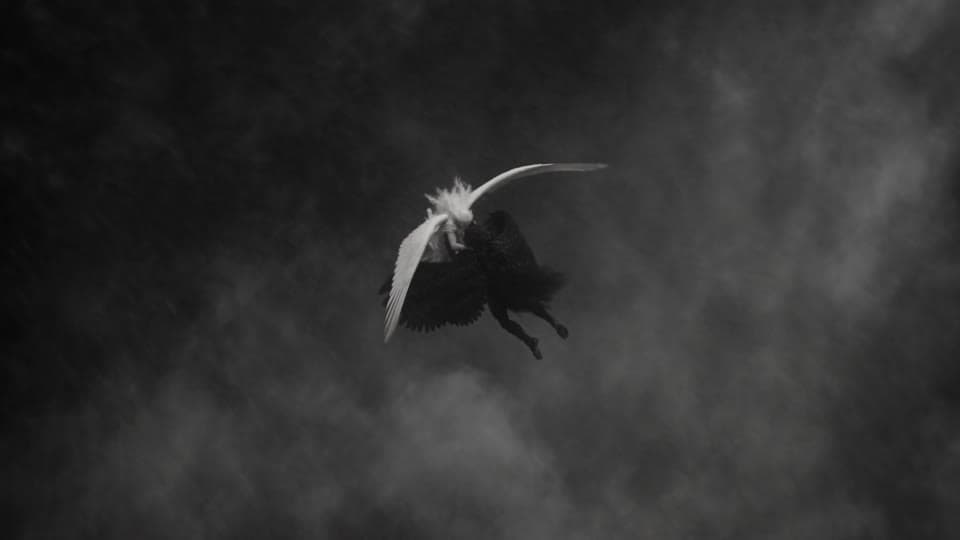
01 · 0–2s
Wide, spiraling down
Locked together, they plunge through a vortex of clouds.
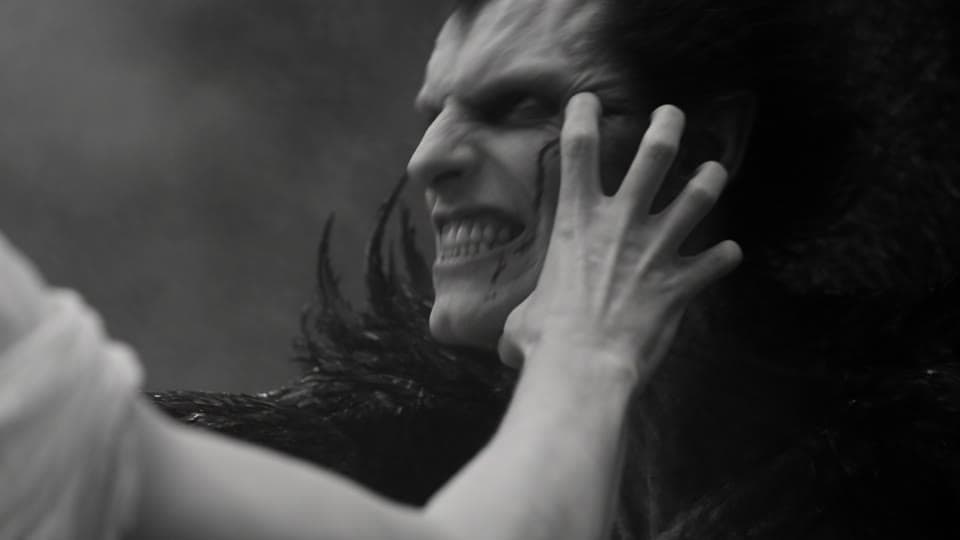
02 · 2–4s
Close-up
She claws at his face. He snarls and throws her off.
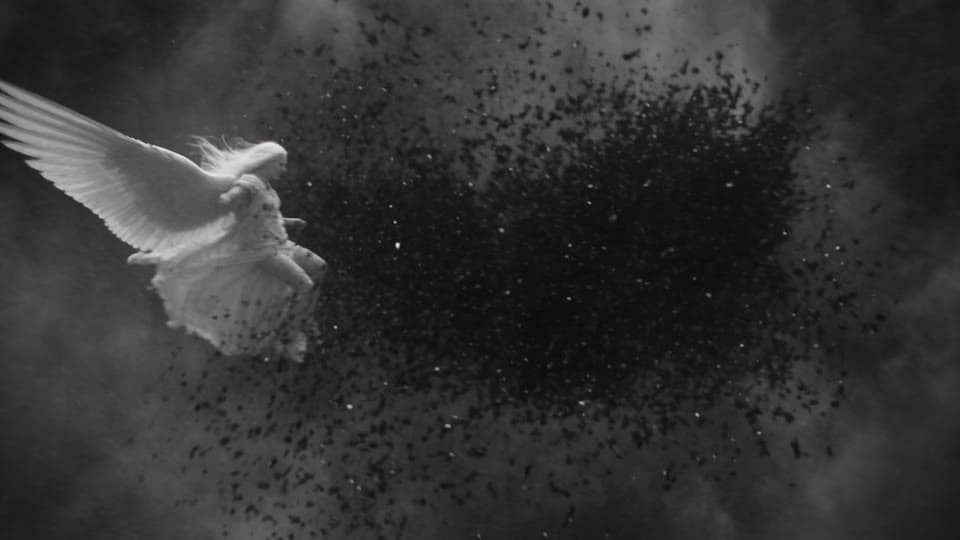
03 · 4–6s
Fast orbit
Their wings slam together and feathers explode outward.
04 · 6–8s
Extreme close-up
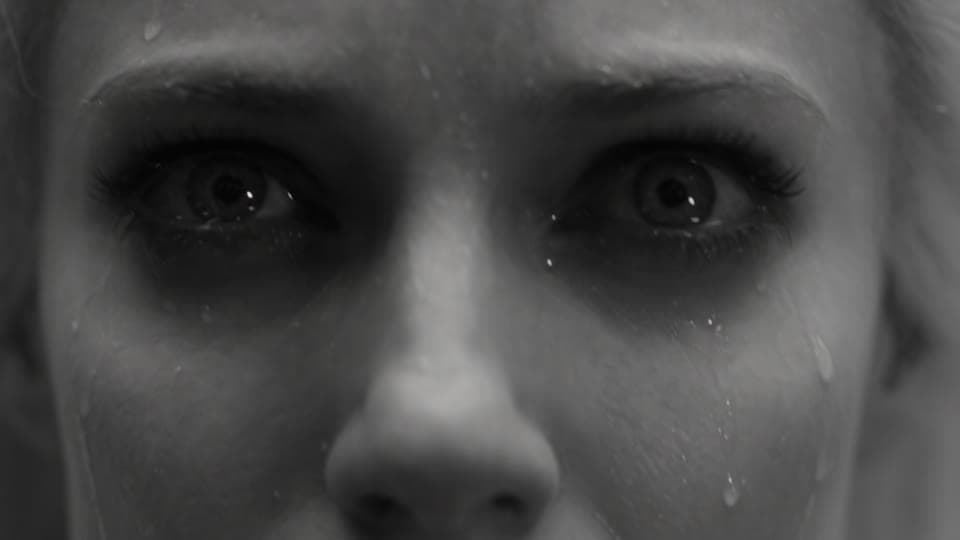
Lightning flashes across her furious eyes.
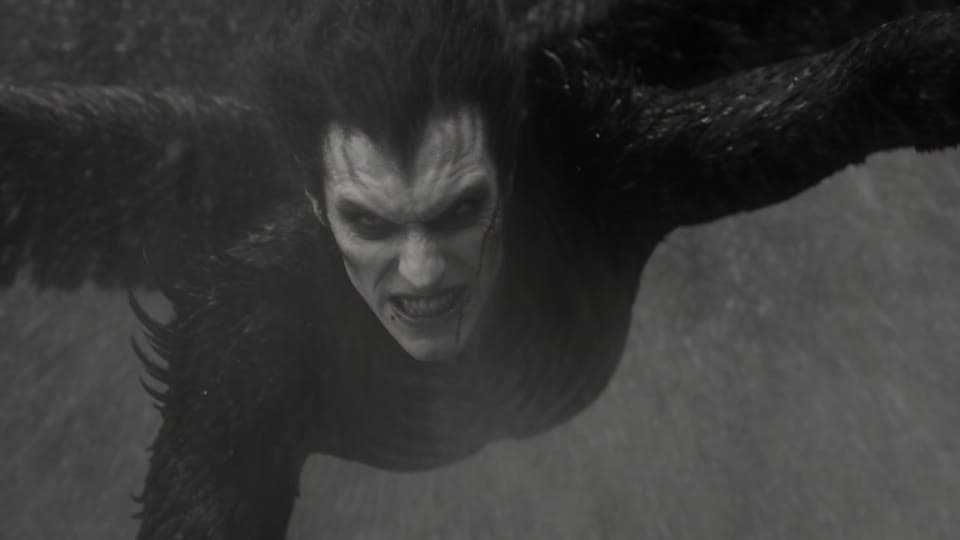
05 · 8–10s
Toward the lens
He falls face-first, clawing at the air.
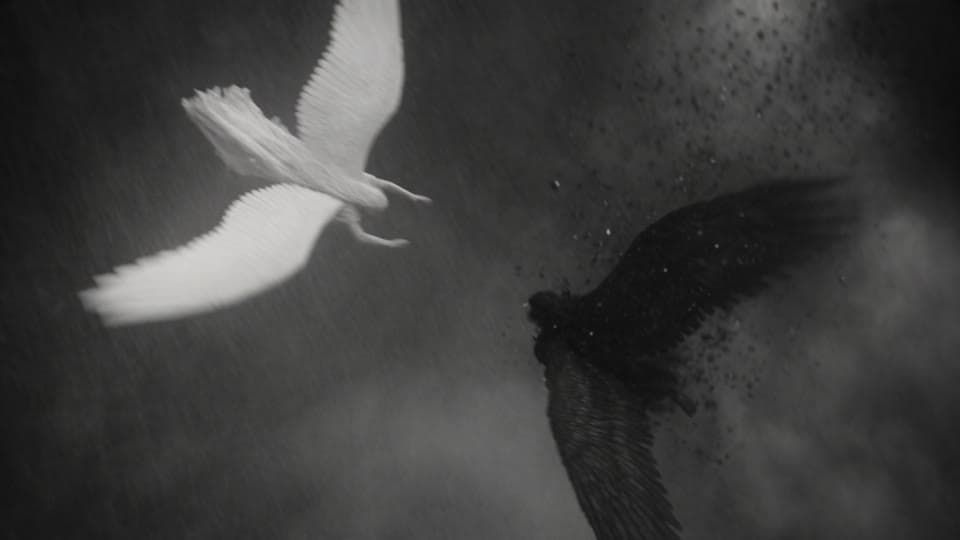
06 · 10–12s
Overhead spiral
She dives after him, wings folded like a blade.
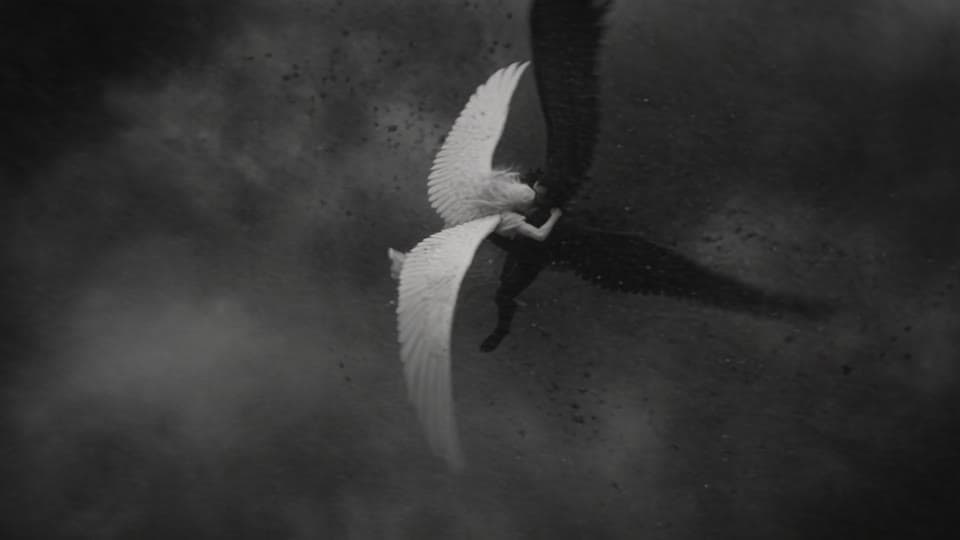
07 · 12–14s
Any angle
She slams into him. They spin end over end.
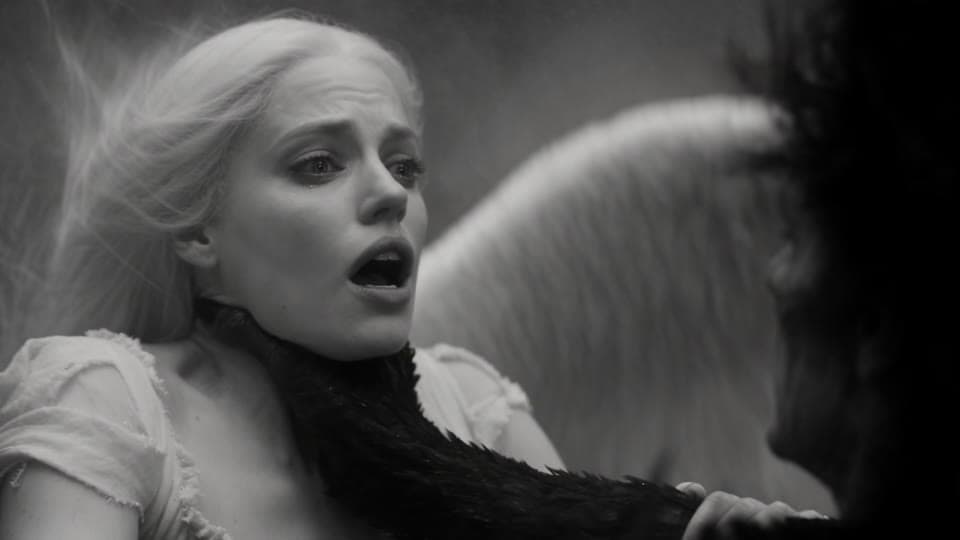
08 · 14–16s
Close-up
He grabs her throat. She grabs his wing.
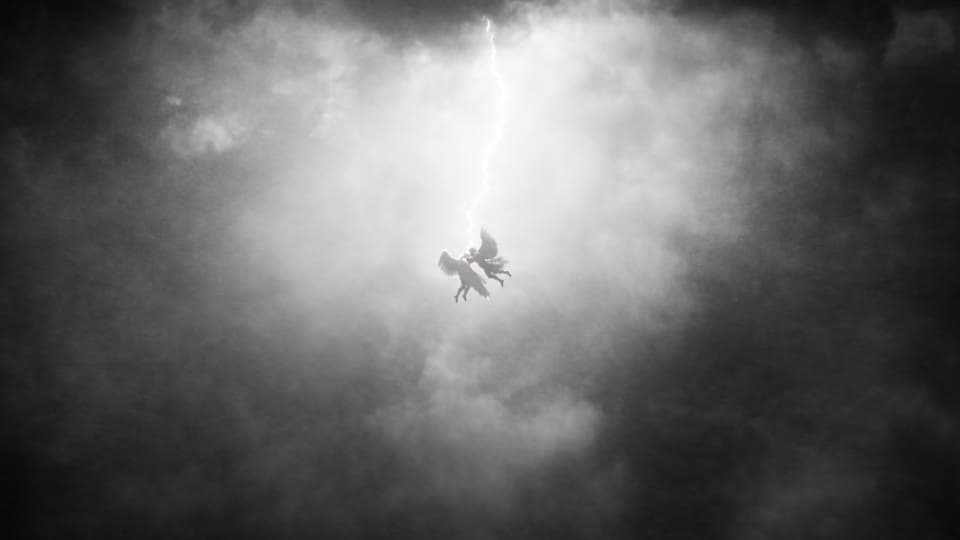
09 · 16–18s
Wide
A lightning bolt splits the sky and silhouettes them.
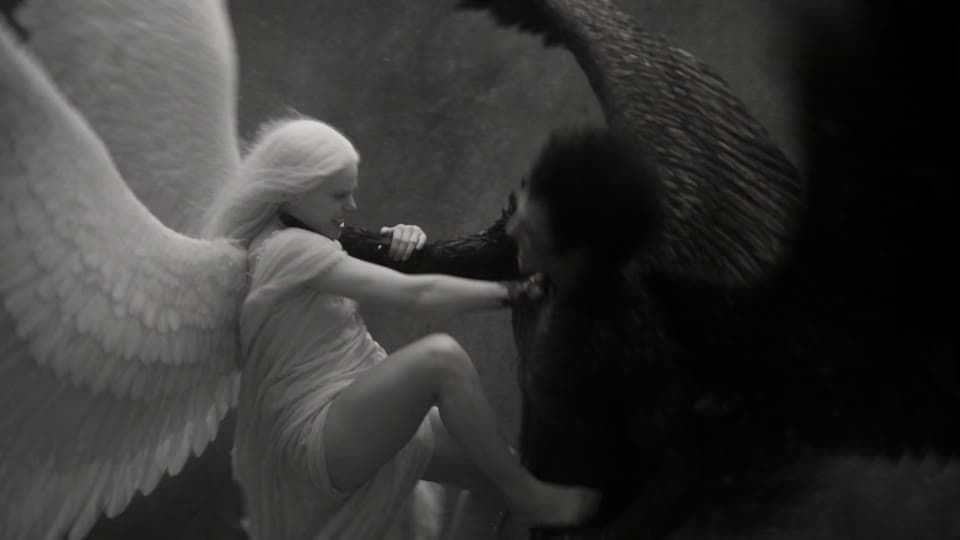
10 · 18–21s
Tumbling orbit
Her foot on his back, she pulls his wing.
11 · 21–24s
Macro close-up
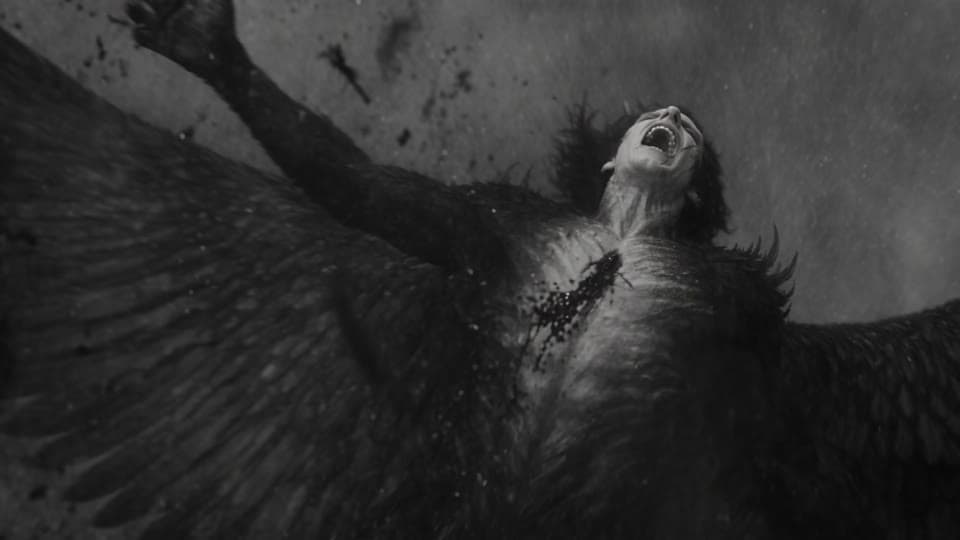
She tears his black wing from his back.
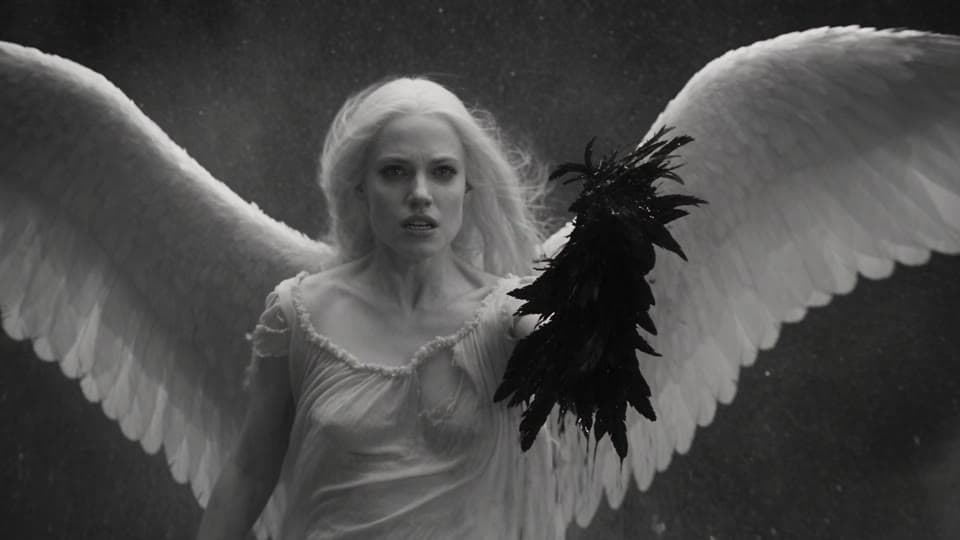
12 · 24–27s
Any angle
She hangs in the storm holding the torn wing.
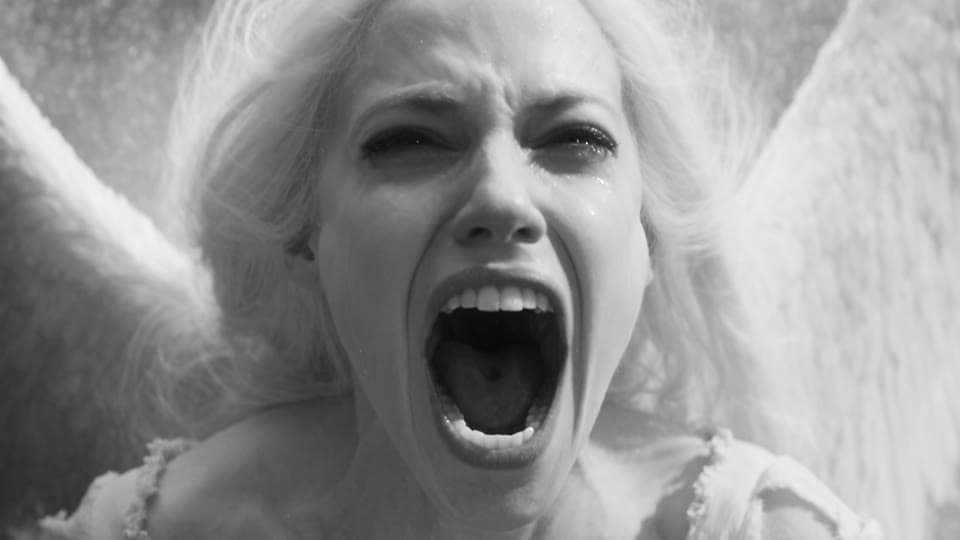
13 · 27–30s
Fast push-in
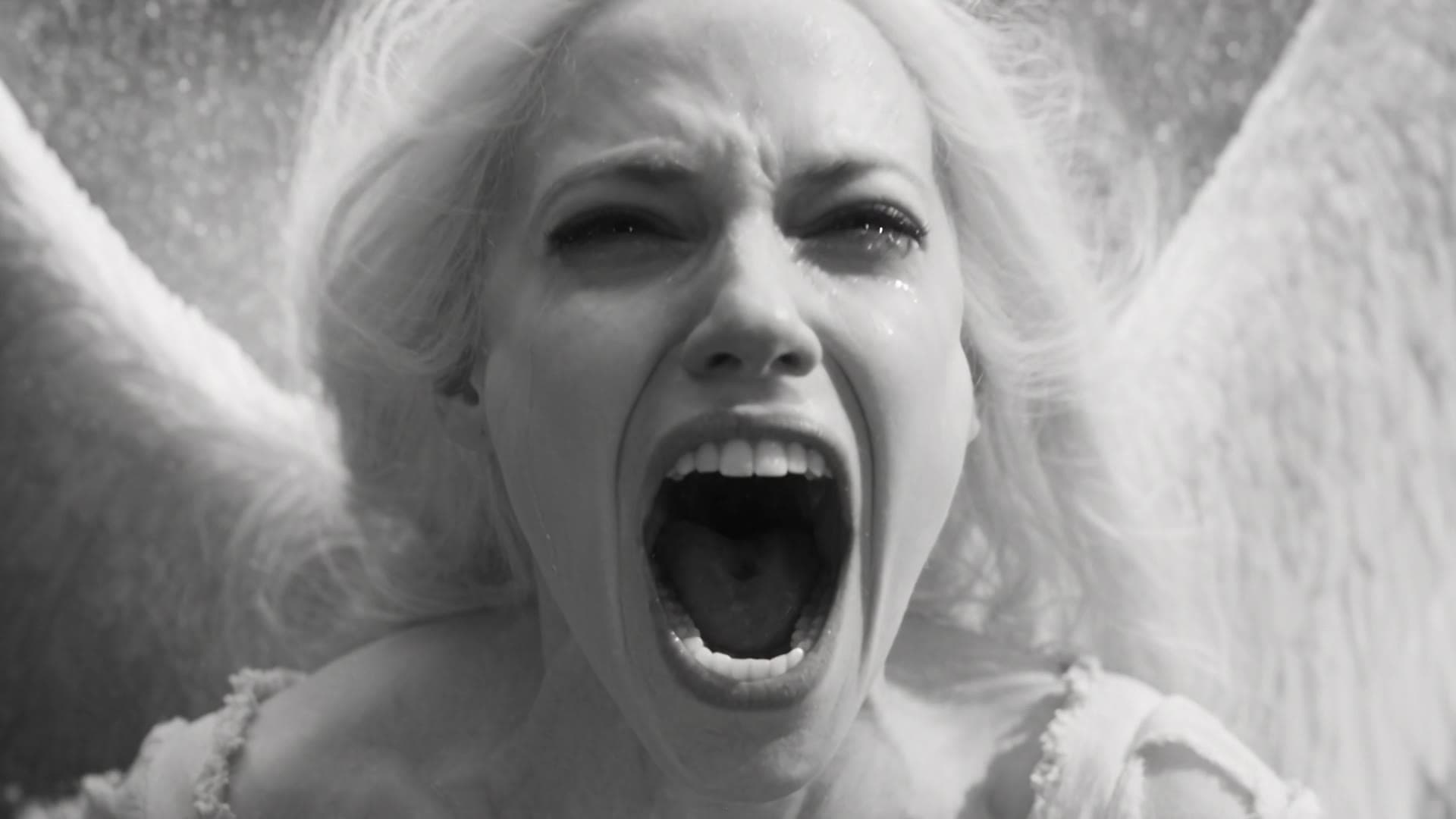
Her scream of rage and grief. The film ends on it.
Tip: the timestamps set the order and the pacing, not the exact frame. In this film a few cuts land a beat early and shots 6 and 7 run together. Roll a 480p draft first, see where the cuts landed, and adjust the lines before you finalize.
The full prompt
Every word
of Star-Cross’d Wings.
Exactly as it was generated in the Shorts tab: Seedance 2.5, 30 seconds, 16:9, Cinematic Live Action. Keep the structure, change the story.
Photorealistic live-action cinema shot on vintage black-and-white 35mm film stock, epic monochrome, deep inky blacks and blown-out highlights, high-contrast chiaroscuro, heavy natural film grain, slight gate weave and halation around lightning, anamorphic lens, real practical effects, realistic skin, feathers and fabric. Not animated, not illustrated, not hand-drawn, not 3D render, no color. The characters are in constant, violent motion in every shot. A dark-winged fallen angel (huge ragged black wings, smoky black robes, tangled dark hair) and a fierce pale angel (long white hair, torn white gown, large white wings) fight while falling through a raging thunderstorm. The storm never stops: swirling clouds, driving rain, wind-whipped feathers and lightning flashing every few seconds, in every shot. The camera constantly spirals, orbits and tumbles with them. 200mm anamorphic lens, with horizontal lens flares, and bokeh effect.

Fast multi-shot sequence with hard cuts:

Shot 1 (0–2s): Wide shot with the camera spiraling down around them. The two angels plunge through a vortex of clouds, locked together and spinning.
Shot 2 (2–4s): Close-up. She claws at his face, and he snarls and throws her off.
Shot 3 (4–6s): The camera orbits fast as their wings slam together and black and white feathers explode outward.
Shot 4 (6–8s): Extreme close-up. Lightning flashes across her eyes, which are furious.
Shot 5 (8–10s): He falls face-first toward the lens, clawing at the air, as rain streaks past.
Shot 6 (10–12s): Overhead spiral. She dives after him with her wings folded like a blade.
Shot 7 (12–14s): She slams into him mid-air, and they spin end over end through the clouds.
Shot 8 (14–16s): Close-up. He grabs her throat, and she grabs his wing with both hands.
Shot 9 (16–18s): Wide shot. A massive lightning bolt splits the sky behind them, silhouetting them as they twist.
Shot 10 (18–21s): The tumbling camera orbits them. She plants her foot on his back and pulls his wing hard as he thrashes.
Shot 11 (21–24s): Macro Close-up. With one violent wrench she tears his black wing from his back, and a storm of black feathers bursts out. He arches and screams, falling away.
Shot 12 (24–27s): She hangs in the storm holding the torn wing as feathers swirl around her and lightning flashes.
Shot 13 (27–30s): A fast push-in to an extreme close-up of her face as she screams with rage and grief, mouth wide and hair whipping in the wind, lit by lightning, as the storm rages around her. The video ends on her mid-scream.

Mood: brutal, epic, tragic. Lightning on every impact. No text.
Before your first Short
Questions about multi-shot prompts.
- How do you make a multi-shot AI video from one prompt?
- Write the look once at the top of the prompt, then list every shot with a time range, a camera move and one action, in order. On Seedance 2.5 a single 30-second take returns all of them as one edited sequence, with the same characters, light and weather in every cut.
- What is the Shorts tab?
- Shorts is the fastest way to make a video in Pray Production Studio: one prompt in, one finished 15 or 30 second clip out, with no project or storyboard. Pick the model, length and shape, describe it, and generate.
- How many cuts can you fit in 30 seconds?
- This film has 13. Two-second shots are enough for an action beat; give the moments that matter three. If you are new to it, start with four or five shots and add more once the timing lands.
- Do the cuts land exactly on the timestamps?
- Close, not to the frame. In this film a few cuts land a fraction of a second early or late, and two of the shots run together. Timestamps set the order and the pacing; the draft shows you where they actually landed.
- What is a 480p draft?
- Draft 480p renders the take fast and at a fraction of the full price. If you like it, Finalize 1080p re-renders that same take at full resolution, so you only pay full price for the keeper.
- Can I use this prompt?
- Yes. Copy it below, or open it straight in the Shorts tab, then change the characters, the place and the thirteen actions to tell your own story.
Your story. Every cut yours.
Write it once.
Direct every cut.
One box. Thirty seconds. As many shots as your story needs.
Make your first Short today.
Pray Production Studio is made by Pray.com.