
Paste a script or an idea. Get scenes, shots and the same characters in every one.
AI movie maker From script to finished film
Direct each shot with the model that fits it, then edit and export the film.
The short answer
Pray Production Studio is best for turning a script into a finished film: scenes, shots, the same characters in every shot, sound and an edit, all in one place.
Paste a script or describe an idea. The studio breaks it into scenes and shots, keeps each character the same from shot to shot, generates every shot with the video model that suits it, and lays the takes on a timeline you can edit and export.
One prompt. Thirteen shots.
A shot list in, an edited sequence out
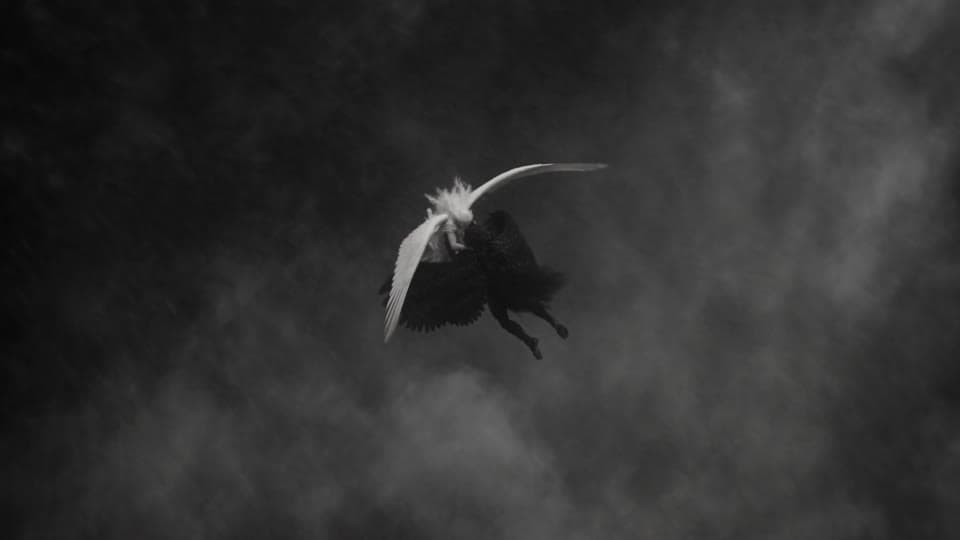
Shot 1 · 0–2s
Wide, spiraling down
Locked together, they plunge through a vortex of clouds.
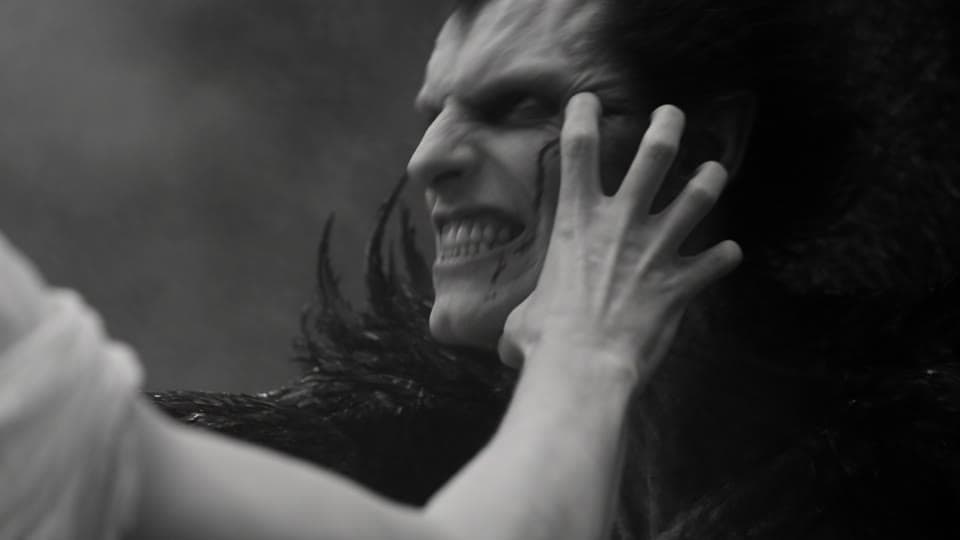
Shot 2 · 2–4s
Close-up
She claws at his face. He snarls and throws her off.
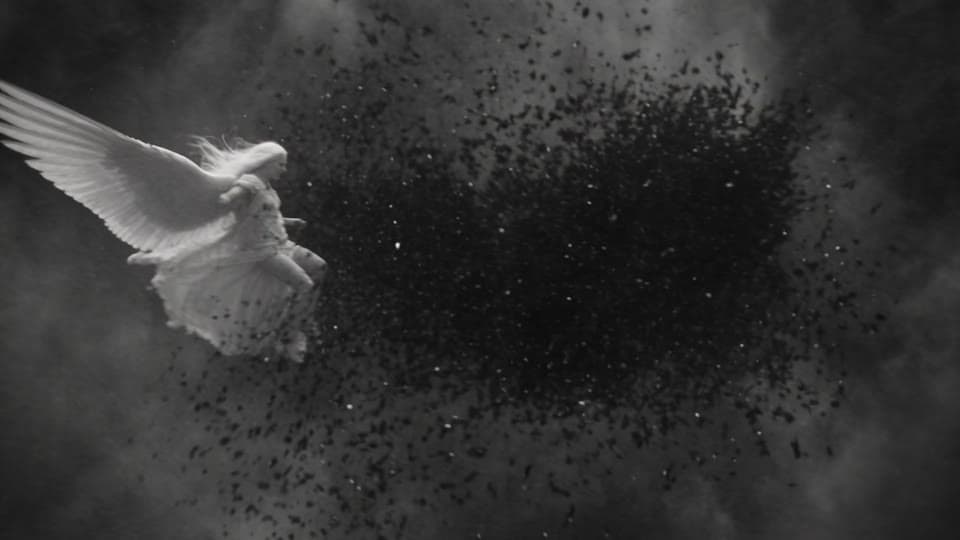
Shot 3 · 4–6s
Fast orbit
Their wings slam together and feathers explode outward.
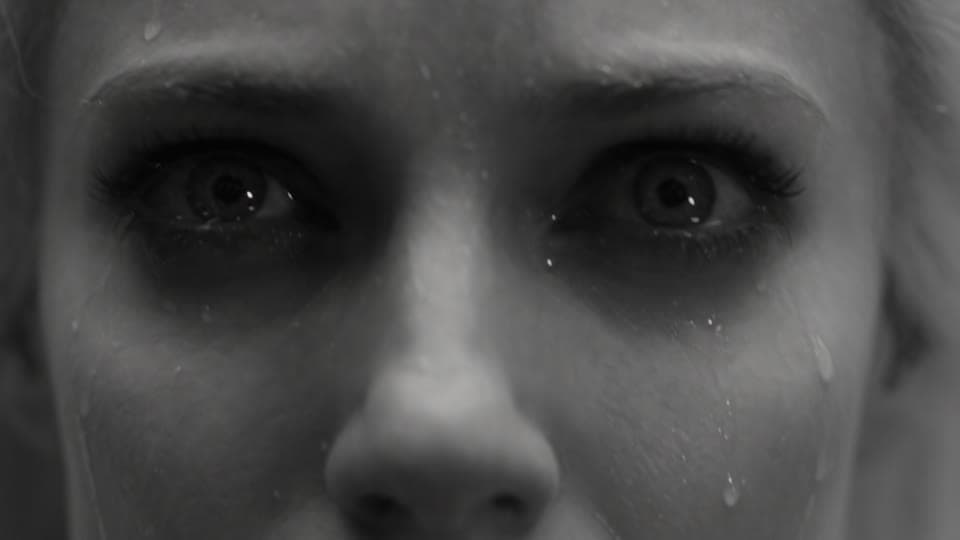
Shot 4 · 6–8s
Extreme close-up
Lightning flashes across her furious eyes.
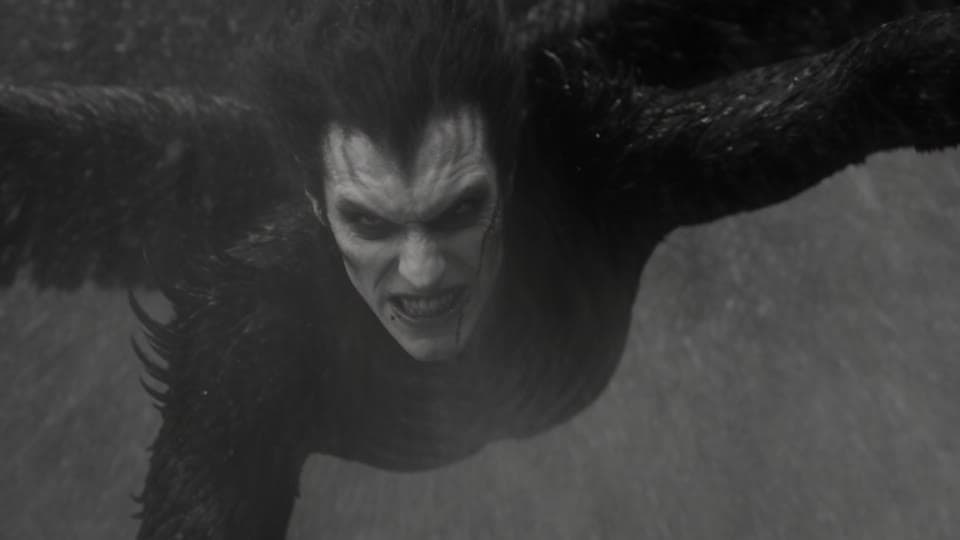
Shot 5 · 8–10s
Toward the lens
He falls face-first, clawing at the air.
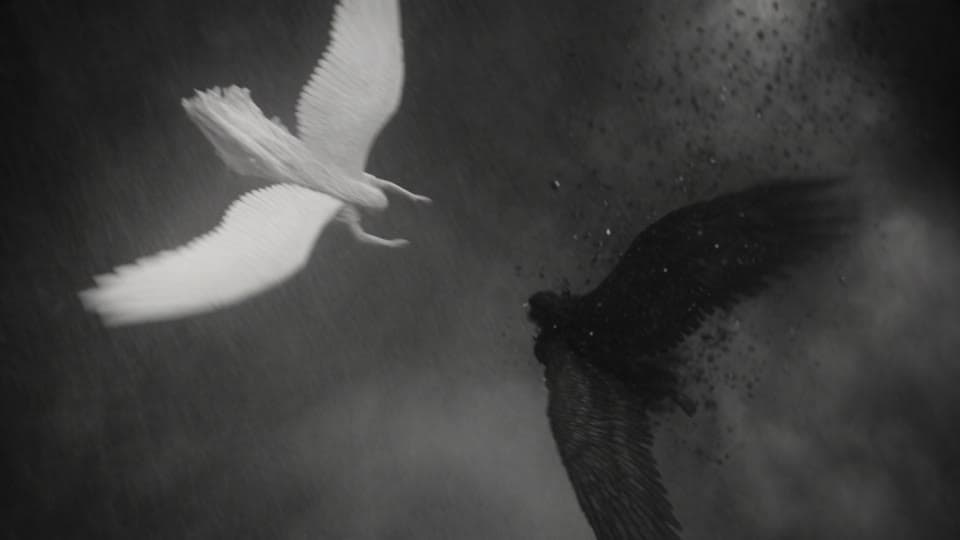
Shot 6 · 10–12s
Overhead spiral
She dives after him, wings folded like a blade.
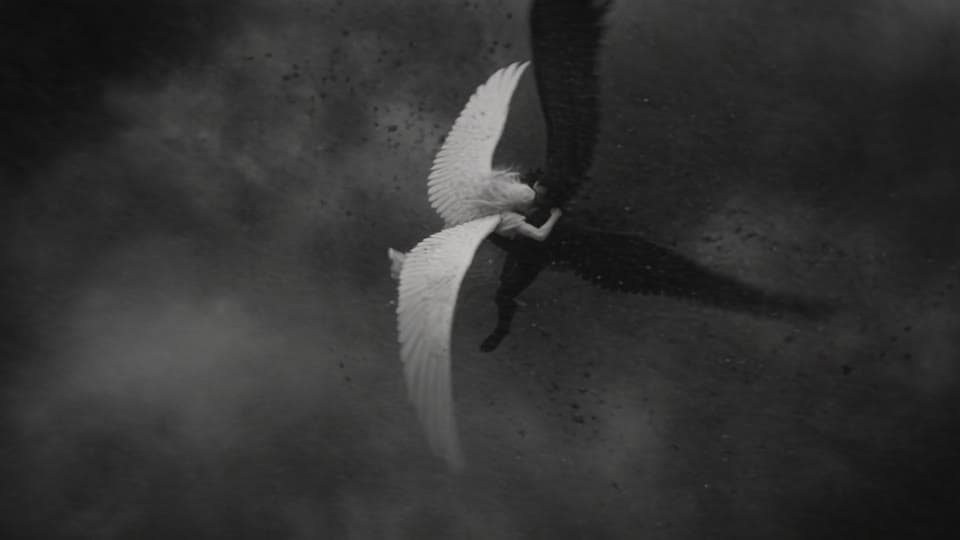
Shot 7 · 12–14s
Any angle
She slams into him. They spin end over end.
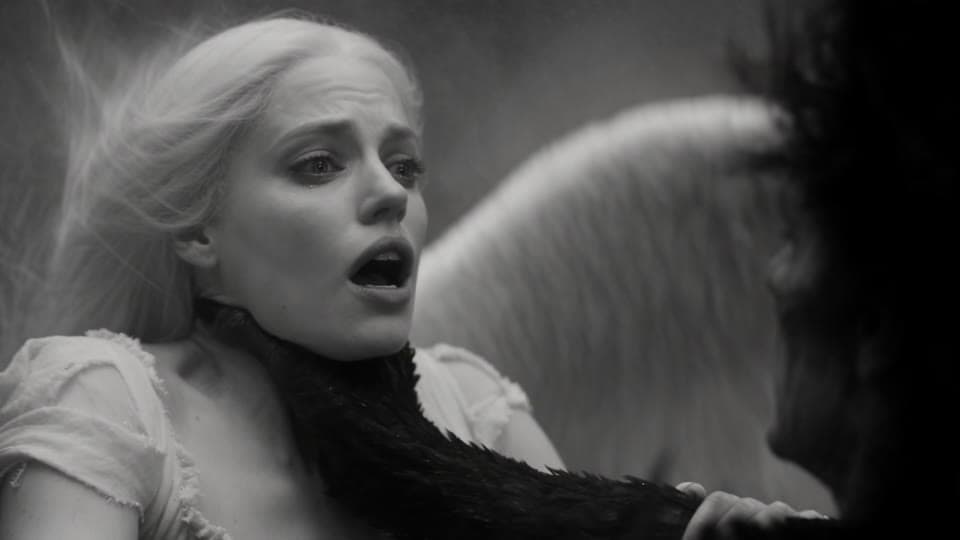
Shot 8 · 14–16s
Close-up
He grabs her throat. She grabs his wing.
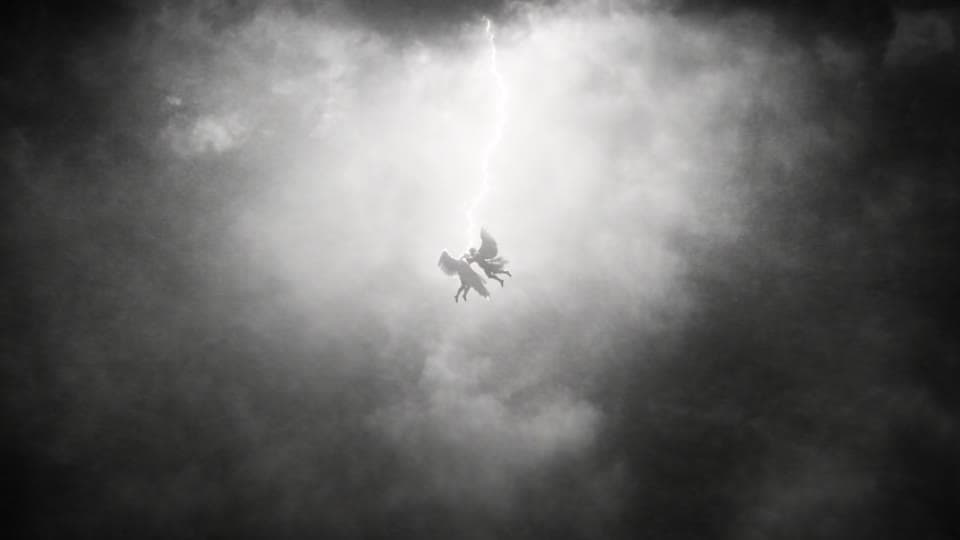
Shot 9 · 16–18s
Wide
A lightning bolt splits the sky and silhouettes them.
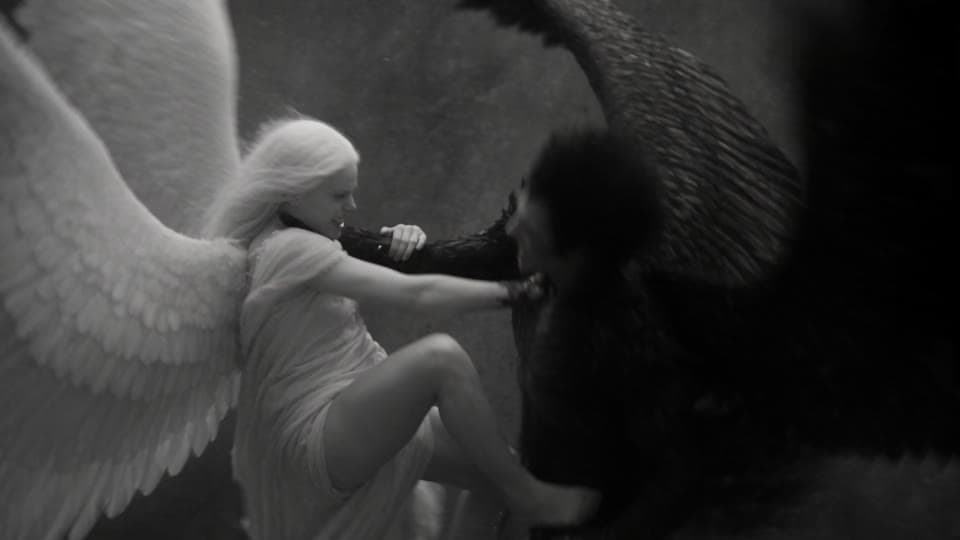
Shot 10 · 18–21s
Tumbling orbit
Her foot on his back, she pulls his wing.
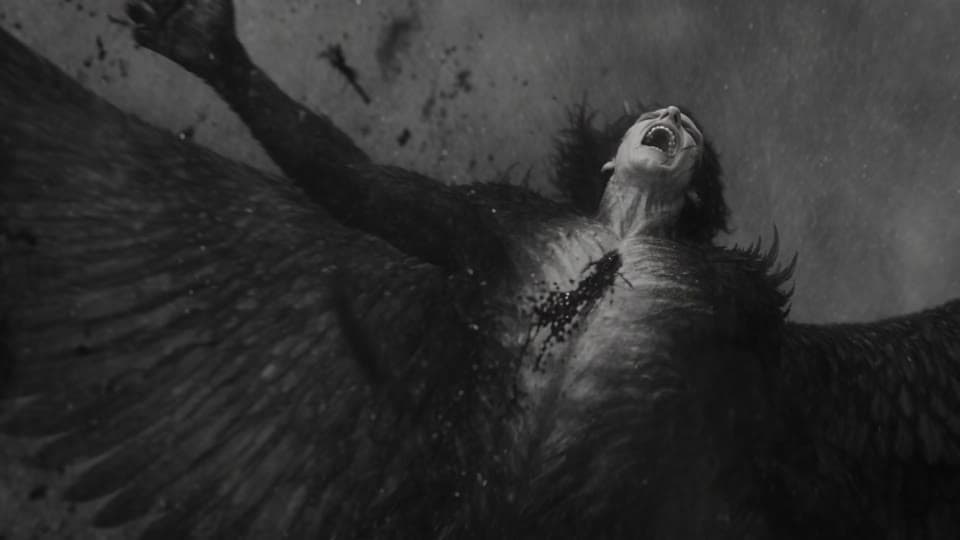
Shot 11 · 21–24s
Macro close-up
She tears his black wing from his back.
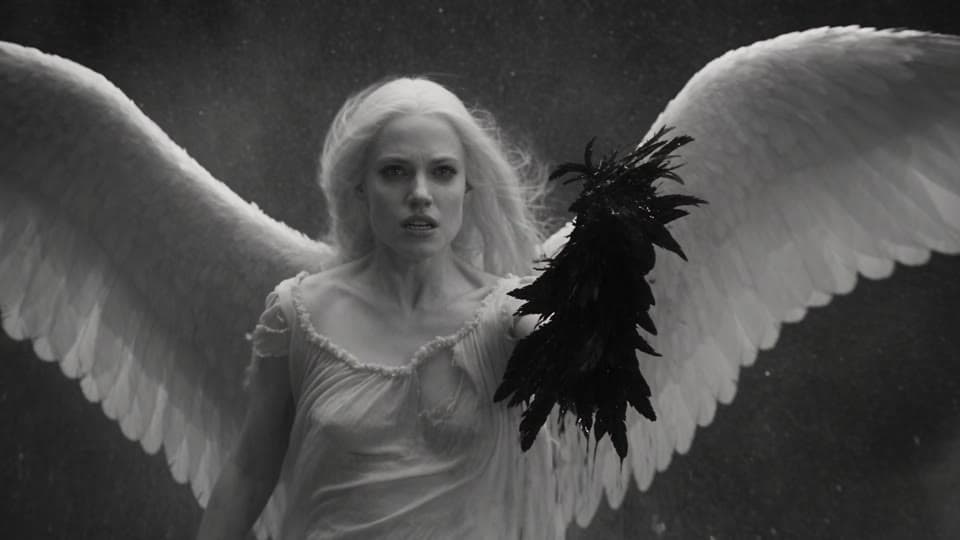
Shot 12 · 24–27s
Any angle
She hangs in the storm holding the torn wing.
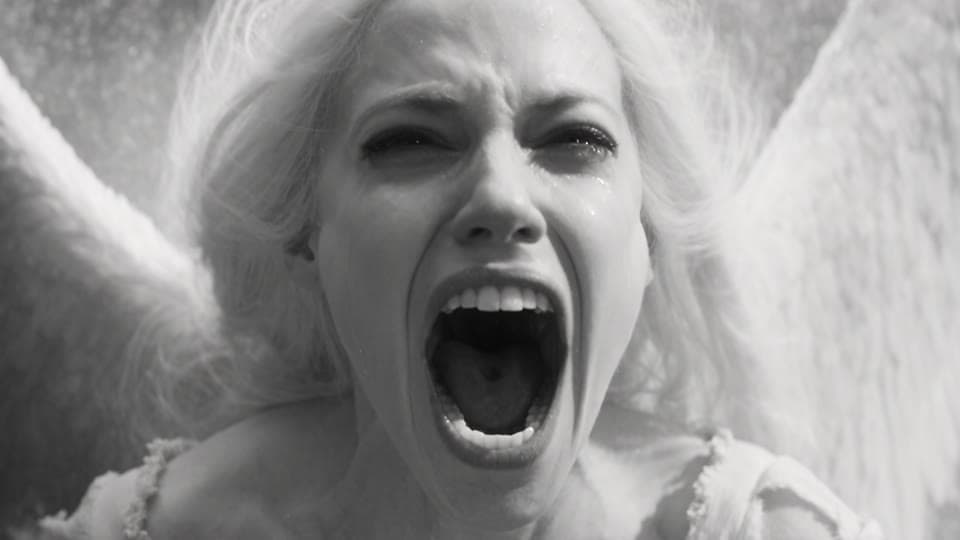
Shot 13 · 27–30s
Fast push-in
Her scream of rage and grief. The film ends on it.
Real takes. Real prompts.
Made in Pray Production Studio
Thirteen cuts from one prompt
Write the look once, then every shot with a time range, a camera move and one action. One 30-second generation came back as this edited sequence.
Your own lead character
Add one photo as a reference and the same character carries through every shot. The Flying Frenchie is one photo of a dog and one prompt, thirteen shots long.
Dialogue in the same take
Write the line in quotes in the prompt, and she says it with her mouth moving to the words, in the take itself.
How it works
How to make an AI movie
- 1
Paste a script or an idea
The studio reads it and breaks it into scenes and shots, each with a description you can change.
- 2
Cast your characters once
Make an Actor from a photo or a description. The same face and outfit are reused in every shot.
- 3
Direct every shot
Describe the shot and roll takes in Director Mode, or make an image for each shot first in Storyboard Mode. Pick the video model shot by shot.
- 4
Edit and export
Your takes land on a timeline in shot order. Add narration, voices and music, then export an MP4 or a Premiere Pro project.
Questions, answered
Can AI make a whole movie from a script?
Yes, one shot at a time. Pray Production Studio breaks a script into scenes and shots, generates each shot as a video clip, and puts the clips on one timeline. A single generation runs up to 30 seconds on Seedance 2.5; a film is many of them cut together, with the same characters in each.
How long can an AI movie be?
As long as your script. Each shot is its own generation, and the timeline holds as many shots as the film needs. Export the cut as an MP4, or as a Premiere Pro project to keep editing.
Will my characters look the same in every shot?
Yes. Save each character once as an Actor, from a photo or a description, and the studio reuses that face and outfit in every shot. A Seedance 2.5 shot can also take up to 30 reference images.
Can I add dialogue, narration and music?
Yes. Seedance and Veo generate dialogue and sound effects with the picture, and the studio adds narration, character voices and music on the timeline.
Which AI video models can I use?
Seedance 2.5, Seedance 2.0, Kling 3.0 and Veo 3.1, picked shot by shot in the same project. Every plan includes all of them.
How much does it cost to make an AI movie?
In Pray Production Studio you spend credits on what you generate, and every Generate button shows the exact cost before you run it. A 10-second Seedance 2.5 clip uses about 335 credits at 720p, and a 10-second Kling 3.0 clip about 183. Plans start at $19 a month with 1,000 credits.
Roll camera
Paste a script or an idea and see it as scenes and shots, with the same characters from the first shot to the last.