A director’s guide to AI video prompts
How to write AI video prompts. Show it, don’t say it.
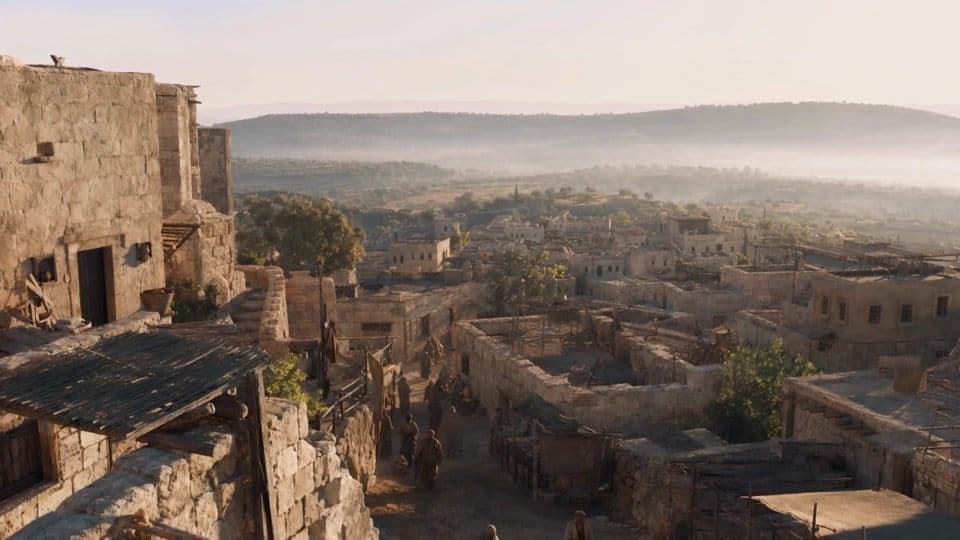
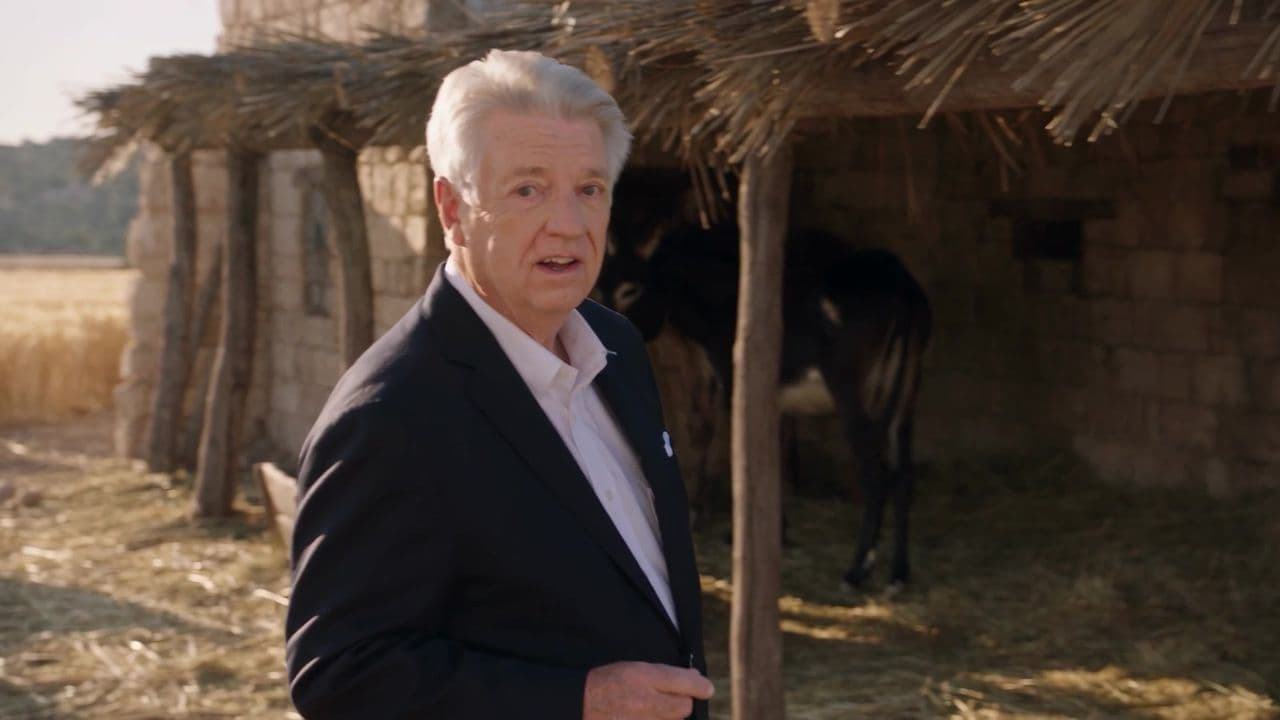
Every frame of that Bethlehem street was generated by AI, except one man. He never left the studio. Here is the exact prompt, the references, and the rules we use to direct AI video like a film set.
The quick answer
A strong AI video prompt reads like a call sheet, not a poem. Cover five layers in every shot: subject, action, camera, light and world, and sound. Time-code shots longer than a few seconds, give every camera move a speed word, paste one style paragraph word for word, and show the model a reference instead of describing it.
- Layers per shot
- 5Subject, action, camera, light, sound
- Beats
- Time-codedOne per camera setup
- Style
- 1 paragraphPasted, never paraphrased
- References
- 3 to 4A picture beats a sentence
01 · The idea
Stop describing what you can show.
Pastor Jack Graham walks through Bethlehem on the morning of the first Christmas, talking to camera. He shot it in one afternoon, in front of one grey backdrop. Everything else came from three references attached to a single 30-second shot.
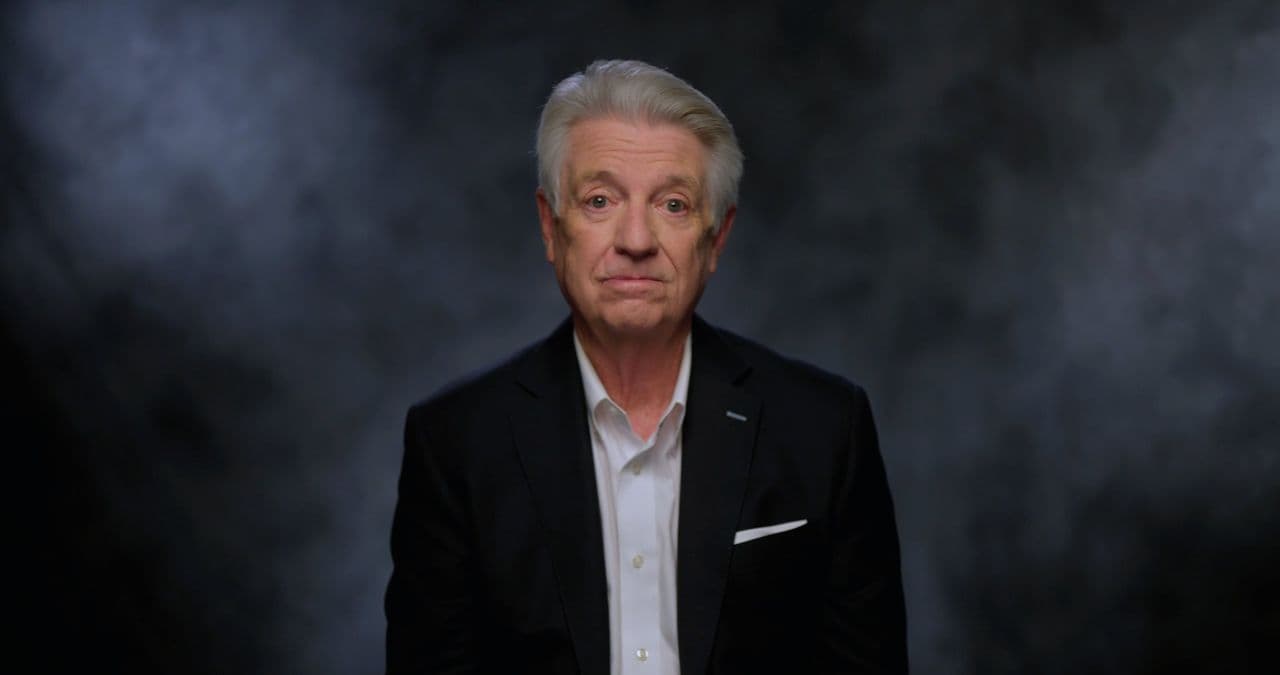
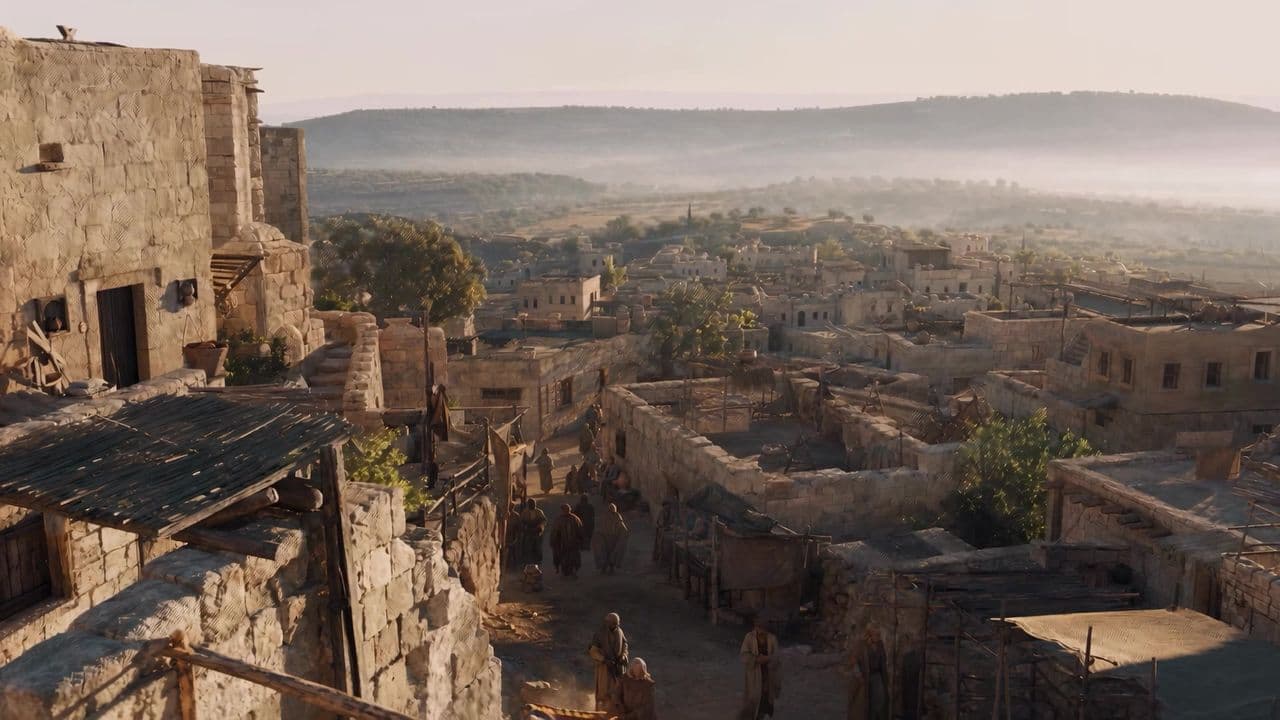
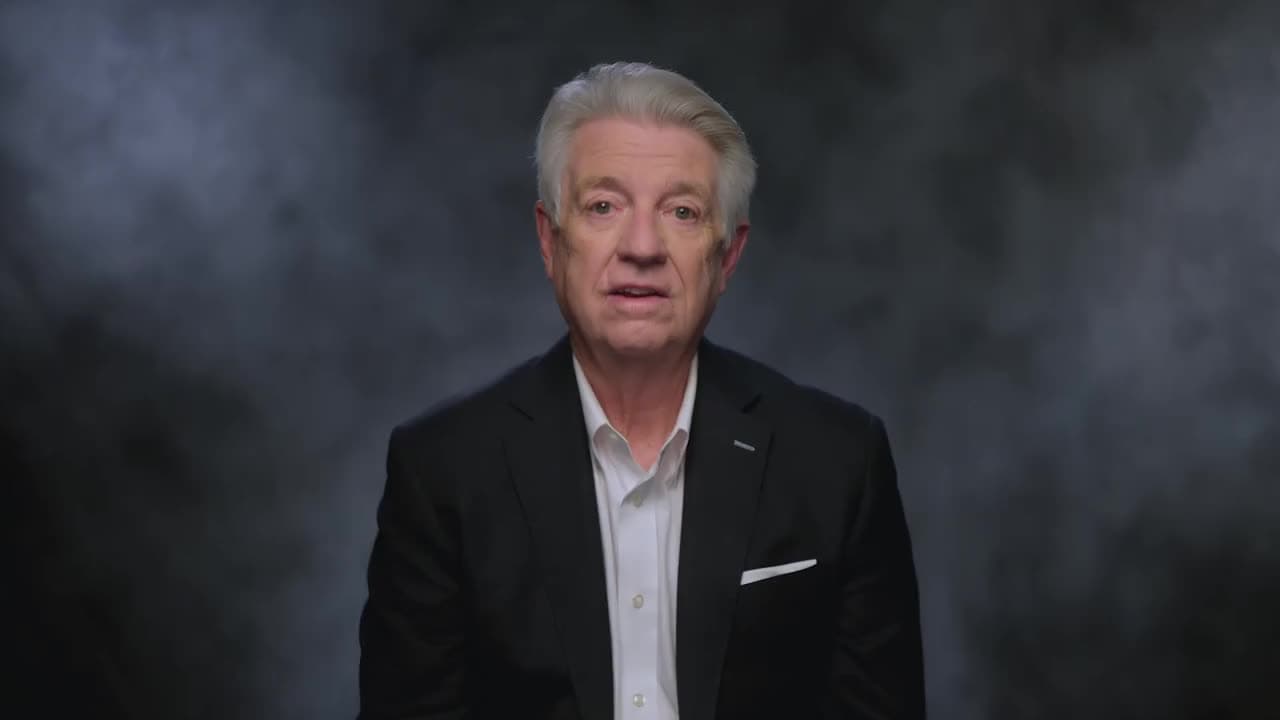
The model did not invent his face, the town, his voice, or his performance. It borrowed them. That is the whole method in one sentence: if you can show it, don’t describe it. Words are for what only words can do: action, timing, camera, and intent.
Watch the finished episode in the Jack Graham case study.
02 · The prompt
Write a call sheet, not a poem.
Here is the real prompt behind that shot, word for word. It has no “epic”, no “cinematic masterpiece”, no “stunning 8K”. It tells the model who, where, what they wear, what the world does, and what happens when. Hover a note to see the part of the prompt it explains.
The actual prompt · Shot 1 · 30 seconds
1@Jack Graham is walking through the streets of @Bethlehem as he speaks to the camera. 2His audio is directly from @JG_Scene1_raw.mp4 as his spoken lines. 3Jack Graham’s clothes are a modern professional suit as in the reference image. He stands out of place in the Biblical era scene. A presenter of an ancient story. 4Throughout the shot, Biblical era people move around as the morning sun rises over Bethlehem. They ignore Jack Graham as if he’s not there. 50-7s Medium wide tracking shot as @Jack Graham walks through the street of Bethlehem. 7-12s Wide shot from above. He is now reaching the outskirts of the town, sparse buildings and farm fields. 12-30s Medium wide tracking shot past wheat fields and cattle. He arrives at a stable and stops with his last words in front of it. 6NO BACKGROUND MUSIC.
- 01Who and where, as tags.
Every @ is a picture the model can see, so the words never have to describe a face or a street.
- 02The voice is a reference.
His real recording drives the words and the lips. The model does not invent a performance.
- 03Wardrobe, stated plainly.
The contrast is the point of the shot, so the prompt says it out loud instead of hoping.
- 04The world has a job too.
Extras, light, and how they behave. Leave them out and the street stands still.
- 05Write the clock.
Three beats, each with its own framing and move. A 30-second shot is not one instruction.
- 06Say what you don’t want.
Music gets added in the edit, where you control it, not baked into the take by the model.
03 · Anatomy of a shot
Five layers. Every shot.
A bigger shot from the same episode: the night Jesus is born. One prompt, three beats, four characters. Press play (it has sound) and the beat on screen lights up in the prompt. Click any beat to jump to it.
The prompt, trimmed to what matters
@Jack Graham walks toward a humble stable in the dead of night in @Bethlehem at Night, speaking to camera. His audio is directly from @JG_Scene3_raw.mp4. A pregnant @Mary and @Joseph prepare the stable for the birth of their son.
NO BACKGROUND MUSIC.
Pull that prompt apart and every shot that works has the same five layers:
- 01
Subject
@Mary, @Joseph, @Baby Jesus, @Jack Graham
Who is in the shot, as tags, never as a description of a face.
- 02
Action
Mary yells through the pain, Joseph holds her hand
A verb you could see from across the room.
- 03
Camera
Medium wide, close-up, then a wide pull-out
A framing plus a move, for every beat.
- 04
Light and world
Dead of night, a humble stable lit by torches
Where, when, and what lights it.
- 05
Sound
His real audio, soft crying, no music
What you hear, and what you do not.
Miss a layer and the model fills it in for you. It always fills it in with the average: the most common light, the most common camera, the most common sound. The five layers are how your shot stops looking like everyone else’s.
04 · Timing
Write the clock.
A 30-second shot is not one instruction. Seedance 2.5 can cut between several camera setups inside a single generation, but only if you tell it when each one starts. Write the timing, the camera move, and the action for every beat.
0-7s framing, move, action. 7-12s framing, move, action. One line per beat, in the order you want them to play.
05 · Camera
Name the move. Then the speed.
“Camera moves through the street” could mean anything. “Steady tracking shot” is a decision. Every move in the episode has a name and a speed word: steady, slow, or fast. The speed word is what stops a move from turning into a lurch.
We keep a free library of 46 camera moves, each with a looping example and a prompt you can paste. A few of them:
06 · The look
Describe the medium, not the mood.
Same studio, completely different look. Fallen Garden is a hand-drawn style anime about the fall of Lucifer, made entirely in Pray Production Studio. The first episode passed 2.1M views on Instagram. Every one of its prompts opens with the same paragraph. Click a highlighted phrase to see what it does to the frame.
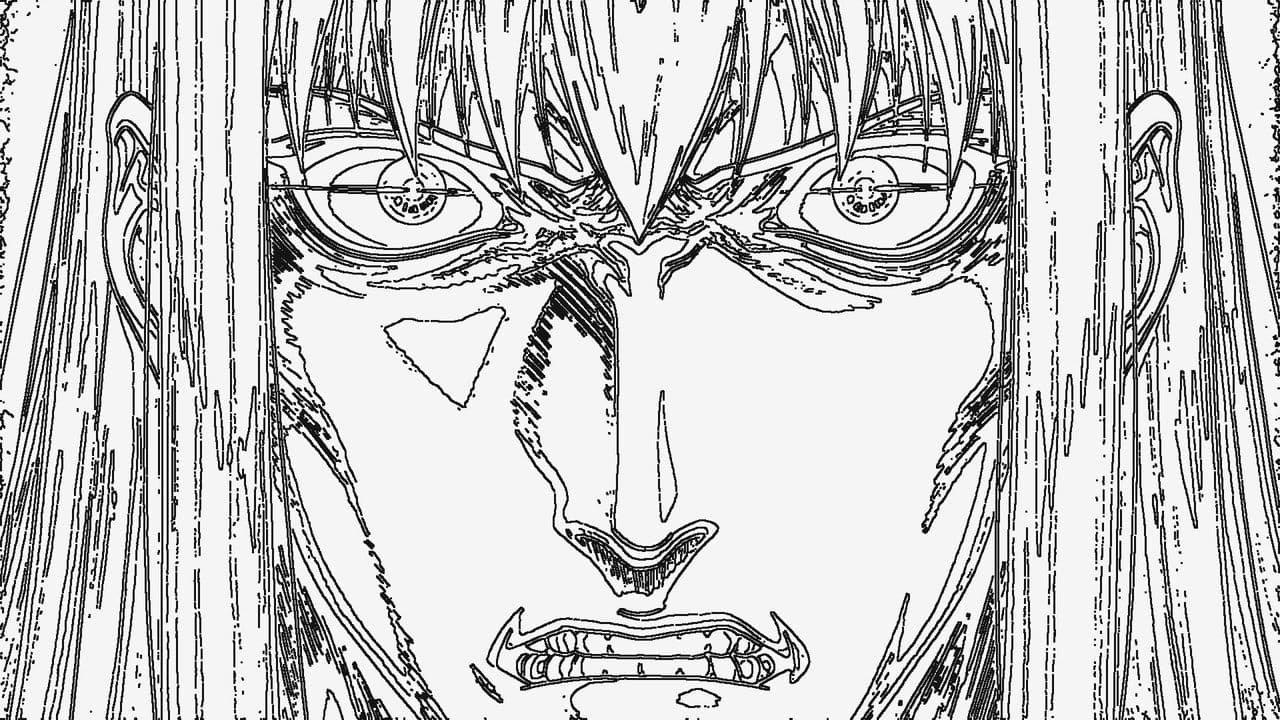
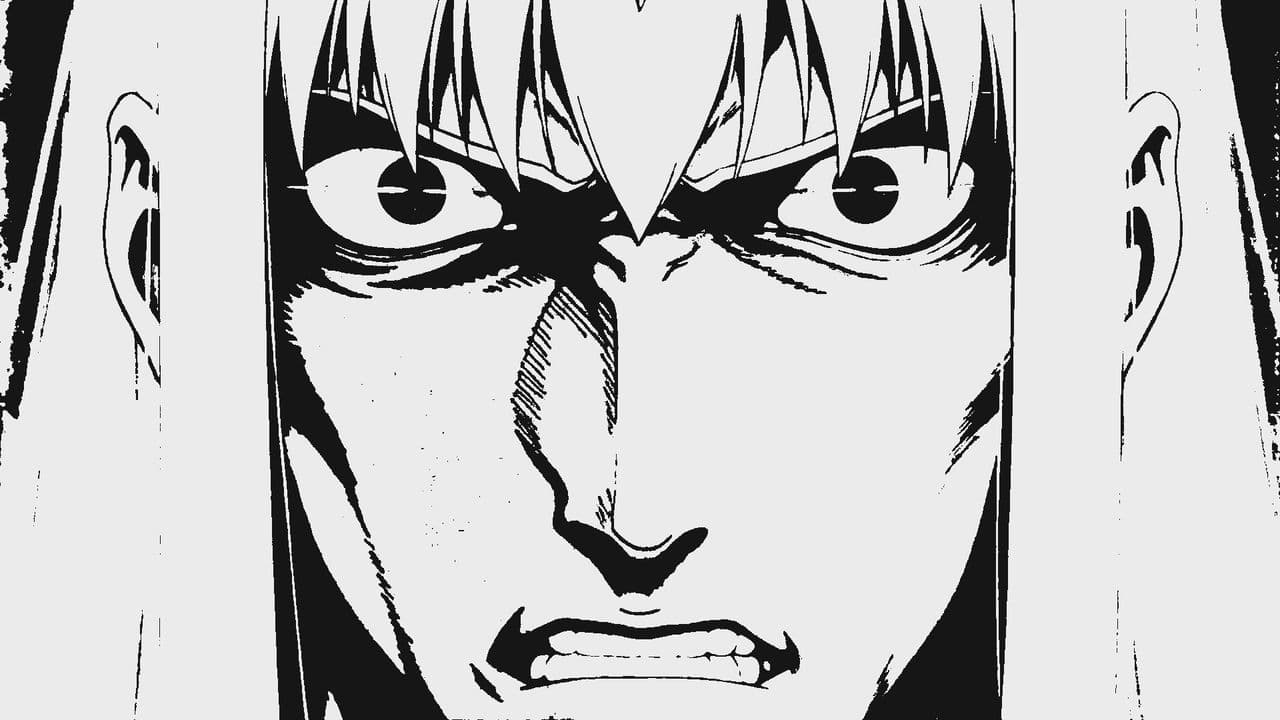
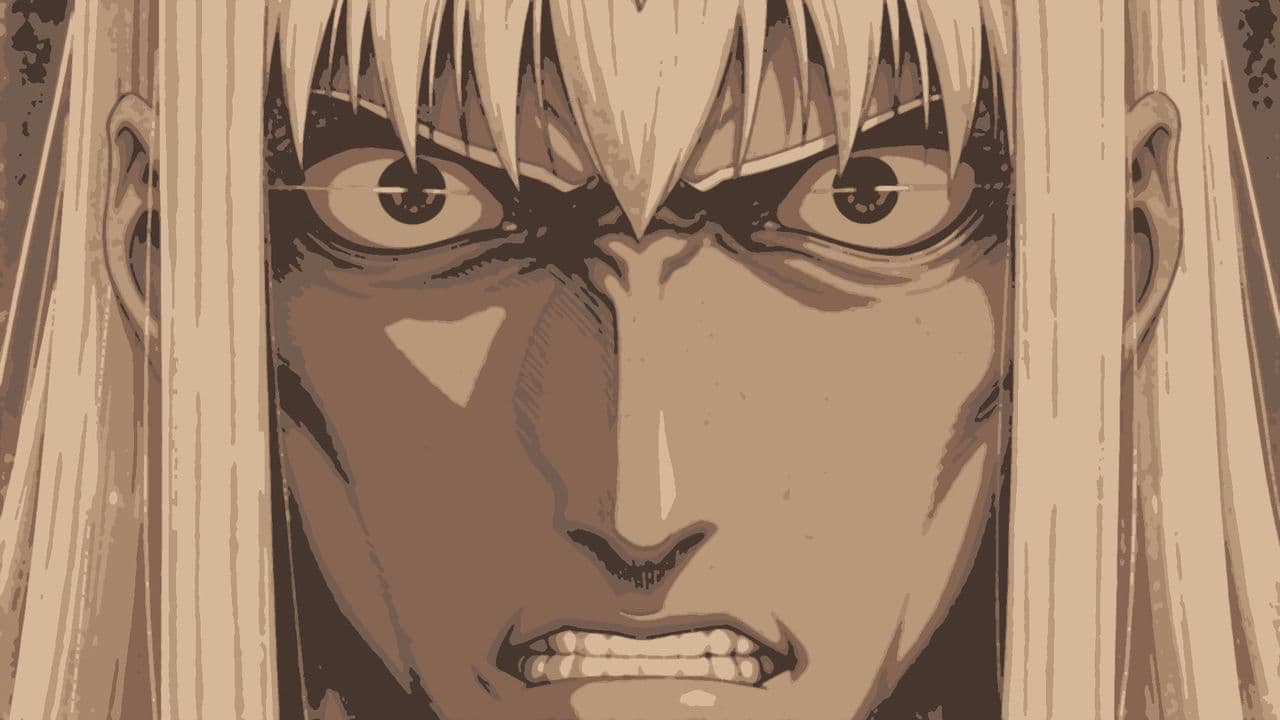
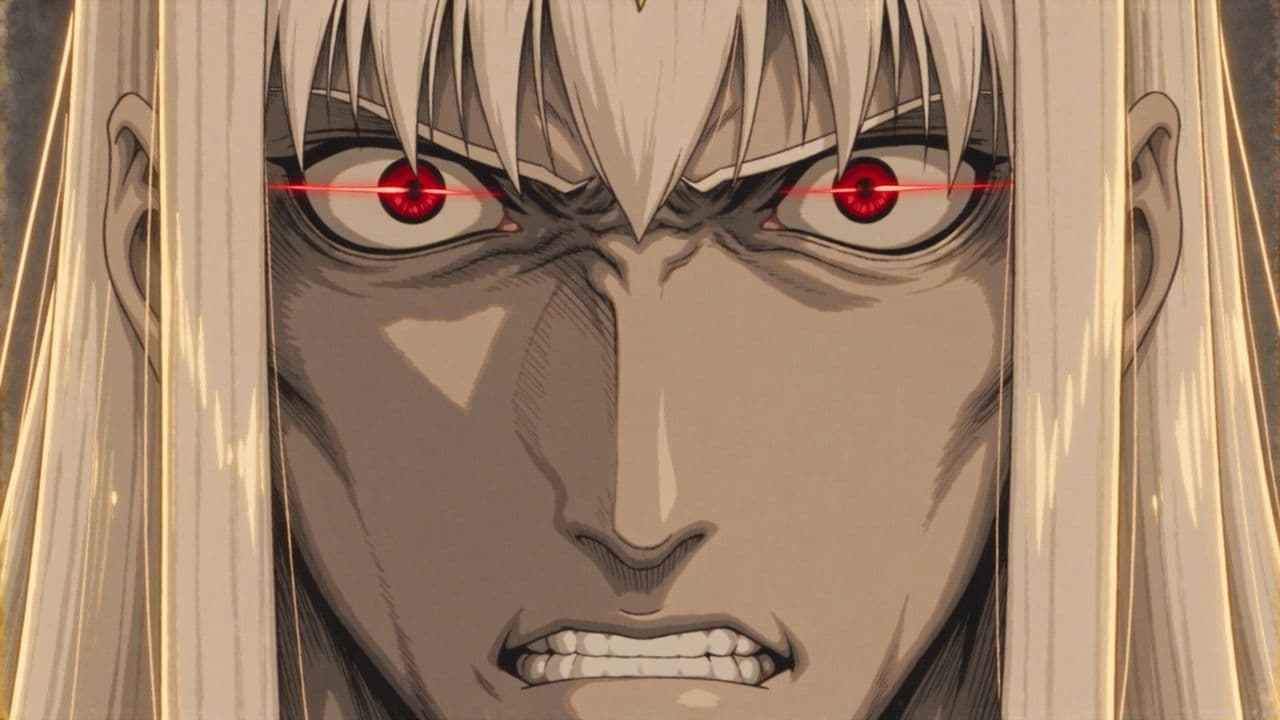
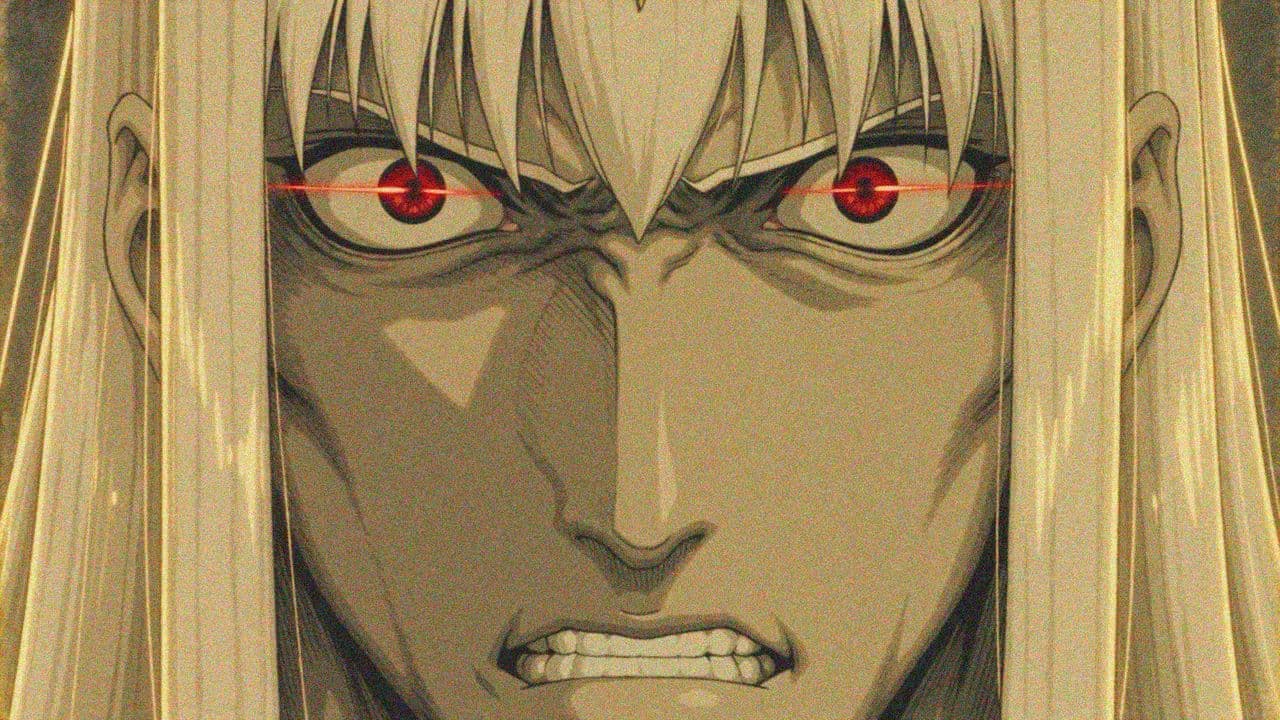
The opening lines of every Fallen Garden prompt
This is HAND-DRAWN 2D CEL ANIMATION from a 1990s Japanese anime feature. Every frame is a drawing on paper: visible ink linework on every contour, flat colour fills, two-tone shading with ONE hard terminator edge per form. Backgrounds are hand-painted gouache artwork with visible brushwork. Animation is limited: held frames, drawings on 2s and 3s, smears rather than smooth interpolation. Over the whole image: heavy print grain, faded low-contrast blacks, aged yellowed paper.
Notice what is missing: no “epic”, no “beautiful”, no “stunning”. Every phrase is something you could check with a magnifying glass. Ink on every contour. One hard shadow edge. Drawings on 2s and 3s. That is what makes a look repeatable, shot after shot.
The “not” list is half the style
Video models drift toward a glossy 3D render by default. If you want anything else, you have to rule that out by name, in every shot.
It is
- Hand-drawn cel
- Ink outlines
- Flat fills
- Painted backgrounds
- Print grain
It is not
- 3D
- CGI
- Motion blur
- Lens flare
- Bokeh
Paste it. Never paraphrase it.
Six shots, six different setups, one look. The paragraph is copied in word for word every time. Retype it from memory and “flat fills” becomes “flat colors”, and the look starts to slide.
Save the paragraph once as the project’s Custom visual style and every shot inherits it, so nobody has to remember to paste it. Watch the Fallen Garden episode ↗
07 · References
Tags are the steering wheel.
One fight shot from Fallen Garden: Lucifer draws his sword from the fire, Michael catches his own, inside the throne hall. Two characters, two swords, the hall, the throne, and three earlier frames for continuity. Each one is a reference with a name, and the prompt points at them.
@lucifer draws @lucifer_sword from the fire · @michael catches @michael_sword · inside @hall_throne
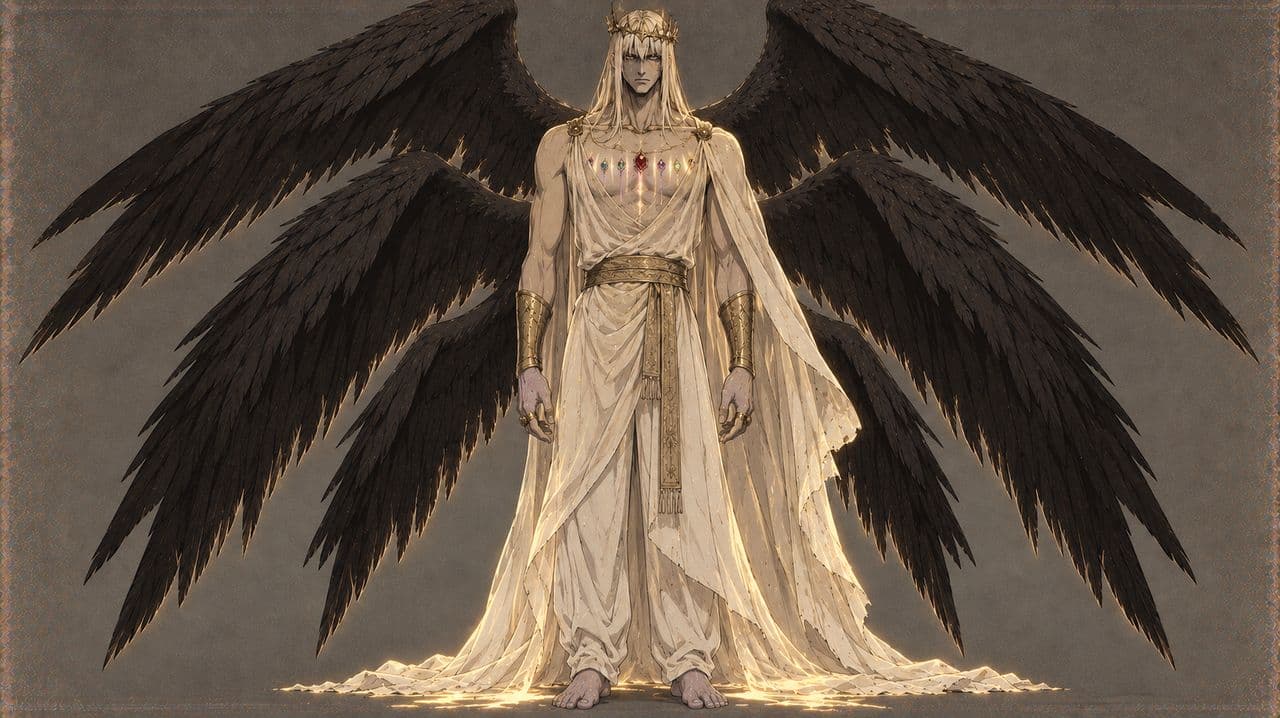
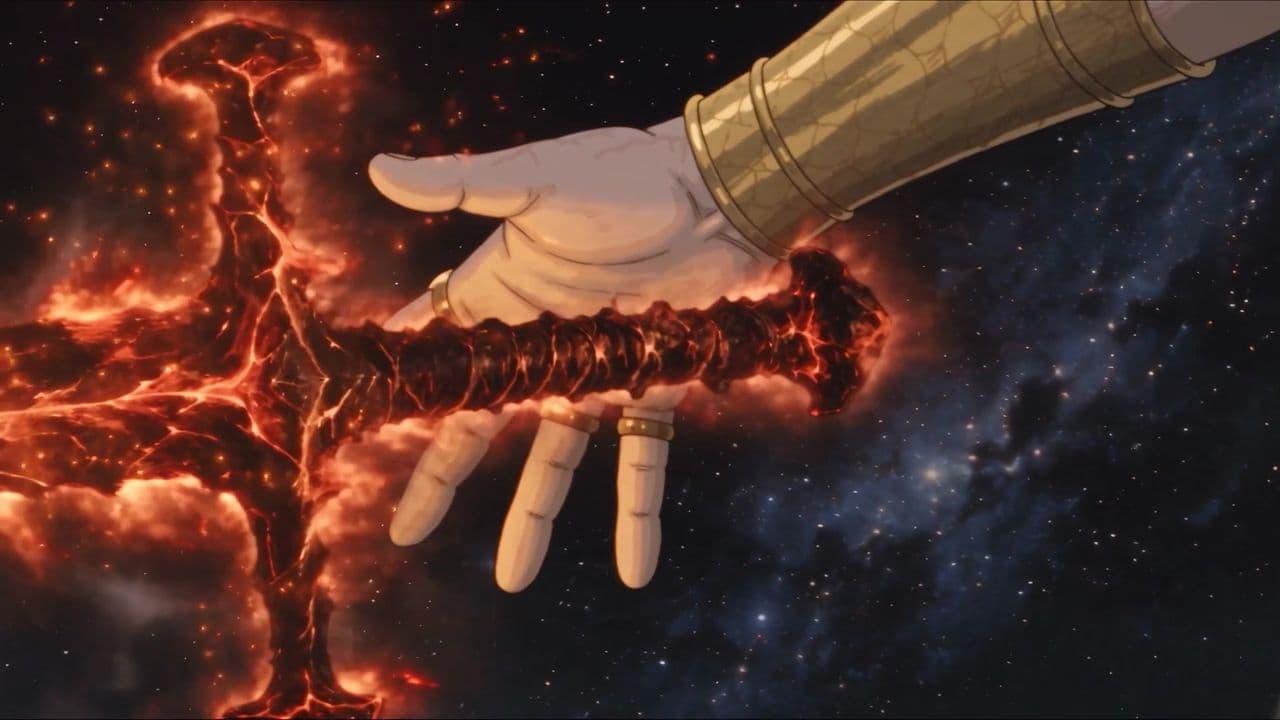
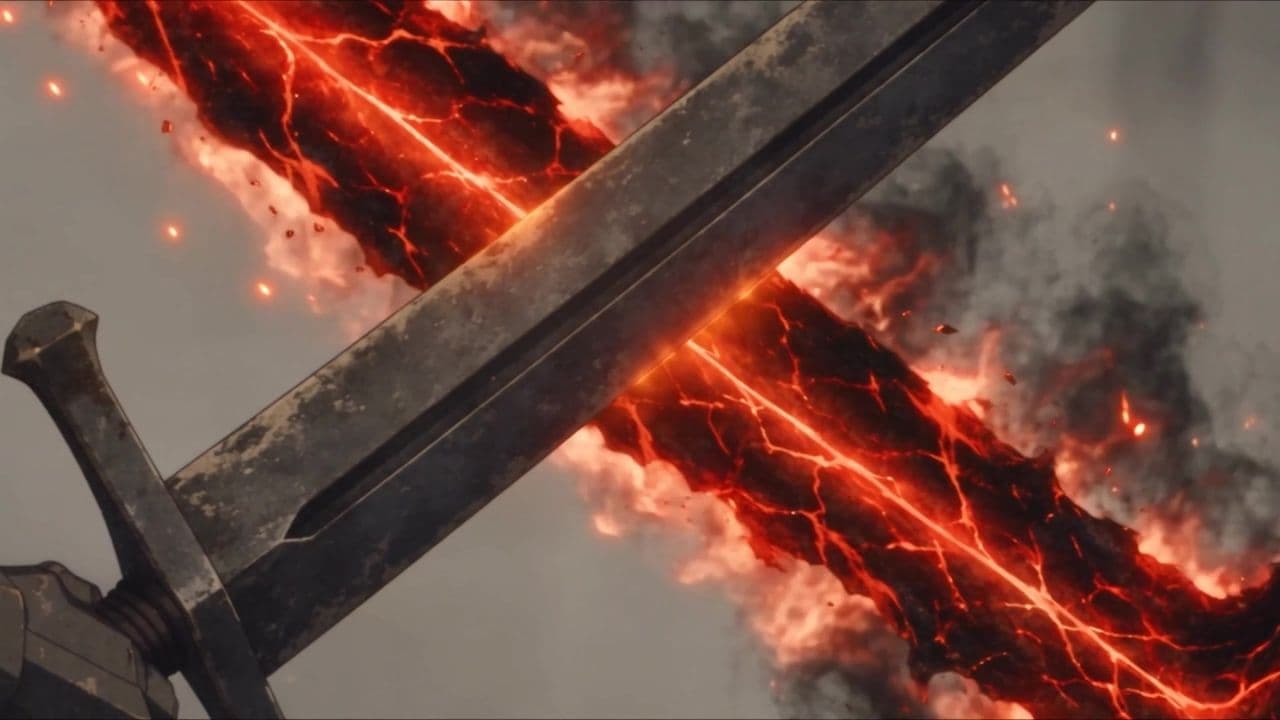
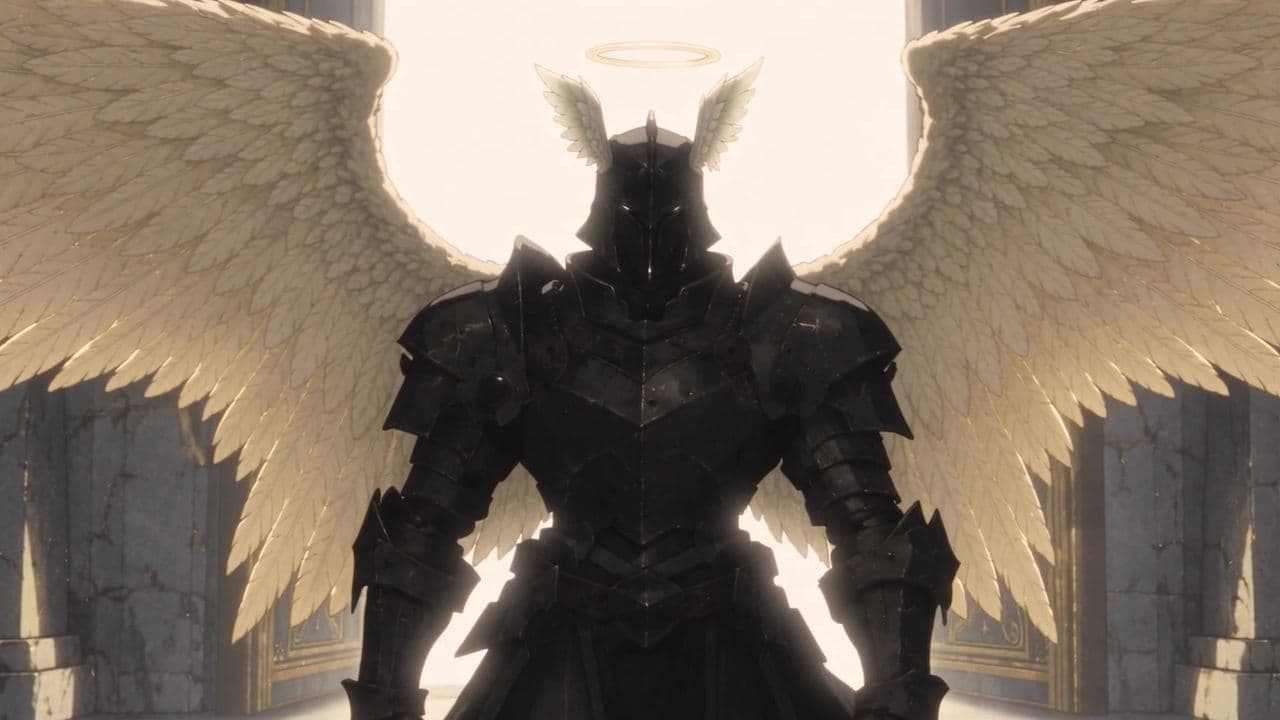
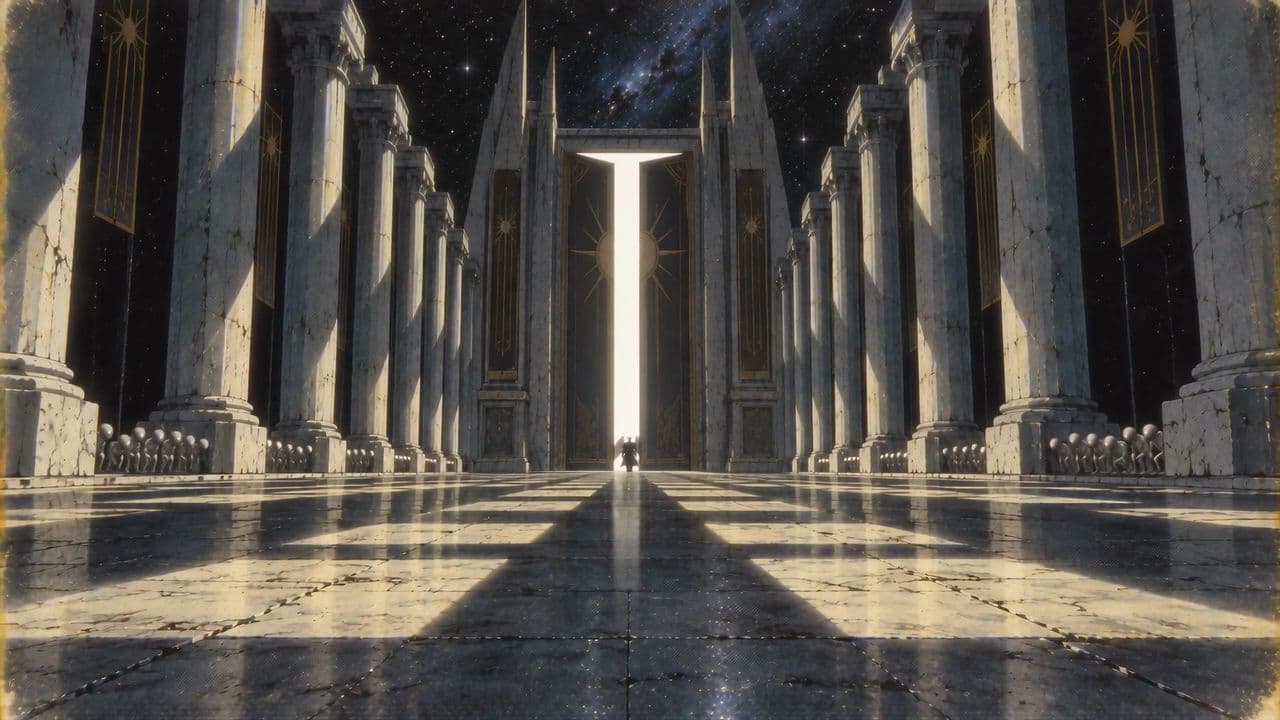
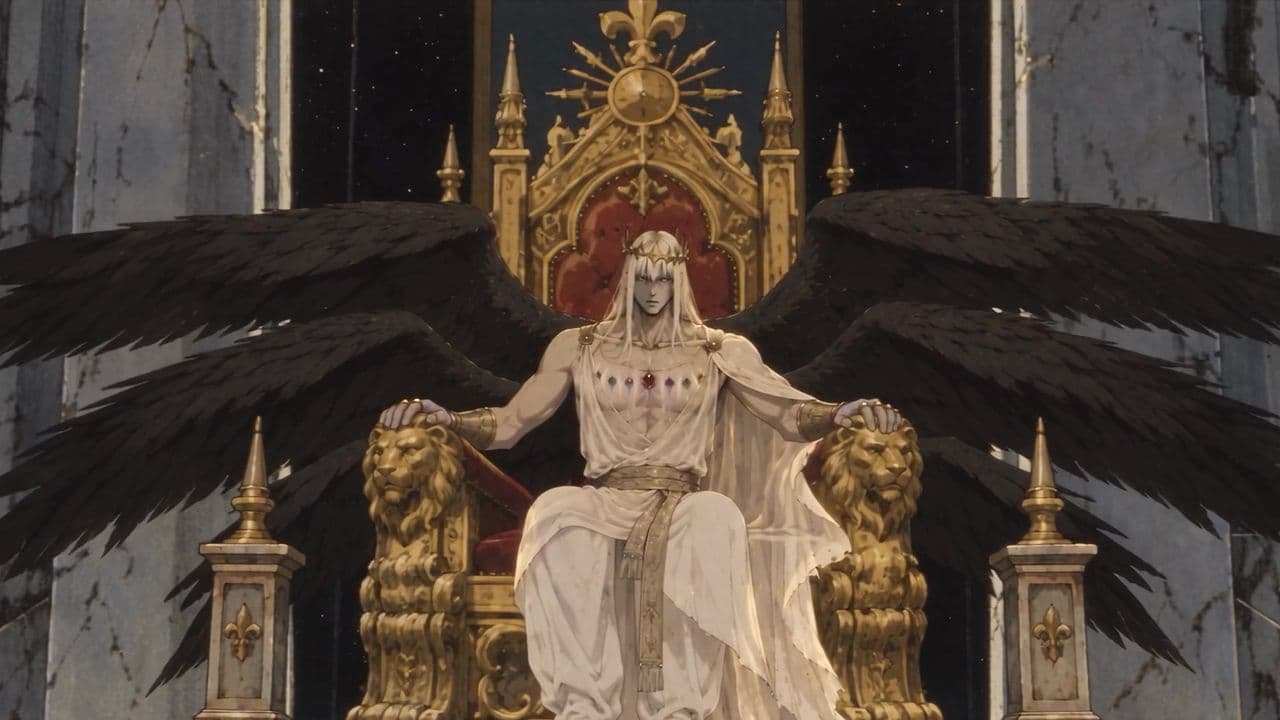
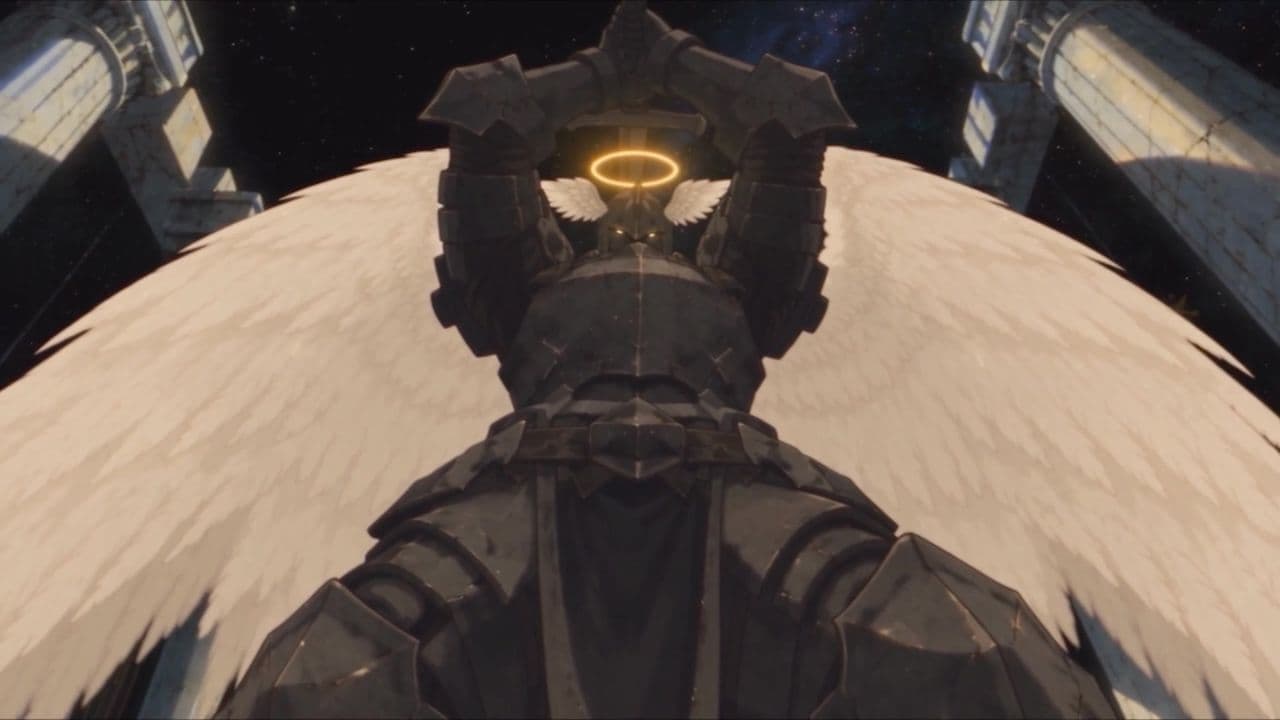
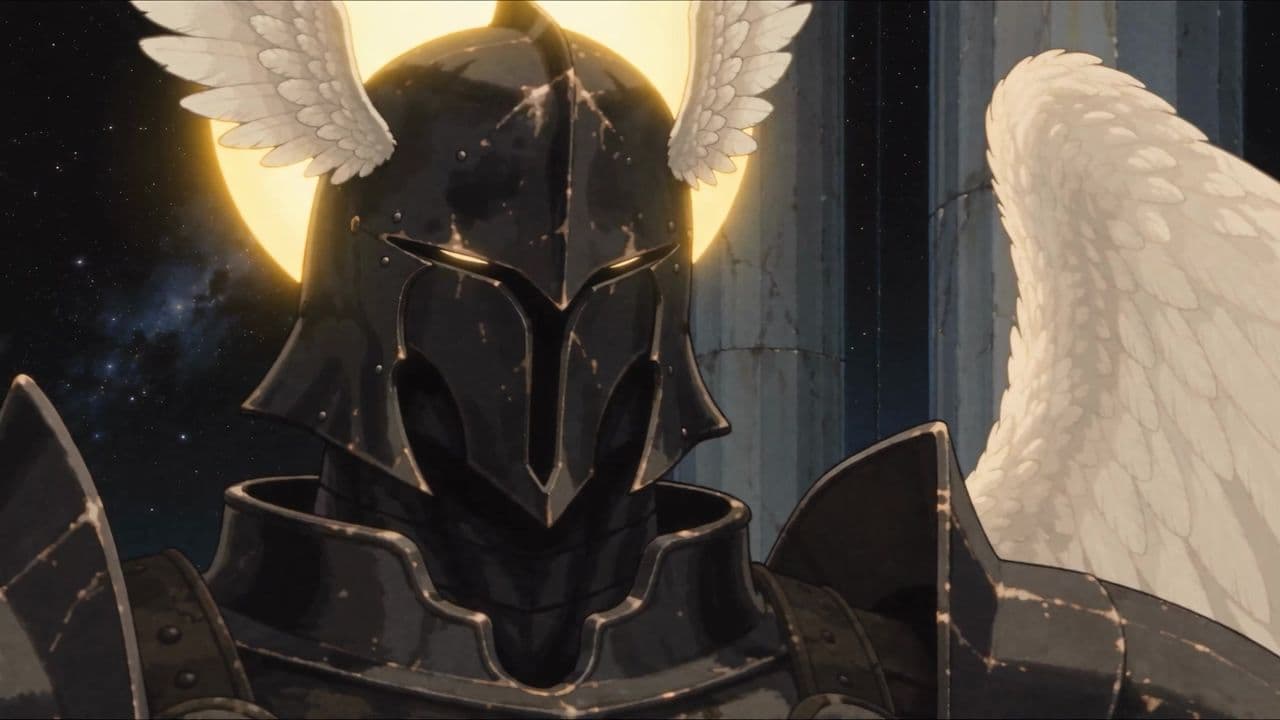
The prompt says what happens. The references say what everything looks like. Most shots need three or four, not ten: the cast in frame, the place, and the one prop or frame that has to match. A reference video can carry even more, a real performance and voice, like Jack Graham’s studio take.
08 · Takes
Five takes. One keeper.
These are the five real takes of the opening shot, all from the same prompt and the same references. That is normal. The prompt gets you close. Takes get you the shot.
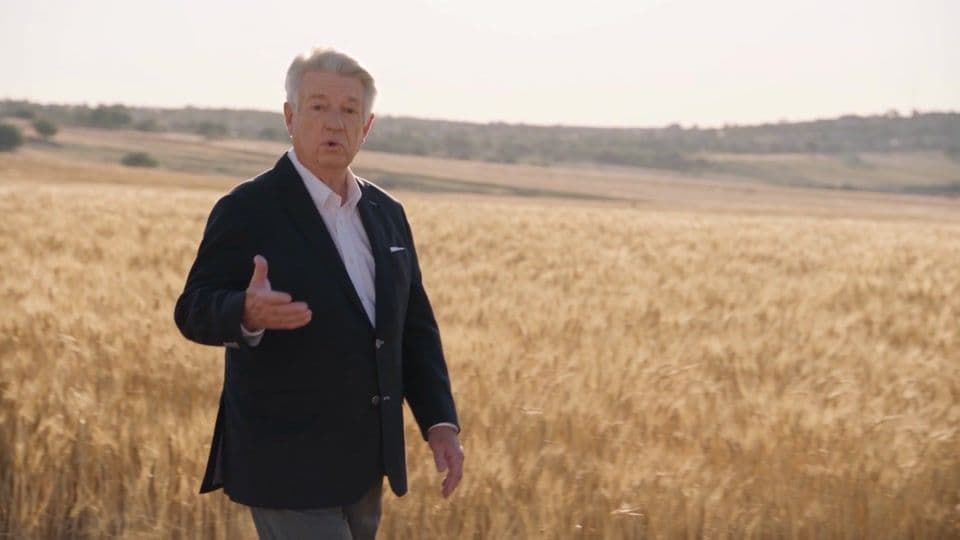
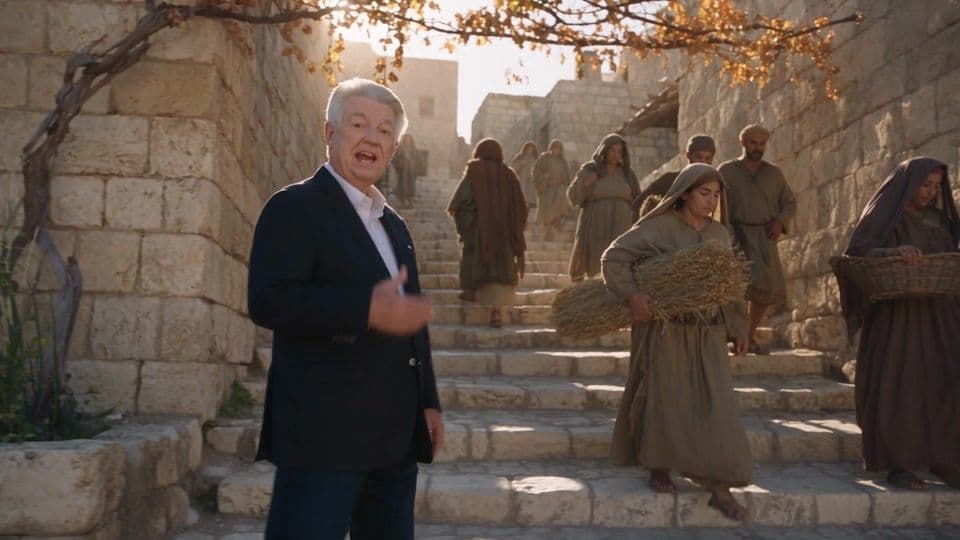
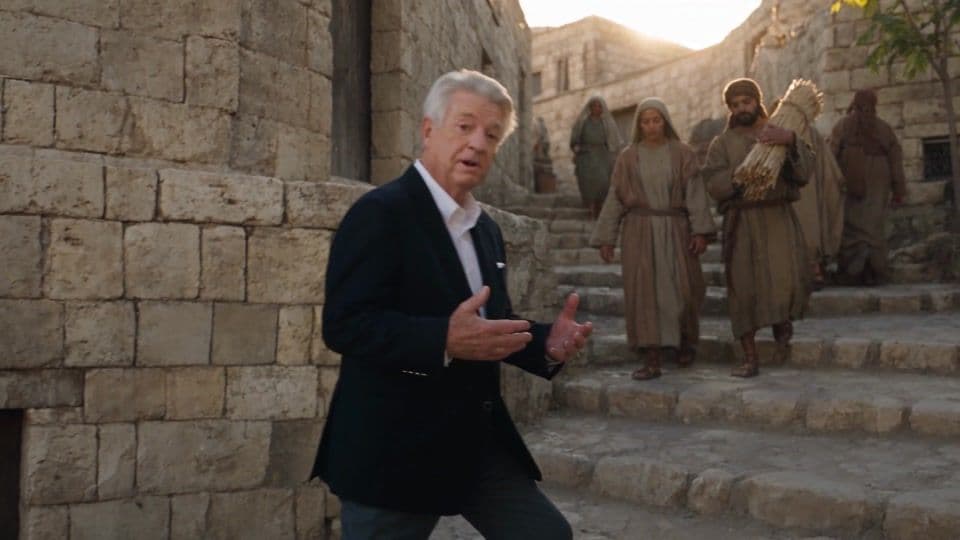
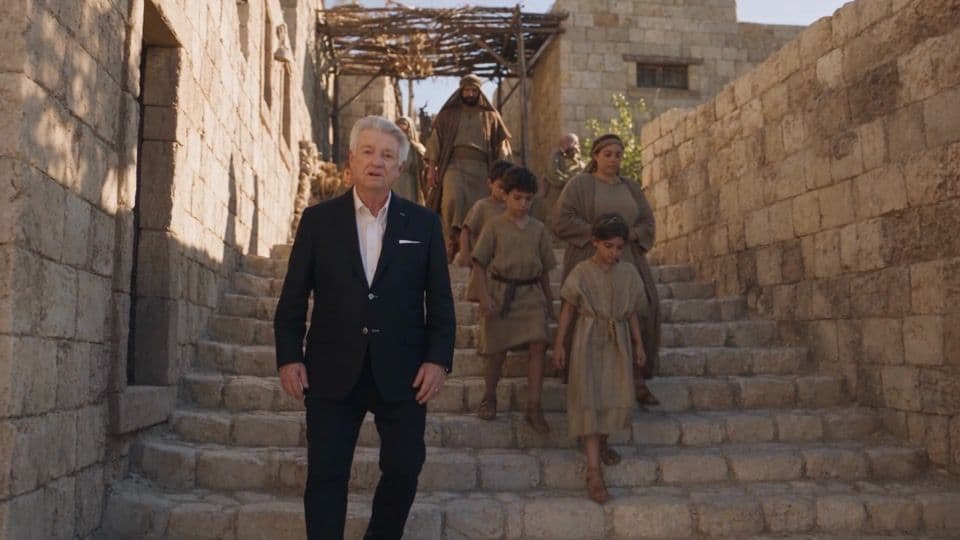
Lock what matters
When a take goes wrong, don’t just roll again. Find what broke, write one line at the end of the prompt that restates the fix, and give it a name. These are real lock names from the Fallen Garden prompts:
- 2D LOCK
- WING COUNT LOCK
- HELM LOCK
- HALO LOCK
- SPEED LOCK
- NO MUSIC LOCK
- GRAIN LOCK
- LIGHT LOCK
- EMPTY HANDS LOCK
- DIALOGUE LOCK
- WARDROBE LOCK
- STATIC CAMERA LOCK
- WEAPON TIMING LOCK
A real lock line
WING COUNT LOCK: Michael has exactly two pure white wings. Lucifer has exactly six black wings in three pairs.
Every lock is a mistake we paid for once. Write it down and you never pay for it again.
09 · Before you roll
The cheat sheet and the template.
Run through these seven checks before every generation, then start from the template. Fill in the brackets, attach your references, and point at them with @tags.
0 of 7 checked
AI video prompt template
[STYLE PARAGRAPH, pasted word for word] @[Character] [does a visible action] in @[Location], [time of day and light]. [Wardrobe or look note, stated plainly.] Throughout the shot, [what the world and the extras are doing]. 0-[X]s [Framing], [speed word] [camera move]. [Action.] [X]-[Y]s [Framing], [speed word] [camera move]. [Action.] [Y]-[END]s [Framing], [speed word] [camera move]. [Action, and how the shot ends.] [What we hear.] NO BACKGROUND MUSIC. [NAME] LOCK: [one line restating what must not change.]
Every rule, built in
Pray Production Studio saves your style once, casts the same actors in every shot, attaches references with @tags, and writes camera moves for you.
Questions
AI video prompts, answered.
What makes a good AI video prompt?
A good AI video prompt reads like a call sheet. It names who is in the shot, what they visibly do, how the camera frames and moves, where and when the shot happens, and what you hear. It uses references for anything that can be shown, such as a face, a place, or a performance, instead of describing it in words.
How long should an AI video prompt be?
Long enough to cover all five layers for every beat, and no longer. A 30-second shot with three camera setups usually needs a short opening paragraph, one time-coded line per beat, and a sound line. Cut adjectives like epic or beautiful: they add length without telling the model anything it can check.
How do I write camera movements in an AI video prompt?
Name the move, then give it a speed: a steady tracking shot, a slow tilt down, a fast push in. Pair each move with a framing such as medium wide or close-up, and give each beat of a longer shot its own move with a time code. A free reference of 46 camera moves with copy-paste prompts is at prayproductionstudio.com/camera-moves.
How do I keep the same visual style across AI video shots?
Write one style paragraph that describes the medium, such as ink linework, flat colour fills, and print grain, rather than the mood. Add a list of what the style is not, like 3D, CGI, or motion blur. Paste the same paragraph word for word at the top of every prompt. In Pray Production Studio you save it once as the project’s Custom visual style and every shot inherits it.
What is a negative list in an AI video prompt?
It is a plain list of what the shot must not look like. Video models drift toward a glossy 3D render by default, so a hand-drawn or stylized look needs to rule that out by name: not 3D, not CGI, no motion blur, no lens flare, no bokeh. The same applies to sound: write NO BACKGROUND MUSIC and add music in the edit.
What do @tags do in an AI video prompt?
An @tag points at a reference you attached: a character, a location, a prop, or a reference video. The prompt says what happens, and the references say what everything looks like. Tags let a short sentence carry an exact face, costume, and set without describing any of them.
How many takes does an AI video shot need?
Expect several. The opening shot in this guide took five takes from the same prompt to find one keeper, and a fight shot from Fallen Garden took seventeen. Budget for takes, and when one goes wrong, add a lock line that names the fix before you roll again.
Which AI video model are these prompts written for?
The examples were generated with Seedance 2.5 in Pray Production Studio. The structure, which covers five layers, time-coded beats, speed words, a pasted style paragraph, and references, works with any modern video model that accepts text prompts and reference images.
Want the same face in every shot? Read the AI character sheet guide ↗
Show it. Then shoot it.
Your story.
Directed, not generated.
Write it like a call sheet. Lock the look. Show the model what you mean. Then spend the credits.
Start your first projectPray Production Studio is made by Pray.com.